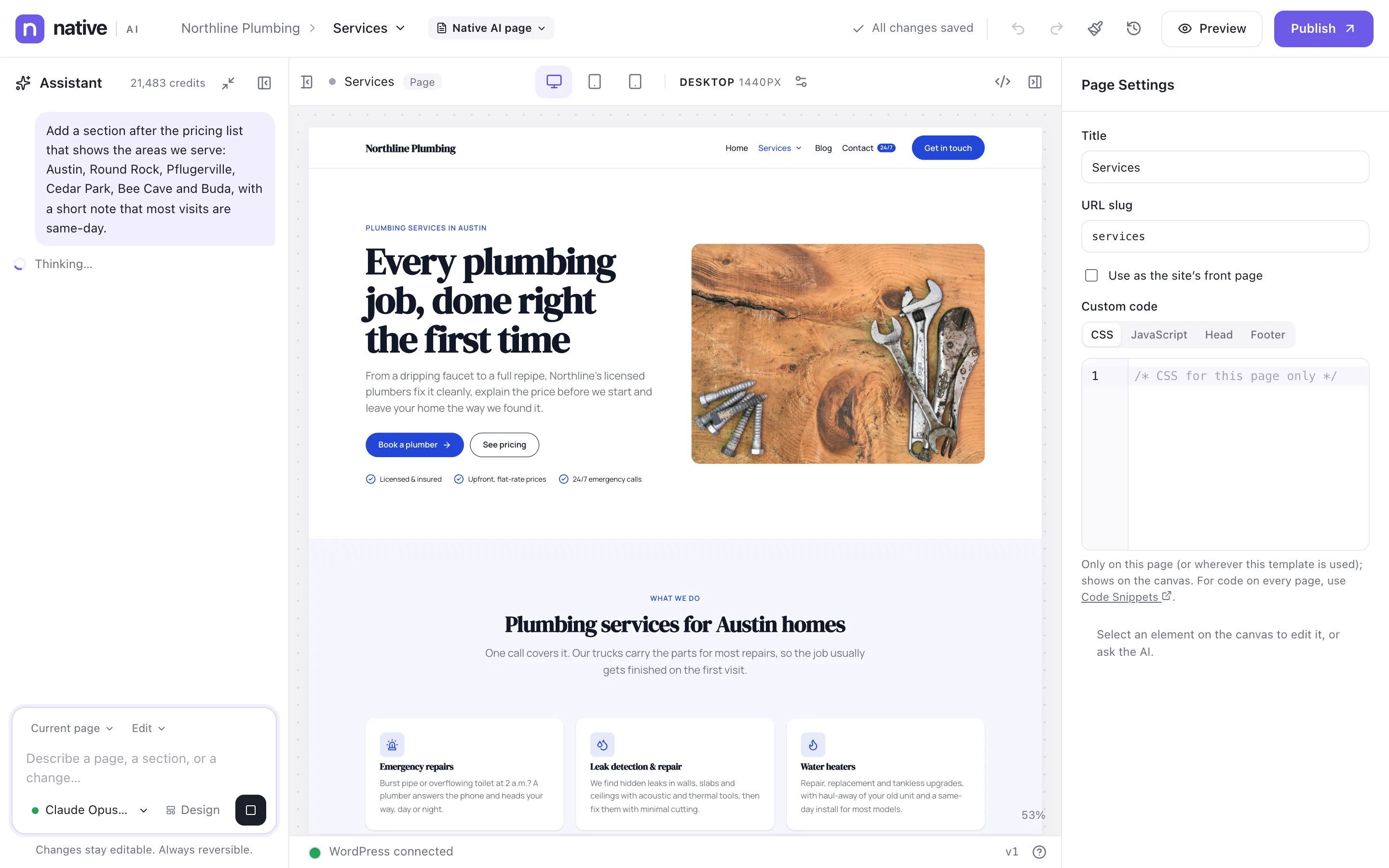
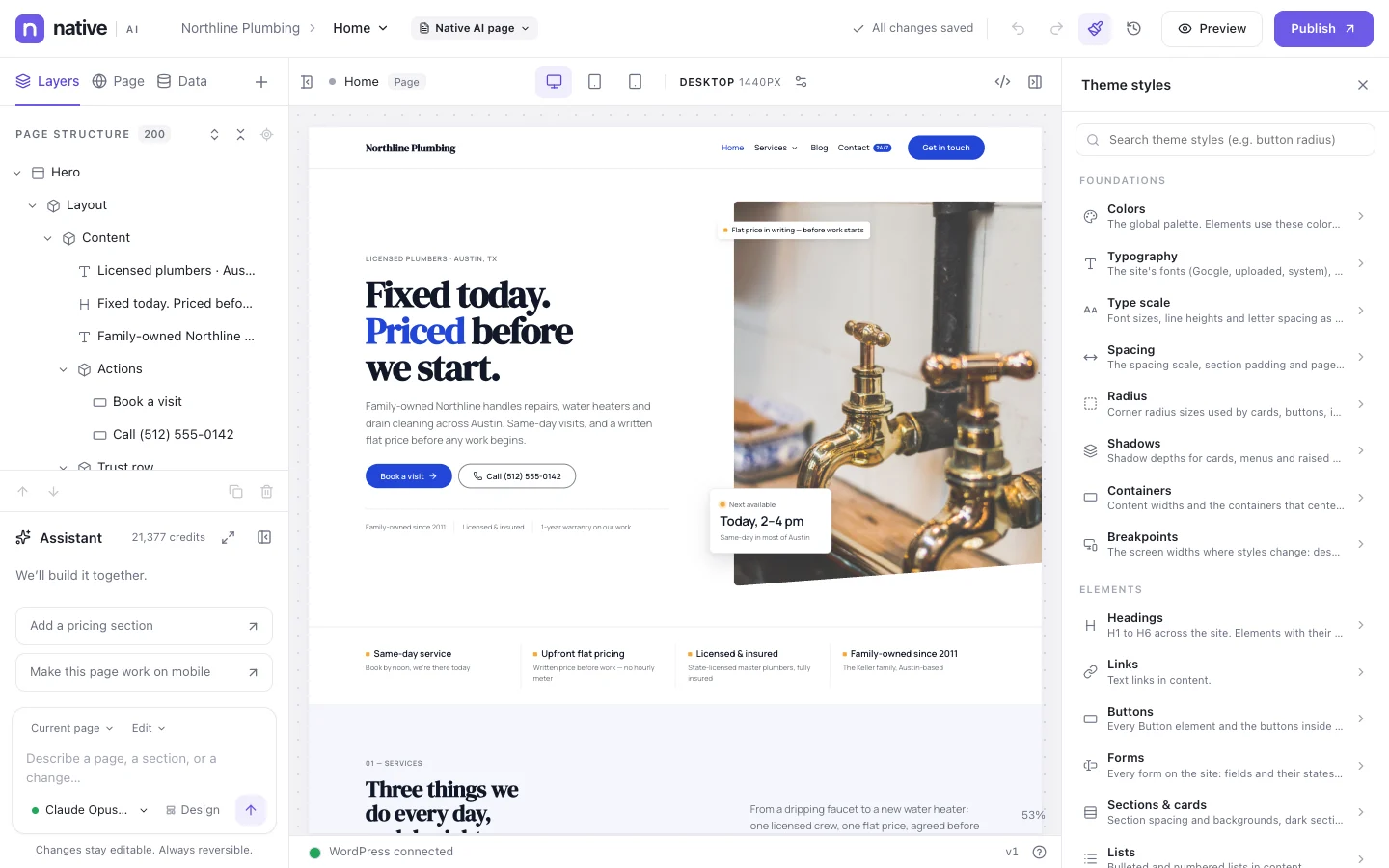
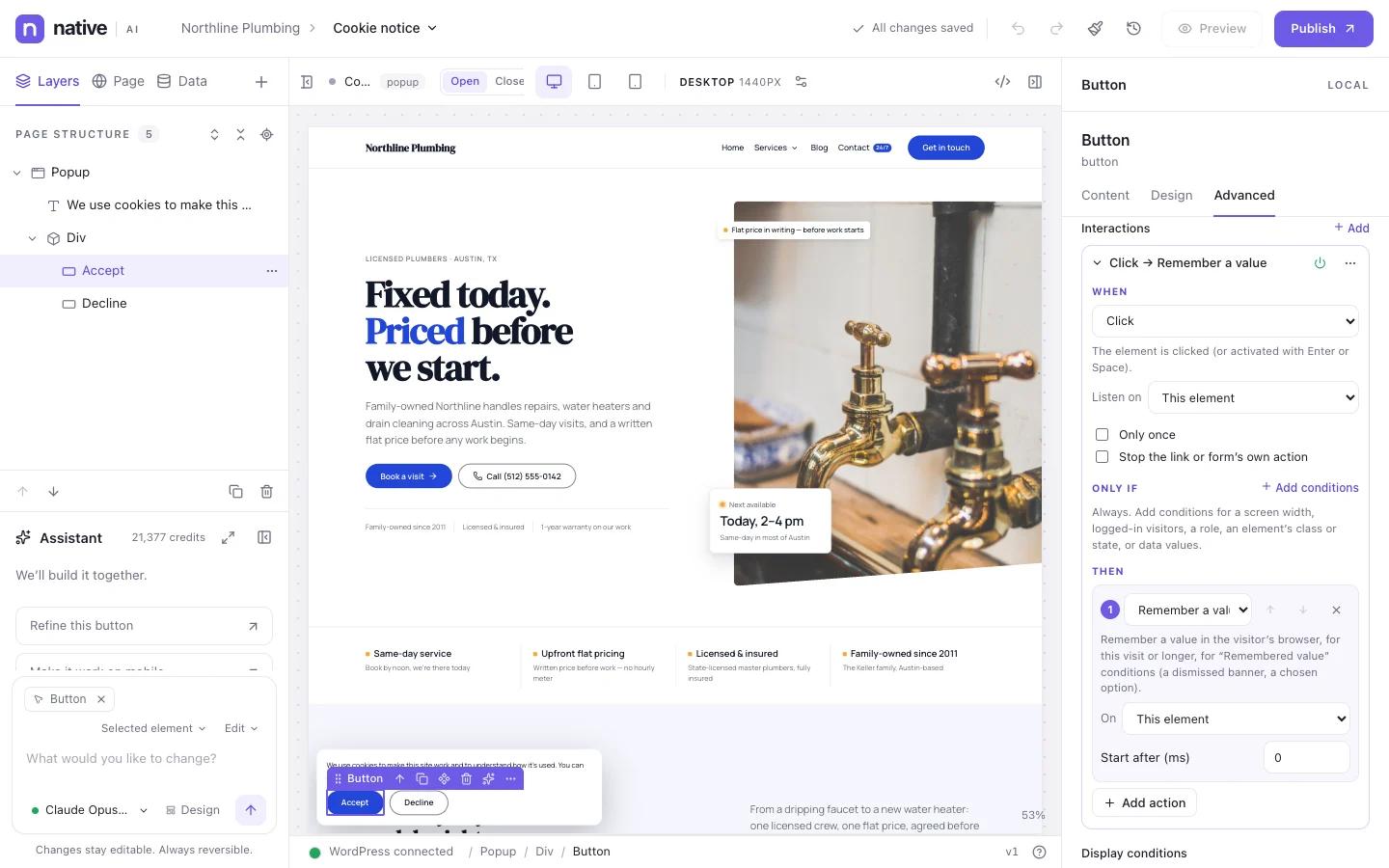
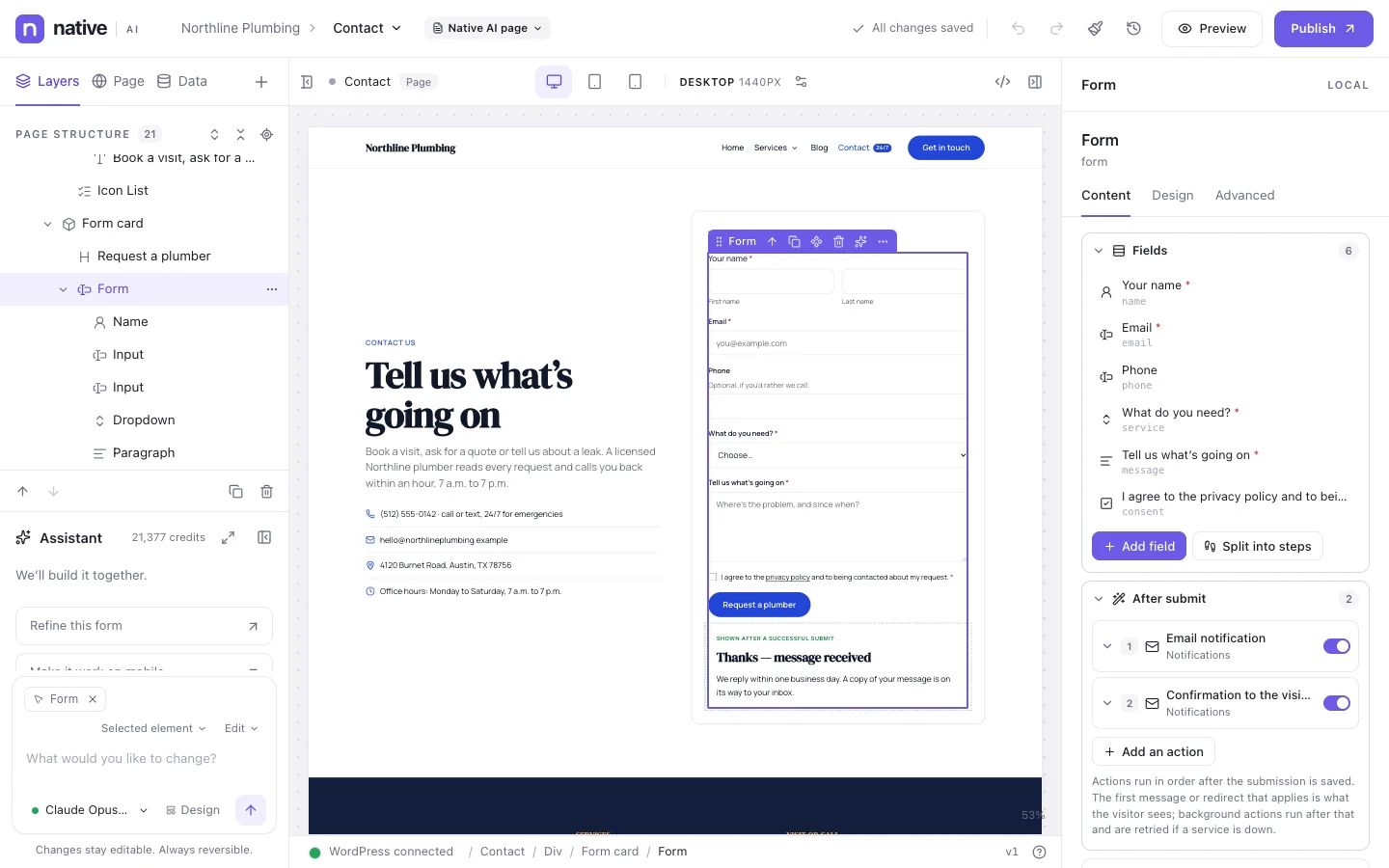
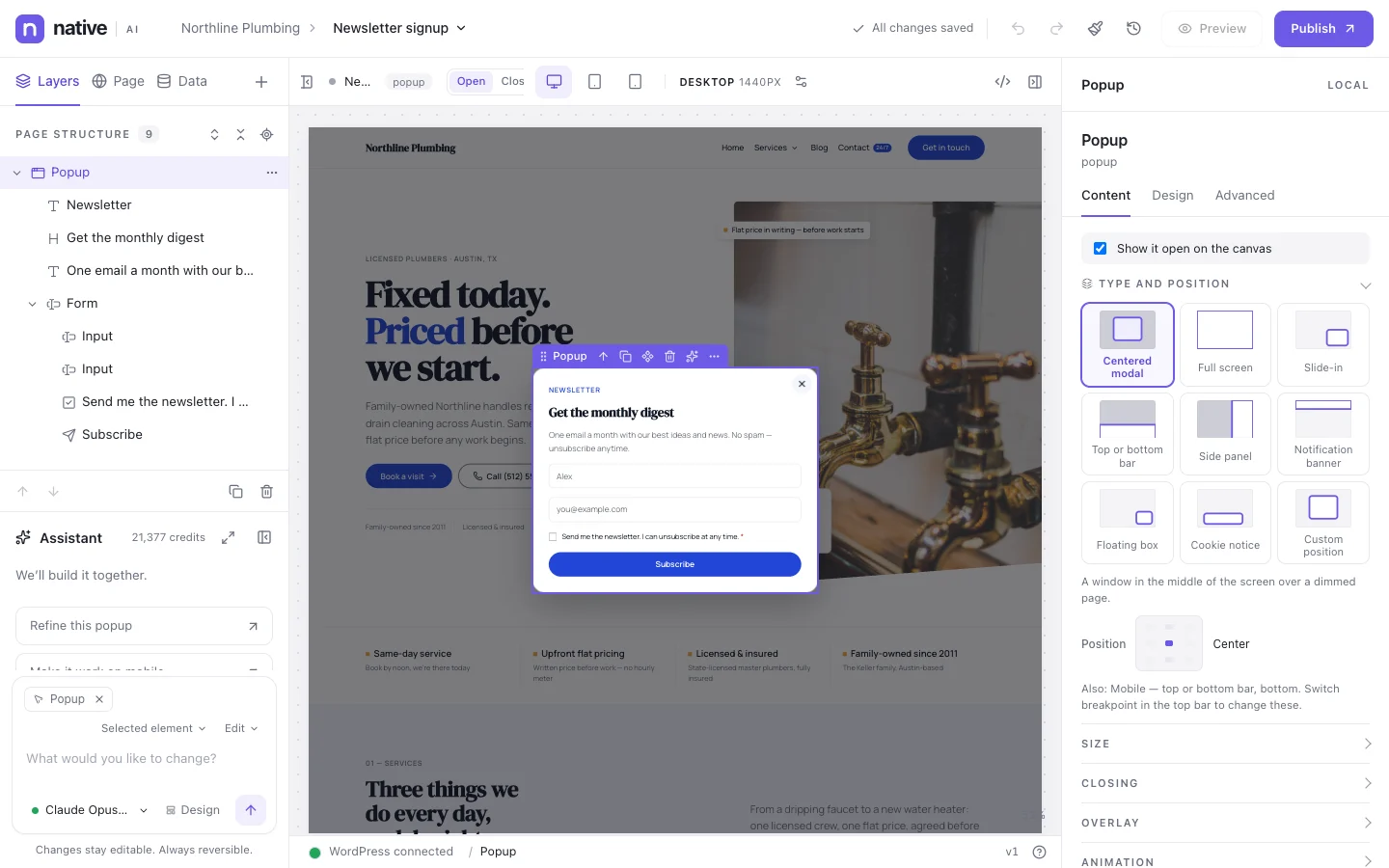
Native AI is a visual website builder for WordPress with an AI that works inside it. It builds whole sites, pages and sections from plain language — with the same structured elements, design system and templates you use by hand. Nothing it makes is locked in a prompt or pasted in as HTML.
Bigger work comes as a plan — pages, steps, risks and the credits it will use — before anything changes.
northline-plumbing.example/?nativeai=edit
3
Edit anything
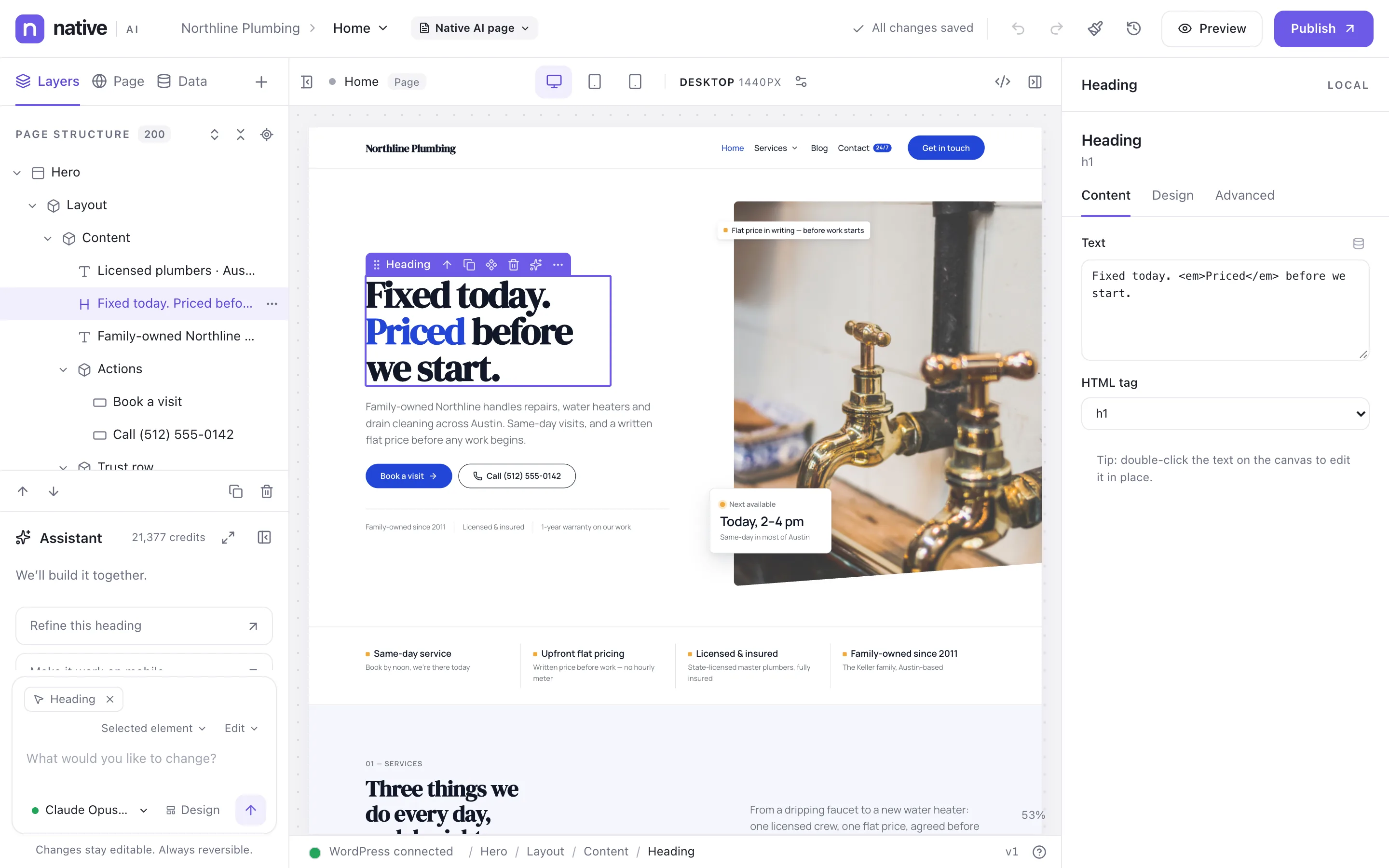
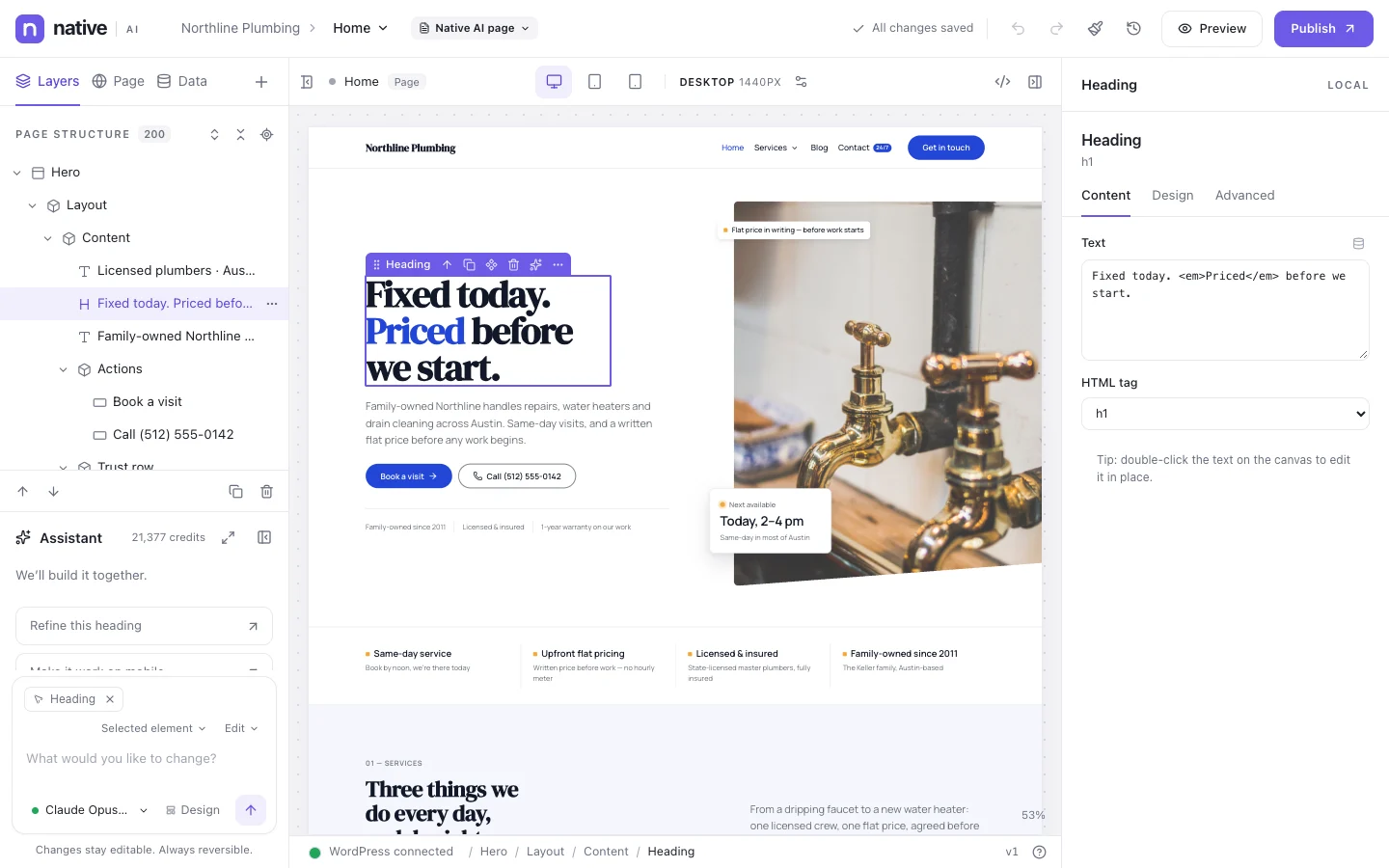
It’s all native elements, tokens and classes: click, drag, restyle and publish — or ask the AI again.
northline-plumbing.example/?nativeai=edit
AI
An AI that works like a careful teammate
It reads your page and design system, asks before broad changes, checks its work, and leaves a record with an undo.
AI assistant
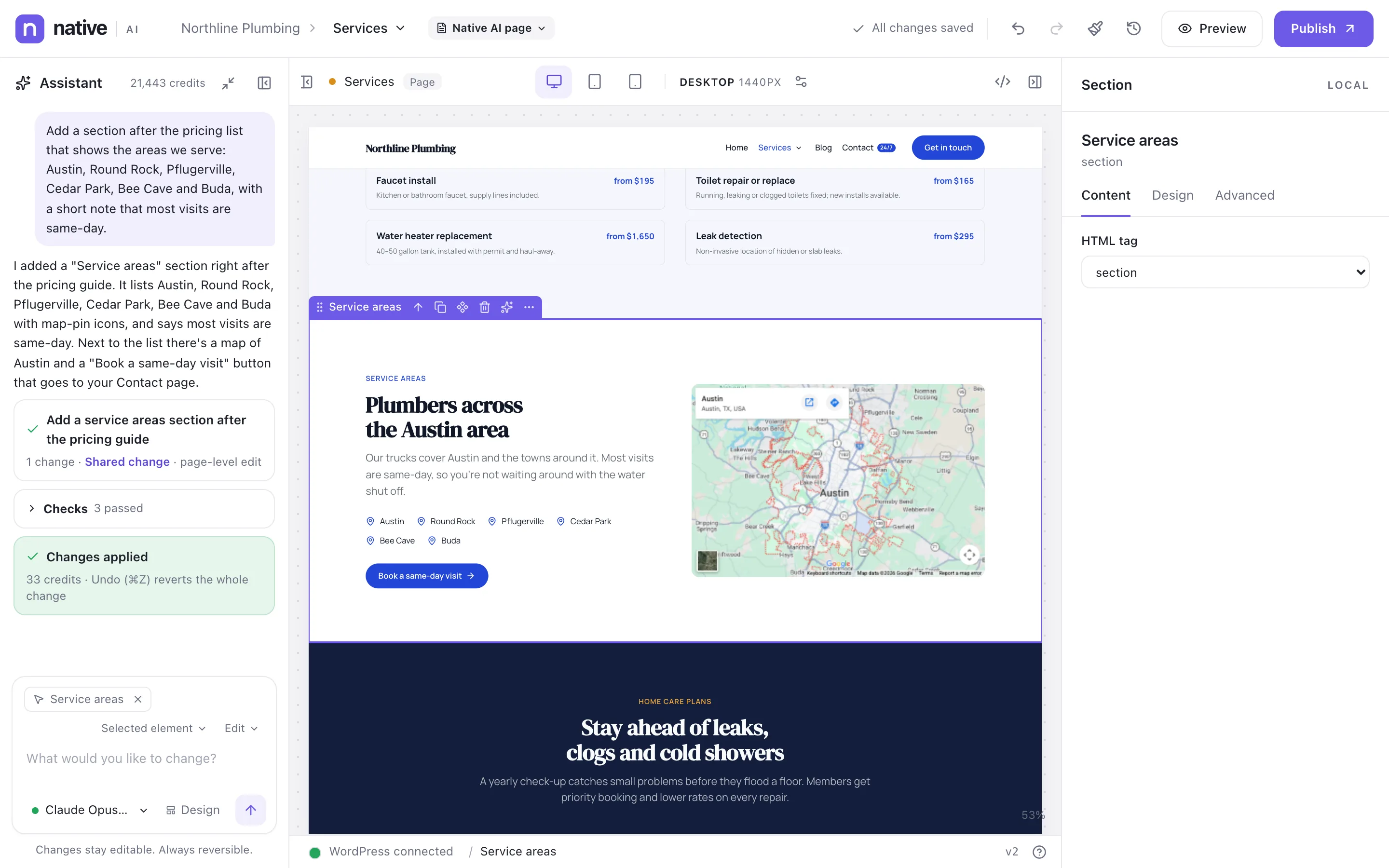
Select anything, or nothing, and describe what you want. The assistant reads the page and your design system, then adds and changes real Native AI elements — headings, images, forms, loops — styled with your own tokens and classes. Everything it does is ordinary, editable work, and one undo reverts it.
Works on an element, a section, the page, a template or the whole site
Uses your design system: your colors, fonts, spacing and classes
Checks its own work, shows what it changed, and one undo reverts it all
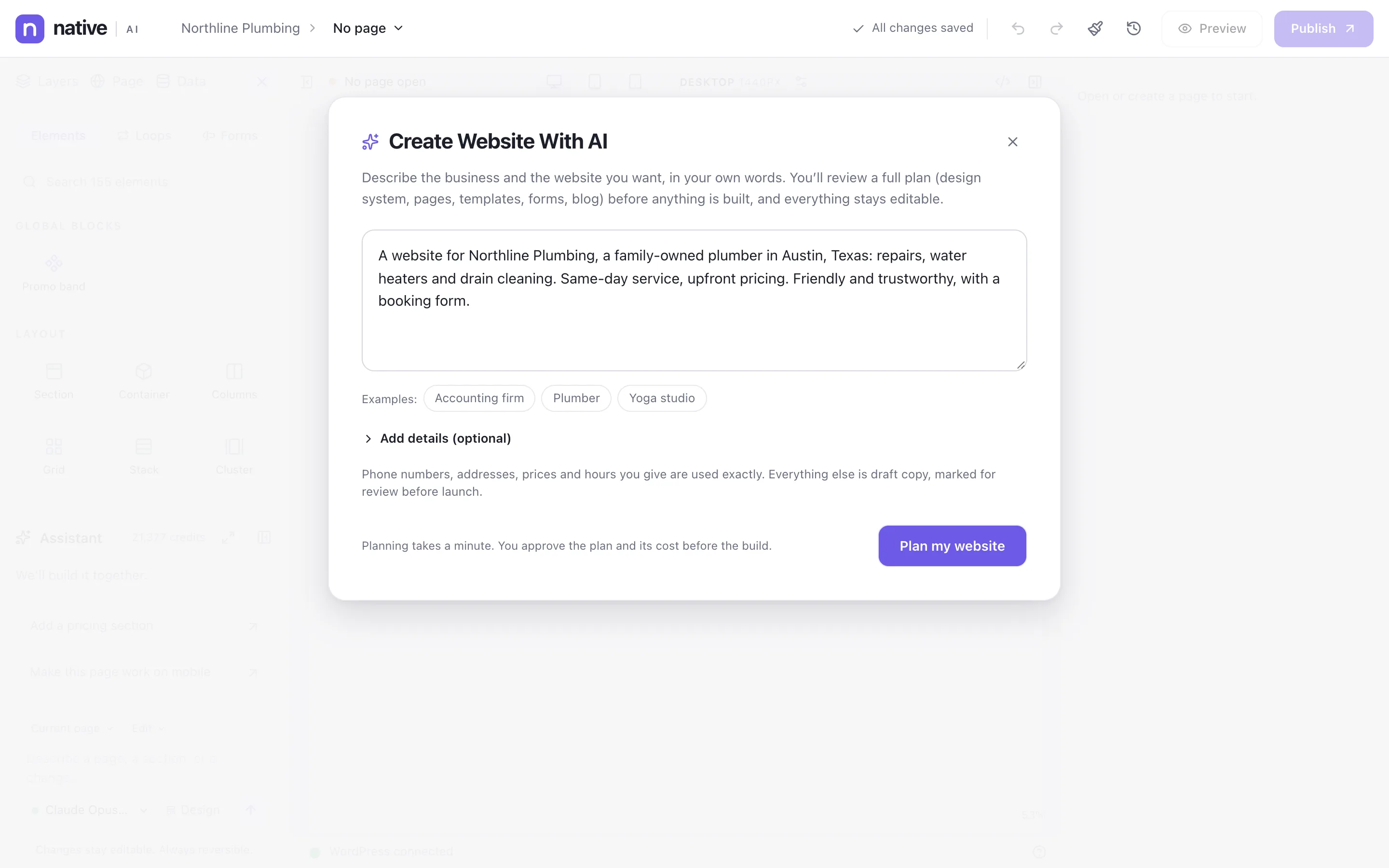
Write a few sentences about the business and the website you want. Native AI proposes a plan — design direction, pages, templates, forms, blog — with its cost. Approve it and it builds everything as native elements: a design system, the header and footer, every page, the navigation and the forms. Then you edit anything, by hand or with the assistant.
A plan with its credit cost before anything is built
Your real details (phone, address, prices, hours) used exactly
Draft site first; it goes live as a whole when you’re ready
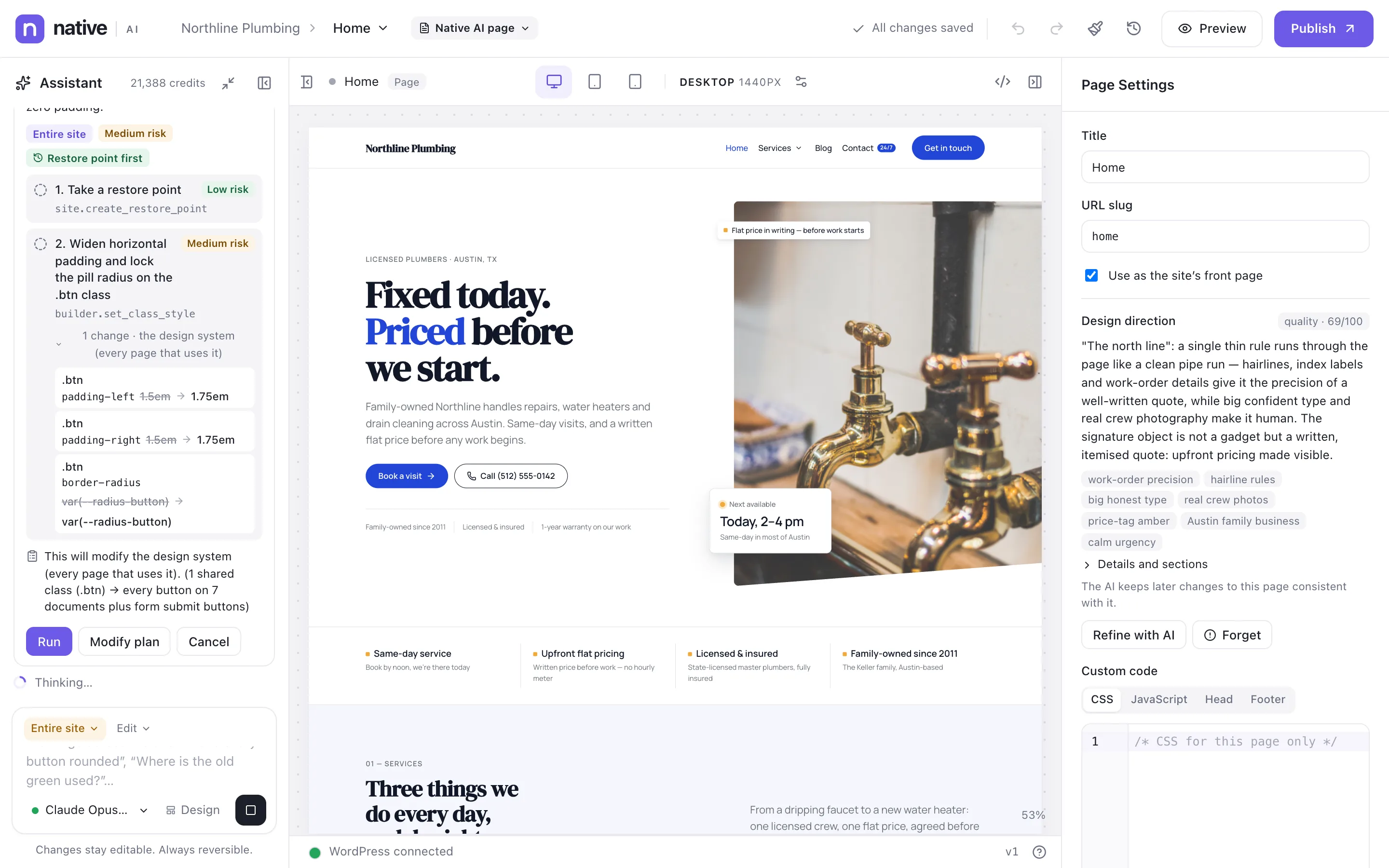
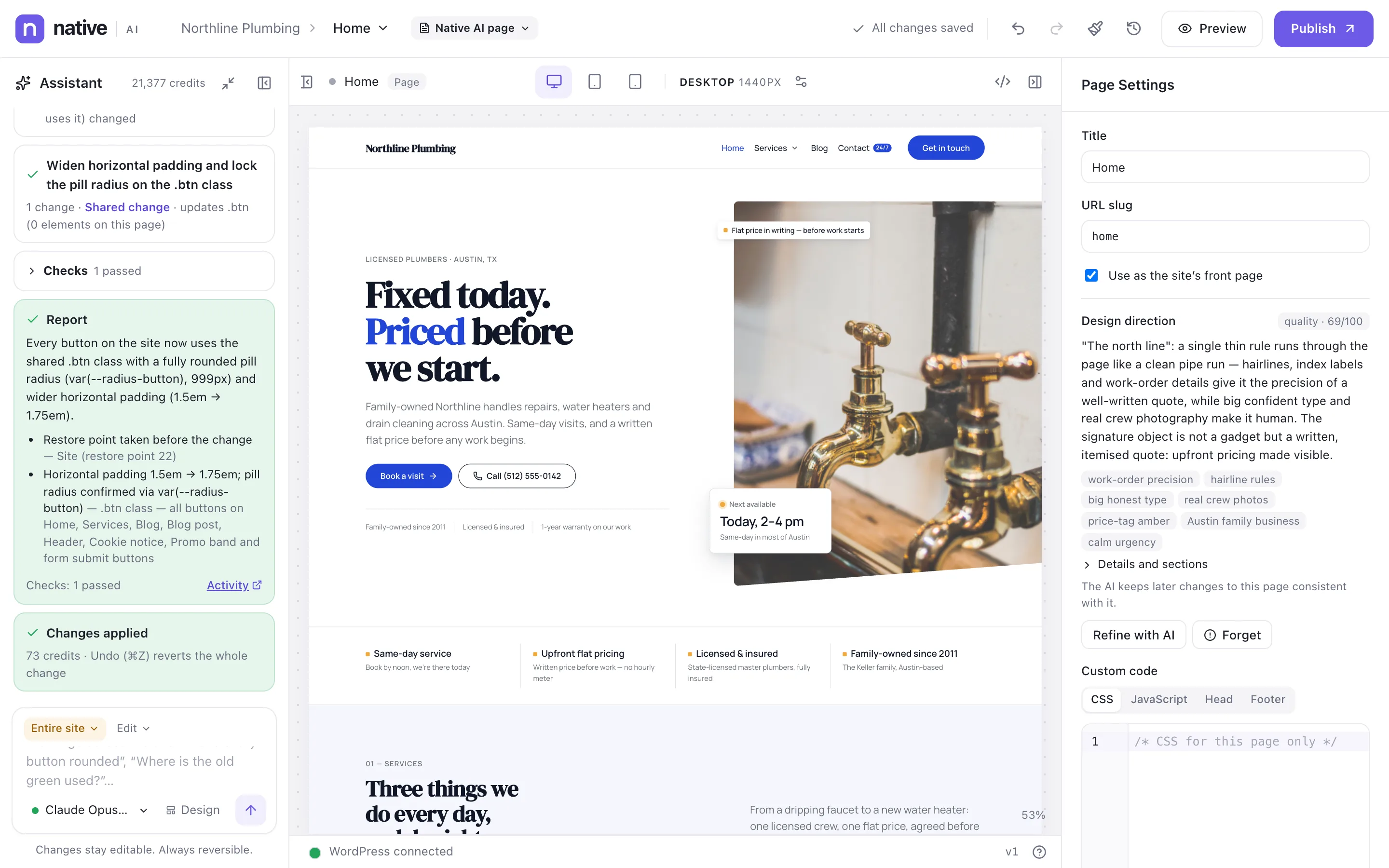
Some requests reach every page: “make every button pill-shaped”, “where is the old green still used?”, “add the new phone number everywhere”. With the scope Entire site, the AI works like an agent: it finds the right level to change (Theme Styles, a shared class, a template, a Global Block), proposes a plan with the risk of each step, takes a restore point, makes the changes, checks them and reports what it did.
A plan with each step’s risk before anything changes
A restore point first, and a one-click undo afterwards
More than 100 actions across the site, within your permissions
A complete visual builder — the AI is a bonus, not a crutch
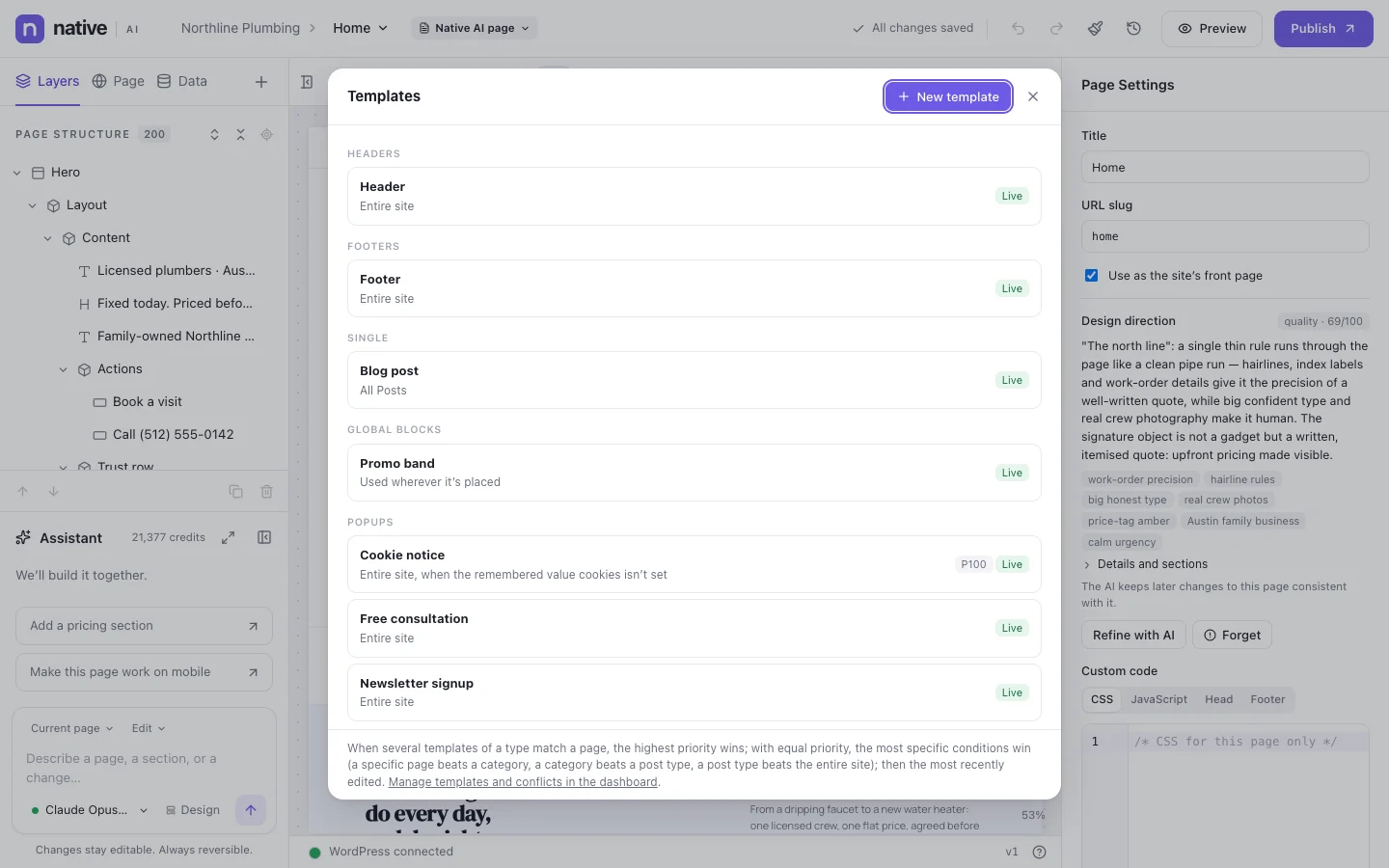
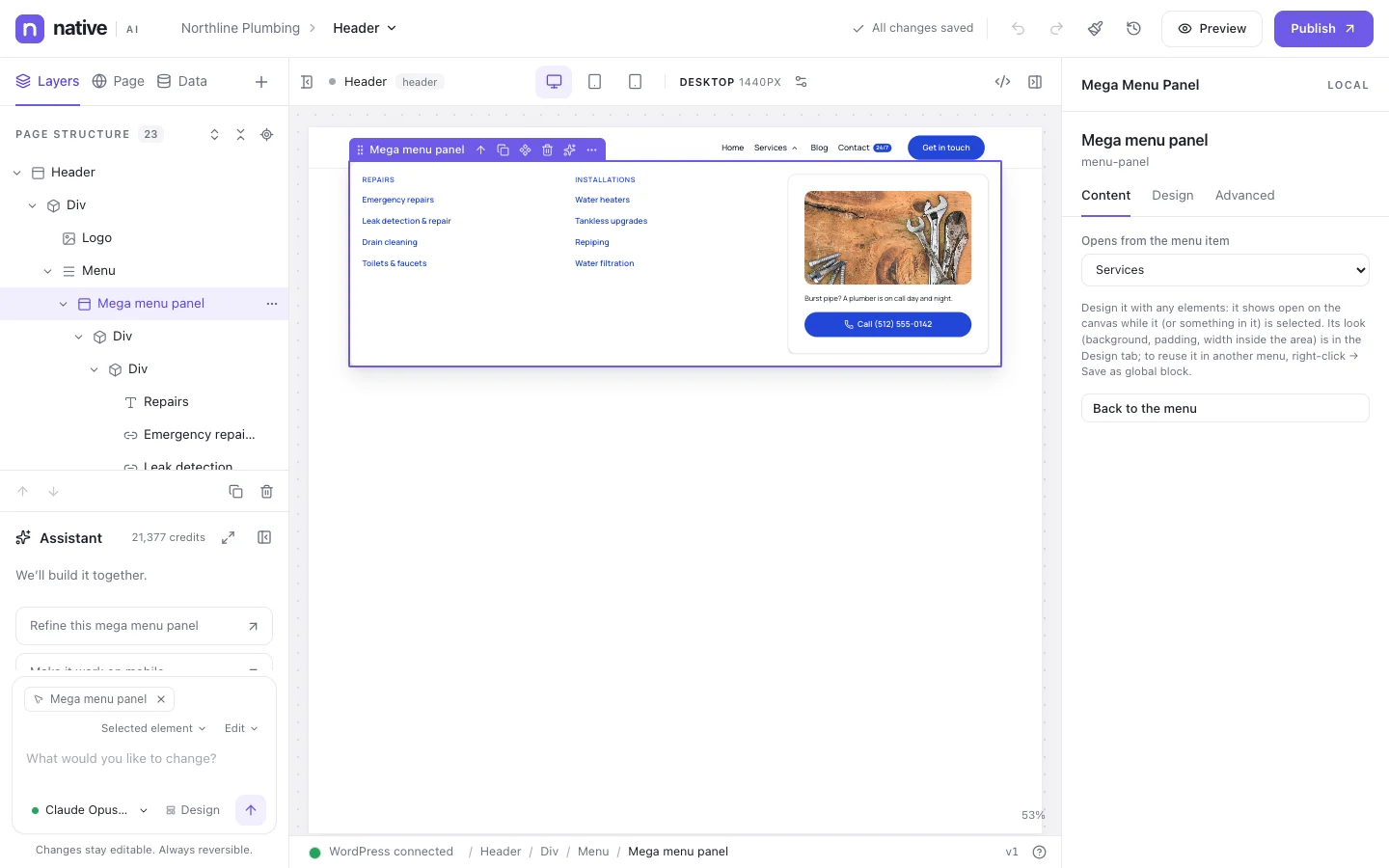
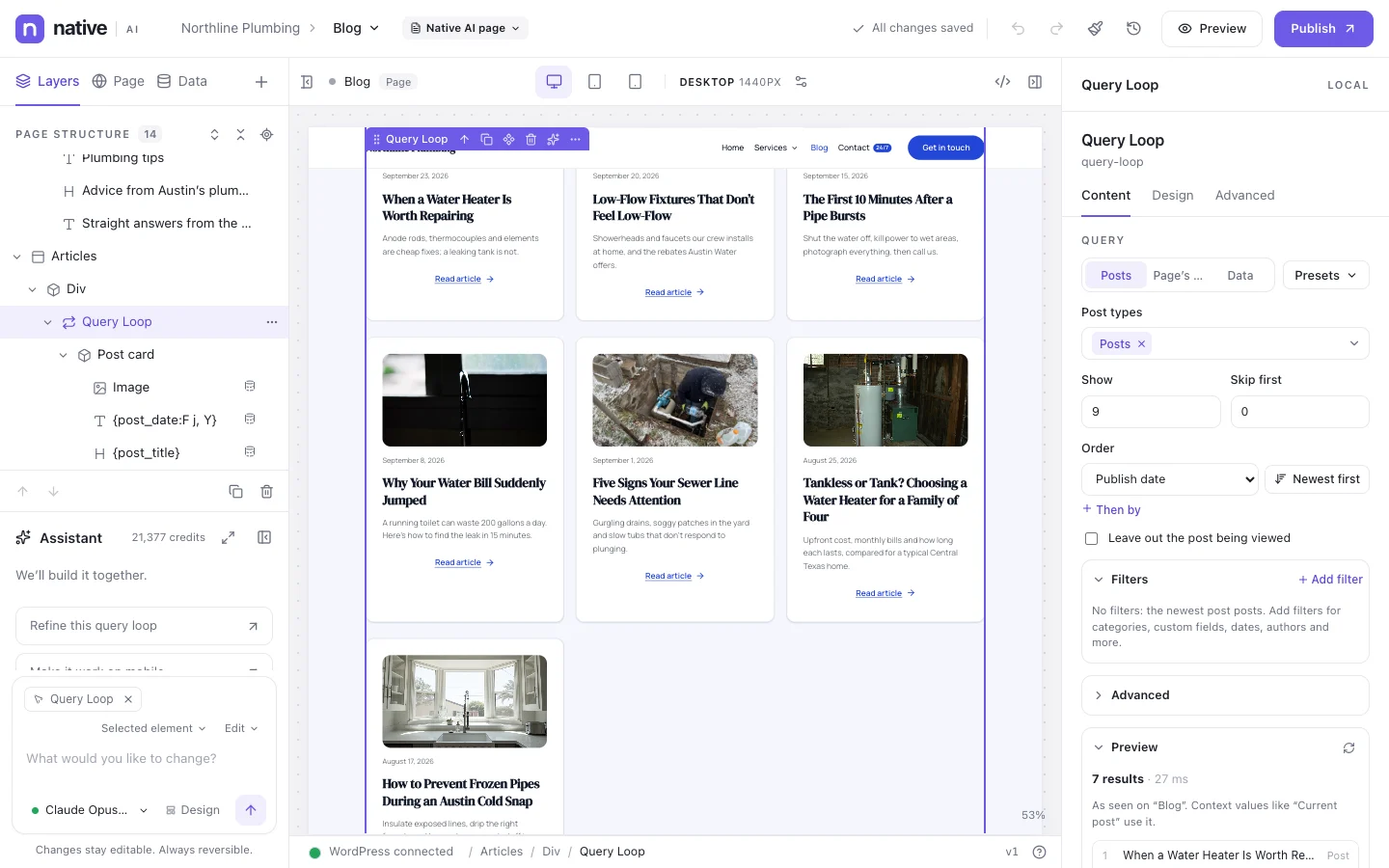
More than 120 elements, a real design system, templates with conditions, mega menus, dynamic data, loops and motion. Everything professionals expect from a builder.
Everything the site needs after launch, in one plugin
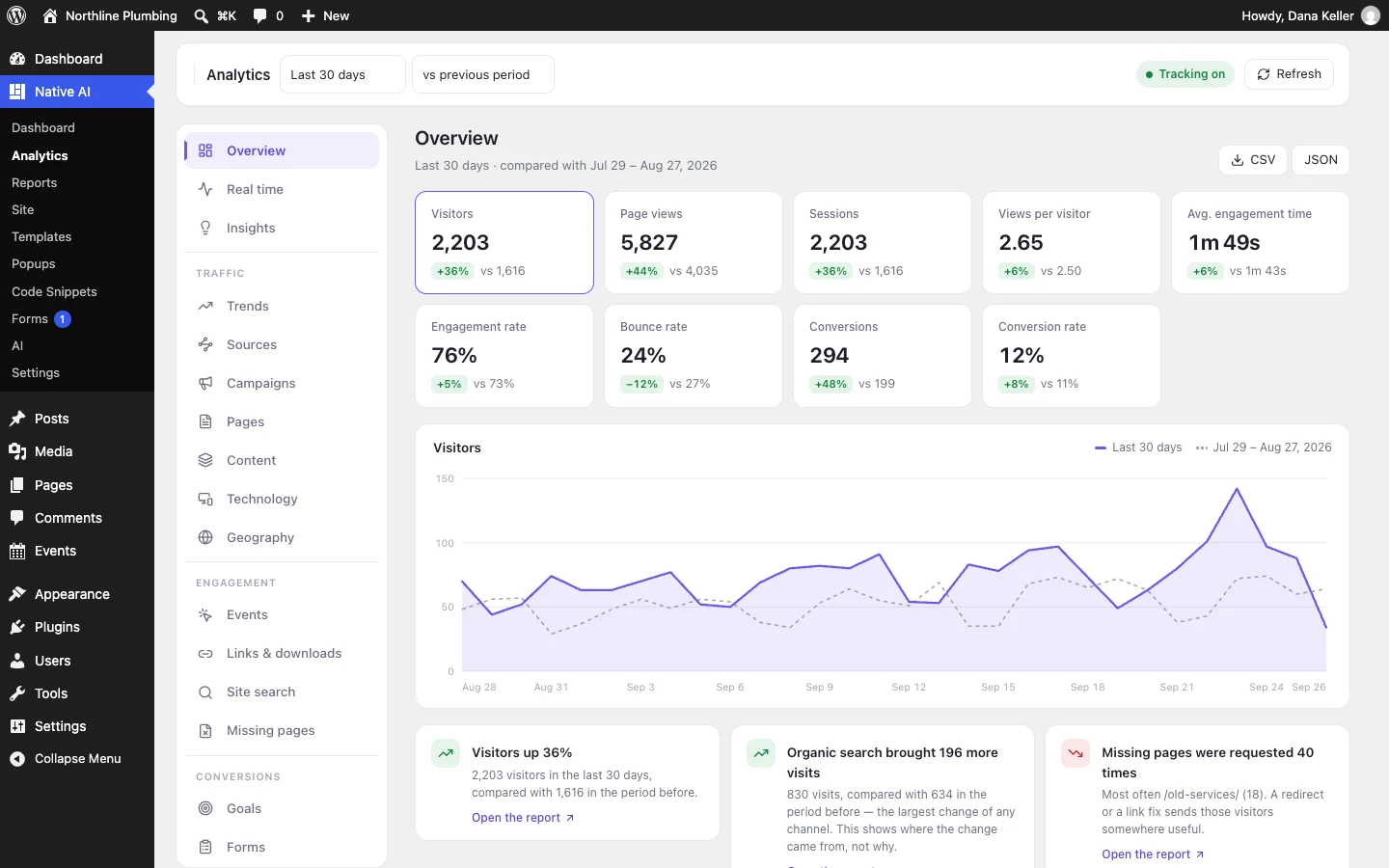
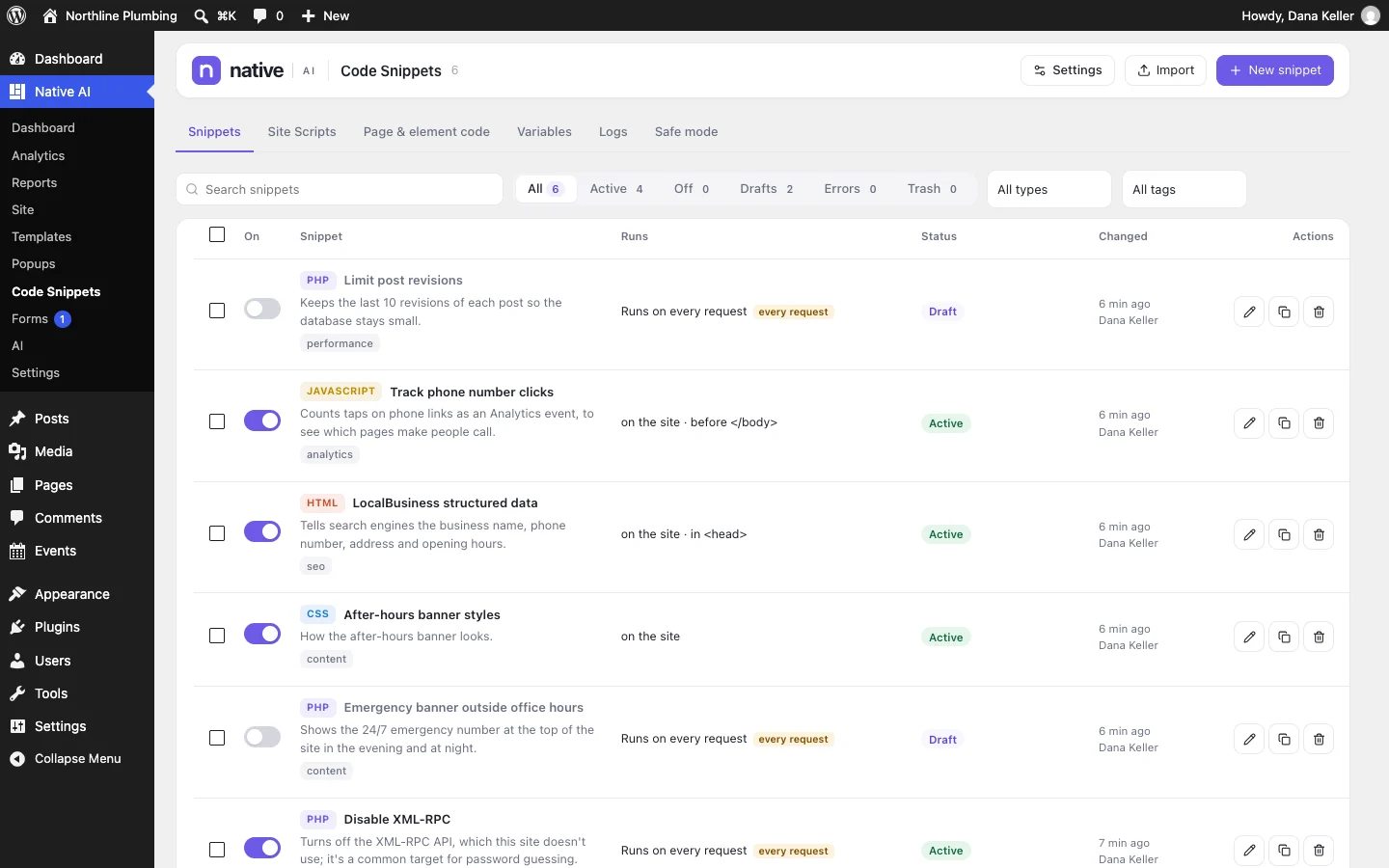
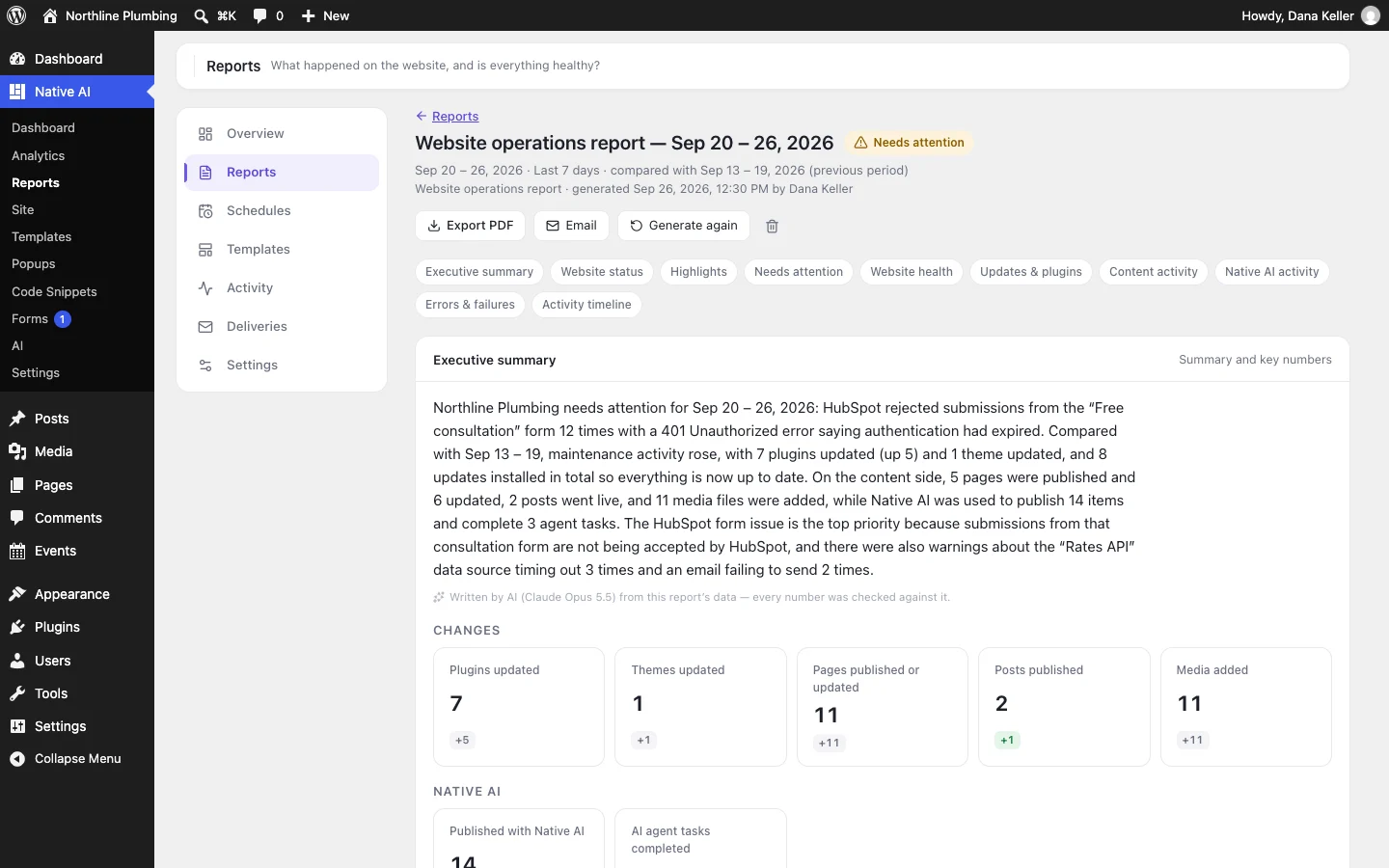
Forms with an inbox and integrations, popups with conversion stats, analytics without cookies, code snippets with safe mode, and reports that tell you what happened.
The Northline Plumbing homepage in these screenshots came from a one-paragraph brief to Native AI’s Design Engine: the layout, the type, the section structure, the copy and the design system. It writes a design direction, builds with native elements, renders the page, reviews the result and refines it.
Northline Plumbing is a demo business. We swapped in public-domain photos and one phone number; the layout, type, copy and design system are as the AI made them — and all of it is editable.
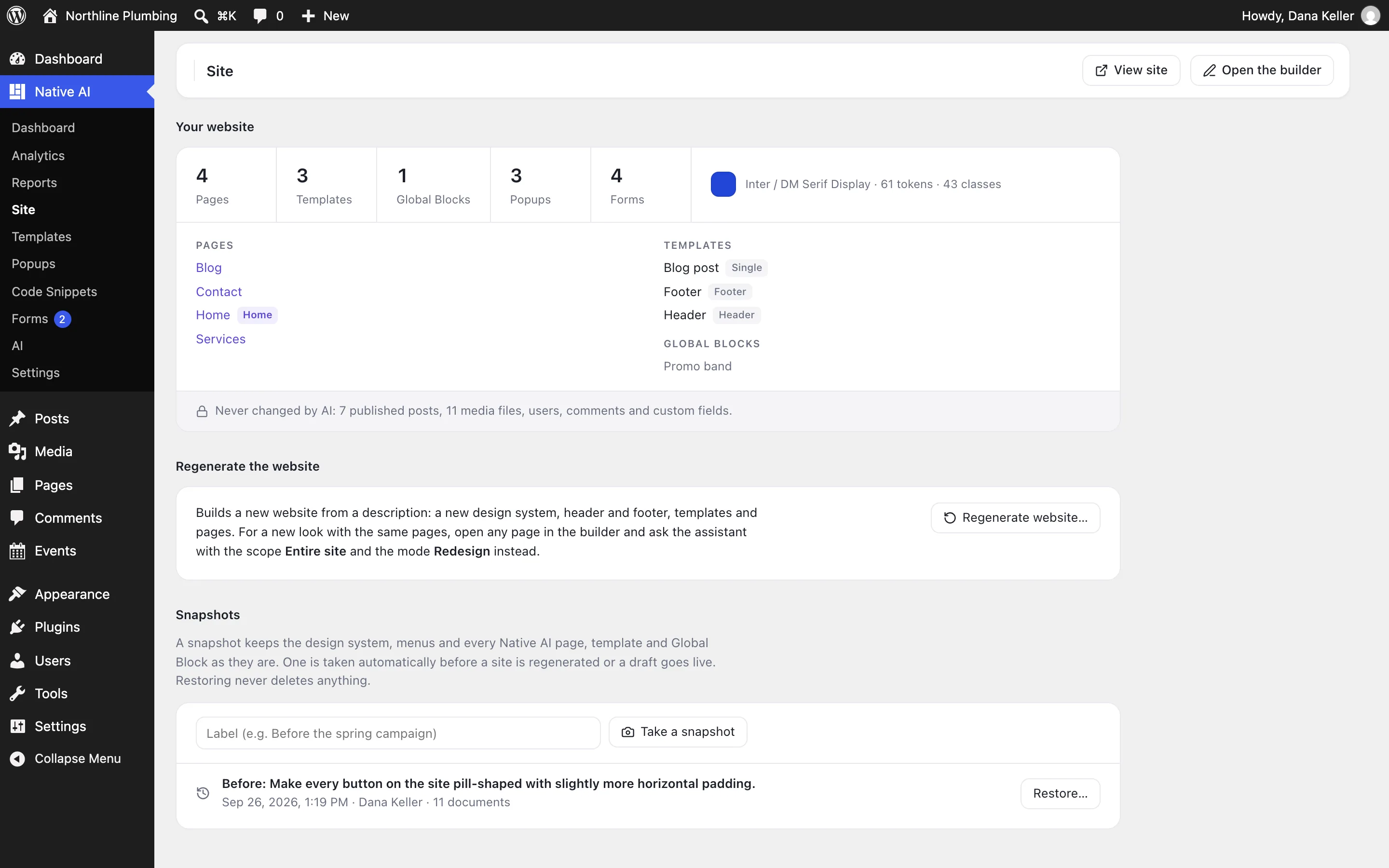
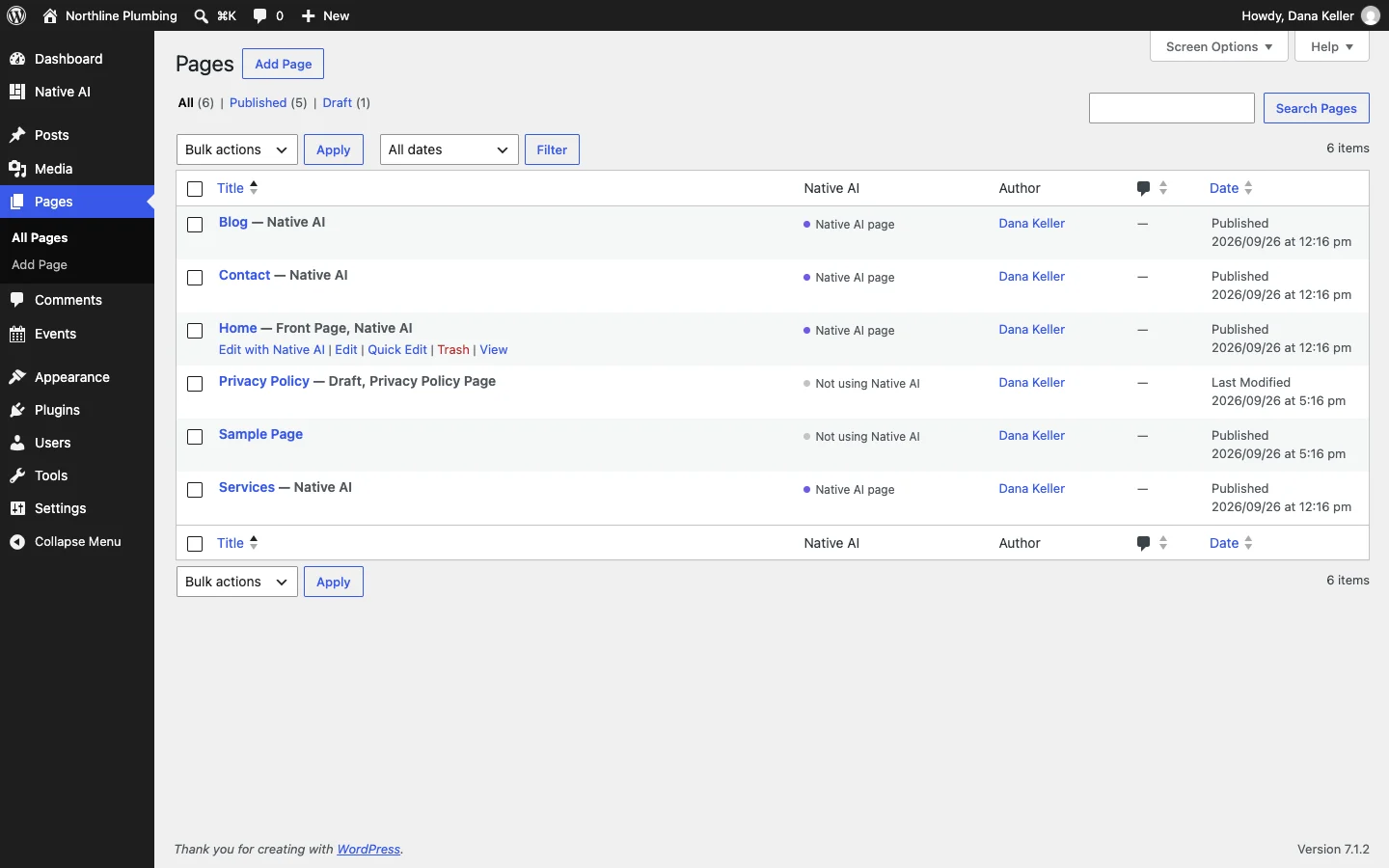
Native AI installs like any plugin. Pages, templates, submissions, analytics and reports live in your WordPress database, on your hosting. It uses WordPress’s users and roles, menus, Media Library, post types and custom fields — and updates from the Plugins screen.
“Edit with Native AI” on every page
A permission for every capability, per role
Analytics and Code Snippets only when you switch them on
Your posts, media and users are never changed by the AI
The structure and text of what you’re editing, your design system and your AI settings. Never passwords, API keys, integration secrets or form submissions.
Undo, versions, restore points
Every change is a step you can undo. Publishing makes a version. Site-wide AI changes and regenerations take a restore point first.
Cookieless analytics
Visitors are counted with a daily-changing hash, never stored with an IP address, in your own database. Do Not Track and Global Privacy Control are respected.
Secrets stay secret
Keys for your CRM, email platform or APIs are encrypted in WordPress, never shown again and never sent to the AI.
A WordPress plugin with two halves that work together: a complete visual website builder (elements, design system, templates, menus, forms, popups, dynamic data, analytics, reports) and an AI that builds and edits with those same parts — whole sites from a description, pages, sections, and changes across the site.
How is it different from other AI website builders?
Most AI builders generate a site once and leave you with something you can only regenerate or edit as raw HTML. Native AI’s AI builds with structured elements in a design system, so every piece it makes is editable in the builder — and you can keep asking the AI for changes on the same site, at any scope, with undo.
Do I need to know how to code?
No. Everything — layouts, styles, templates, forms, popups, interactions, loops — is built visually. Developers get code where it helps: custom CSS and JavaScript per page, and Code Snippets with safe mode.
Which AI does it use?
Claude by Anthropic by default (Claude Opus 5.5 at the time of writing). Other models can be offered too; you can pick the model for each request in the builder.
Where is my site’s data?
In your WordPress: your database and uploads folder, on your hosting. The Native AI service handles AI requests, licenses and plugin updates; it doesn’t host your site.
Does it replace my theme?
Pages and templates you build with Native AI are rendered by Native AI, with the header and footer you make in it. Everything else keeps using your theme.
What does it cost?
Plans differ by the number of sites and the AI credits included each month; every feature is in every plan. Native AI is in early access: request access and we’ll set you up.
Build your next WordPress site with AI you can edit.
Native AI is in early access. Tell us about your sites and we’ll set you up with a license.