FeaturesAIWhole websites from a description
Describe a business. Get a complete website you can edit.
Write a few sentences about the business and the website you want, and choose the AI model. The AI designs the website the way a web designer would — its own fonts, colors, layout and real photos — and Native WP AI builds it as native elements: a design system, the header and footer, every page, the navigation and the forms. Then you edit anything, by hand or with the assistant.
- A custom design for your business: its own fonts, colors and layout
- Your colors, your logo and a design you like, if you have them
- Your real details (phone, address, prices, hours) used exactly
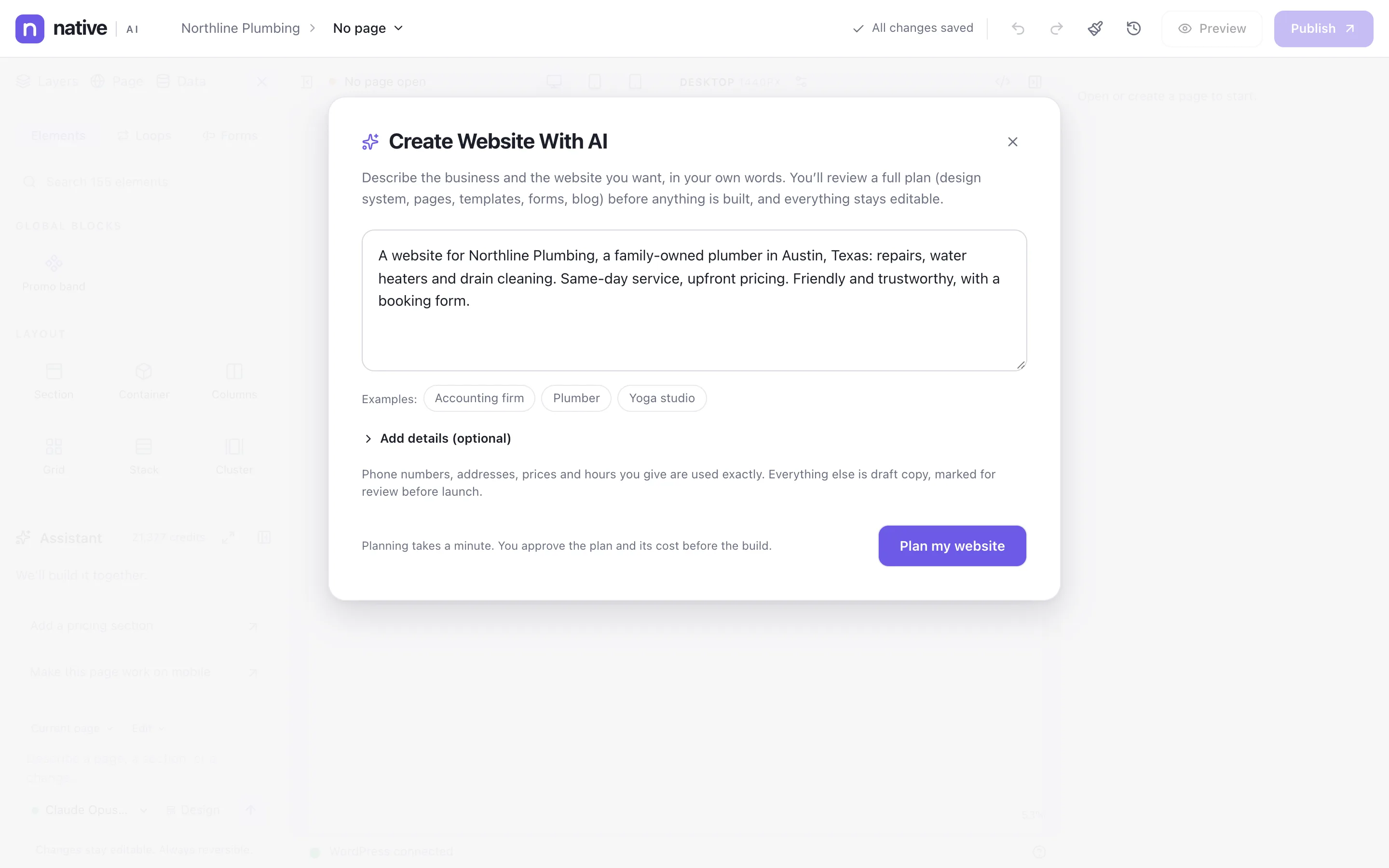
Start from a description
Open the builder in site mode and describe the business in your own words: what it does, where, for whom, the pages you want, the feel. If you have them, pick the business’s colors, upload its logo and add a design you like for the AI to model the site after. Add optional details — location, audience, tone, style — or start from an example. Choose the AI model for the build from the Model menu.
Improve prompt turns a sentence or two into a fuller brief before the build: who the site is for, what visitors should do, the pages, and a design direction made for this business rather than its industry’s usual look. It keeps your facts, invents none, and you edit it or undo it before building.
Phone numbers, addresses, prices and hours you give are used exactly. Everything else is draft copy, marked for review before launch.
- Plain-language brief, with optional details
- Improve prompt: a fuller brief with a design of its own, to edit first
- Your colors, logo and a reference design, optional
- Real business details kept exactly as given
Designed like a designer would, then made native
The build starts right away. The AI plans the pages, then designs the home page with the header and footer, choosing the site’s fonts and colors; they become the site’s design system. Every other page follows the same design and reuses its classes, and real photos are found and placed for each page.
Everything is converted into native elements, the site’s shared classes and its design tokens — never pasted HTML — so you edit it like anything you made yourself.
- Choose the model for the build
- The home page’s fonts and colors become the design system
- Every page in the same design, with real photos or images generated by AI
- Native elements and shared classes, never pasted HTML

A draft site, then live in one step
A generated site goes into a draft first, so a live site isn’t touched while you review. When it’s right, it goes live as a whole from Native WP AI → Site. A snapshot of the previous design is taken automatically, and any snapshot can be restored.
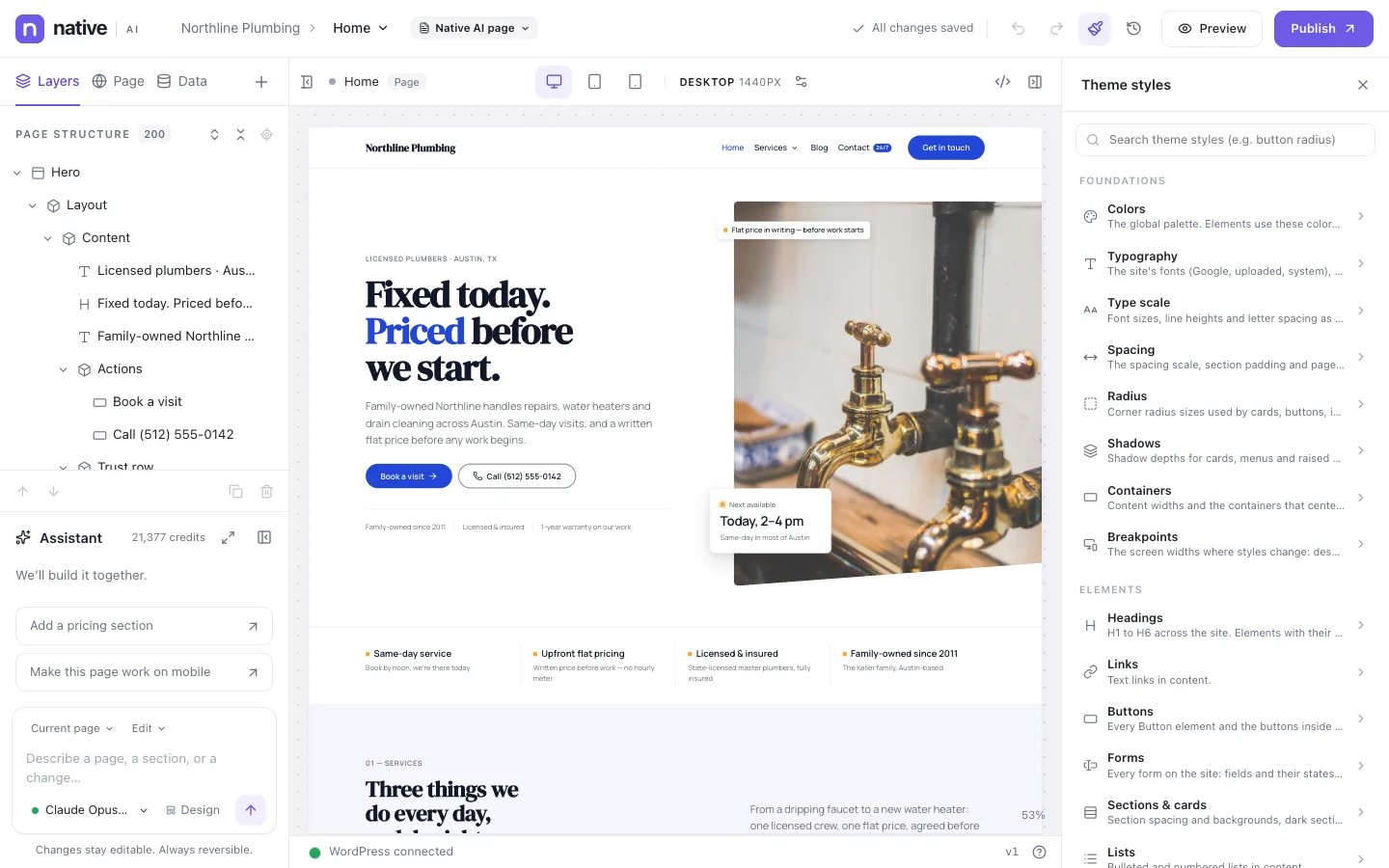
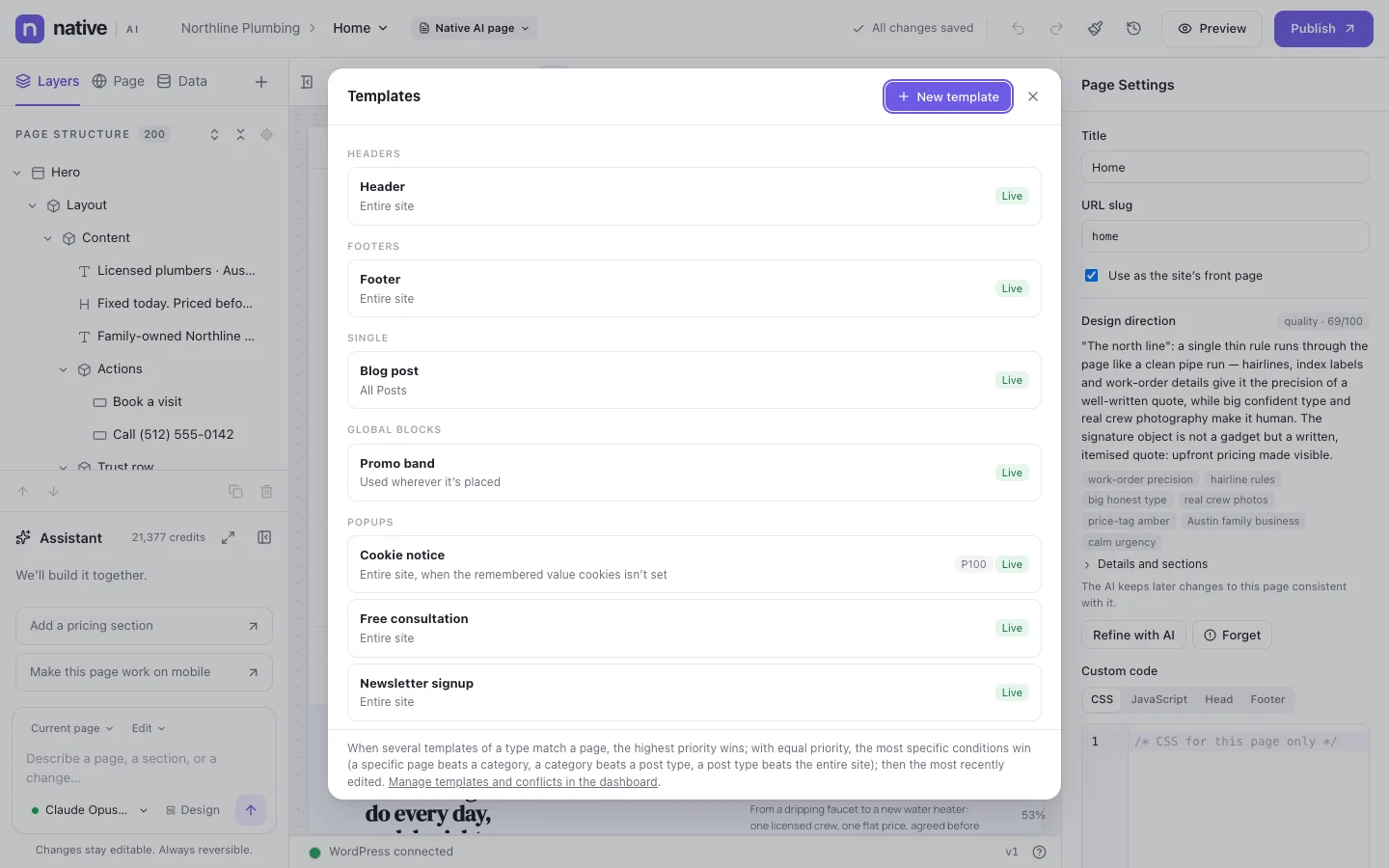
The homepage in the pictures was designed by Native WP AI from a one-paragraph brief for a plumbing company: the layout, the typography, the copy structure and the design system are all native, editable elements.
- Draft site, reviewed before it goes live
- Automatic snapshot before regenerating or going live
- Restore any snapshot; restoring never deletes anything
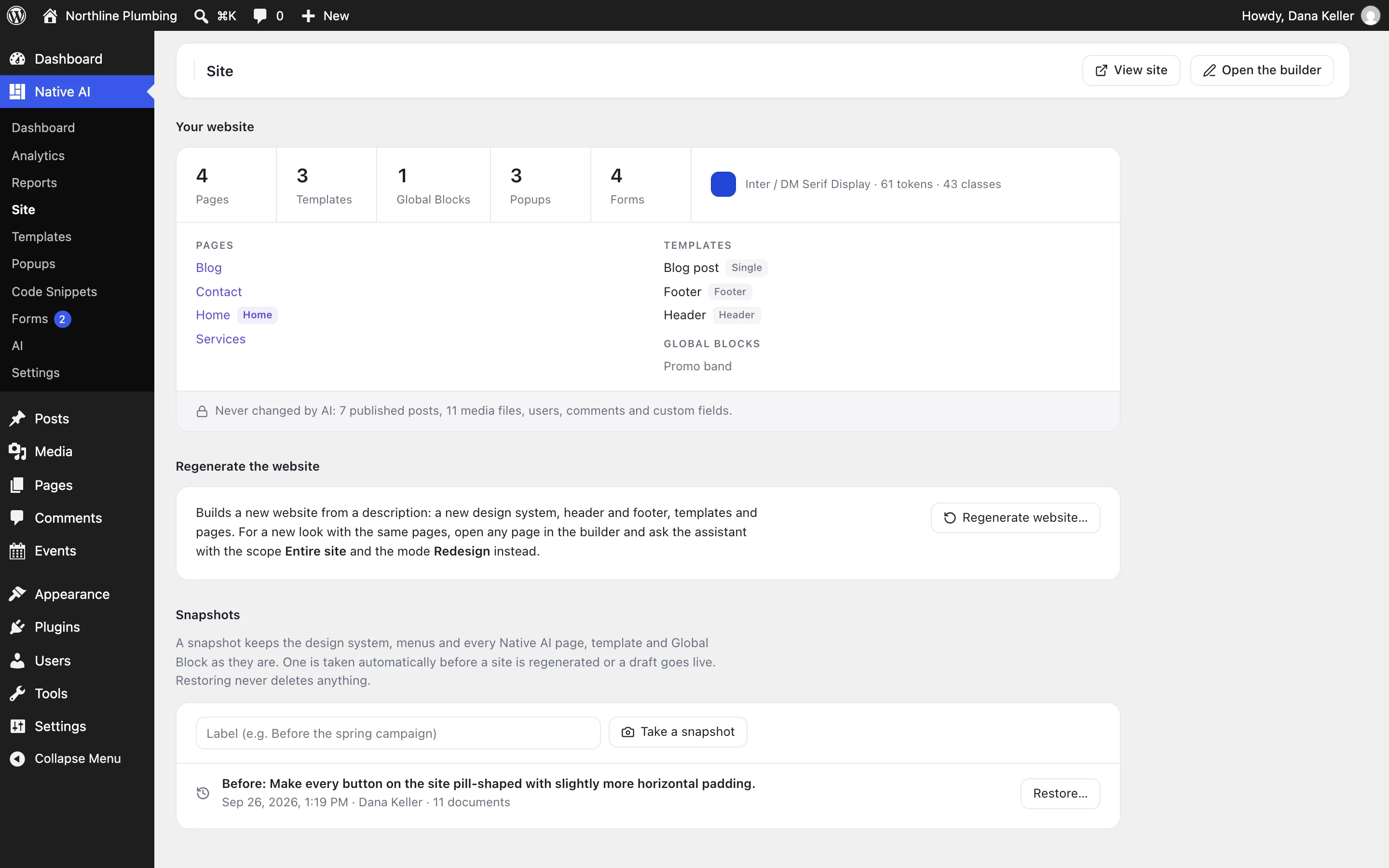

Regenerate — or redesign what you have
Native WP AI → Site shows what the website is made of — pages, templates, Global Blocks, popups, forms, the design system — and what the AI never changes: your posts, media, users, comments and custom fields.
Regenerate builds a new website from a new description, as a draft or replacing chosen parts. For a new look with the same pages, ask the assistant with the scope Entire site and the mode Redesign instead.
- Regenerate as a draft, or replace chosen parts
- Posts, media, users and comments are never changed by AI
- Snapshots with your own labels (“Before the spring campaign”)
Whole websites from a descriptionEverything included
Everything in whole websites from a description
Planning
- Brief in your own words, with optional details
- Three custom looks per plan, and three others on request
- Choose the model for the build
- Plan with pages, templates, forms and blog
- Credit cost shown before the build
- Approve, change or cancel the plan
Building
- A design system made from the chosen look: fonts, type scale, colors, shapes, cards, buttons, header and footer
- Header, footer and navigation menus
- Every page designed and checked in screenshots
- Forms with their actions
- Stock photos or generated images where pictures belong
Safety
- Draft site first
- Automatic snapshots before going live or regenerating
- Restore any snapshot
- Your content (posts, media, users, comments) never changed
Questions about whole websites from a description
Is the generated site a theme?
No. It’s a normal Native WP AI site: a design system, templates and pages made of elements, all editable in the builder. Your WordPress theme stays installed; Native WP AI renders the pages it builds.
Can I generate just one page?
Yes. In the builder, the assistant’s Design mode designs a single page from a description, with controls for style, density, corners, energy, layout and typography, and up to four reference images.
What if I don’t like the result?
Ask the assistant for changes, edit by hand, or restore the snapshot taken before the build. Nothing is published until you choose to go live.
Whole websites from a descriptionKnowledge base
How to use it
Step-by-step articles, settings and answers in the knowledge base.
- Design pages with Design modeDesign mode designs a whole page from a description: it plans the art direction, builds the page, looks at it at every screen size and refines it — all with native, editable elements.
- Create a website with AIDescribe the business and choose the AI model. The AI designs the whole site — its own fonts, colors, layout and photos — and Native WP AI builds it with native elements you can edit.
- Draft sites, snapshots and regeneratingNative WP AI → Site shows what your website is made of, builds a new design as a draft beside the live site, and keeps snapshots you can restore — without ever deleting your content.
- Preview and publishVisitors see your changes only when you publish. Preview first, review any sample content the AI wrote, then publish the page with the templates and Global Blocks it uses, or every change at once.
Works well with
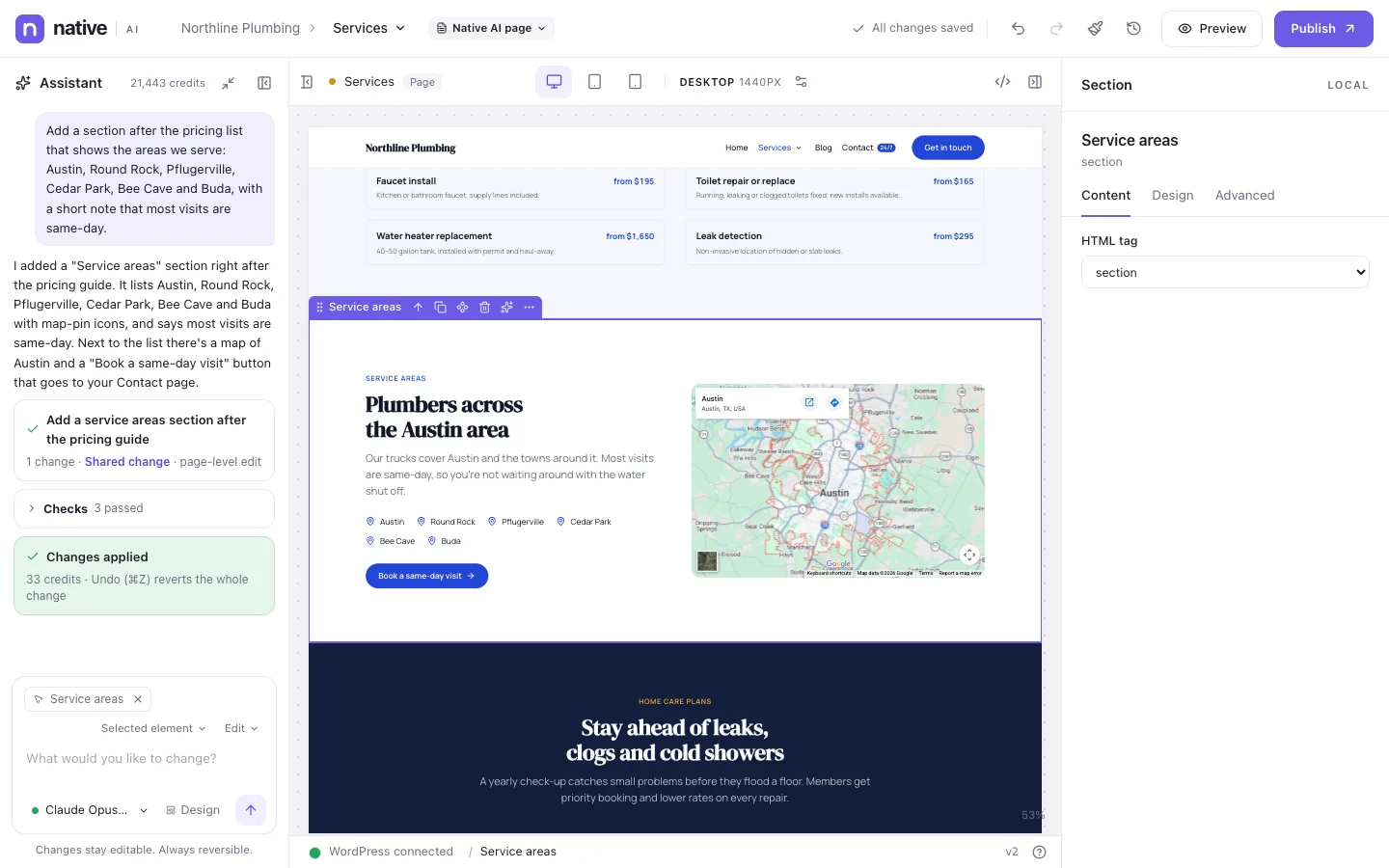
“Build a website for my plumbing business in Austin.”
Plans the pages and writes them in a look of their own, with a header, footer, templates and a design system you can edit.
“Make every button on the site pill-shaped.”
Finds the shared class behind every button, shows you the plan, then changes it once.
“Write meta descriptions for every page that doesn’t have one.”
Writes them from each page’s own words in a background job, shows the credits first, and puts each one beside its page for you to approve.
“Add an exit-intent popup offering a free consultation.”
A native popup with its trigger and how often it shows. It starts as a draft.
“Which pages lost visitors this month?”
Compares this month with last, page by page, and checks recent changes to those pages.
“Find unfulfilled orders.”
Lists the paid orders waiting to ship, oldest first.
“Write a six-lesson course on home budgeting with a quiz after each lesson.”
Writes the outline, every lesson and the quizzes as drafts for you to review, and sets who can take it.
“Why was a customer locked out this morning?”
Reads the security log, finds the lockout and its address, and can unblock it for you.
“Which plugins need updates?”
Lists the installed plugins and the ones with an update waiting.
“Use the color scheme of this website: https://…”
Opens the site, reads the colors and fonts it uses most, and sets your design system from them.
“Create a Services post type with Price and Duration fields.”
Its own menu in WordPress and custom fields — in ACF when it’s active — ready for a template.
“Add the prices from this PDF to the Services page.”
Reads the attached price list and builds it into the page in your design.
“Count quote requests as a conversion.”
Adds a conversion goal for the form, so Analytics counts every request.
“Show me low-stock products.”
Reads stock from WooCommerce and lists what’s running low or out, with how many are left.
“Refund order 1042 and put the items back in stock.”
Prepares the refund with the amount and how it’s paid back, and waits for your confirmation.
“When someone buys the course bundle, enroll them and tag them in the CRM.”
Builds the automation — the purchase, the enrollment, the CRM tag — as a draft, and asks before switching it on.
“What happened on the site this week?”
Reads the activity record, updates, errors and health checks, and sums them up.
“Add a snippet that turns off comments on pages.”
Writes and checks the code, and saves it as a draft that you switch on.
One plugin. One agent. Your whole site.
Start free: a license for one website and AI credits to build with, no card needed. Describe your business and watch Native WP AI design your home page.