FeaturesRunBuilt into WordPress
A WordPress plugin, not a platform you move to
Native AI installs like any plugin and keeps everything in your WordPress: pages, templates, submissions, analytics, reports. It uses WordPress’s users and roles, menus, Media Library, post types and custom fields, and it updates from the Plugins screen. Your posts, media and users stay yours.
- “Edit with Native AI” on every page, in the admin bar and post lists
- Roles and permissions for every capability
- Optional features you switch on only when you need them
Where you already work
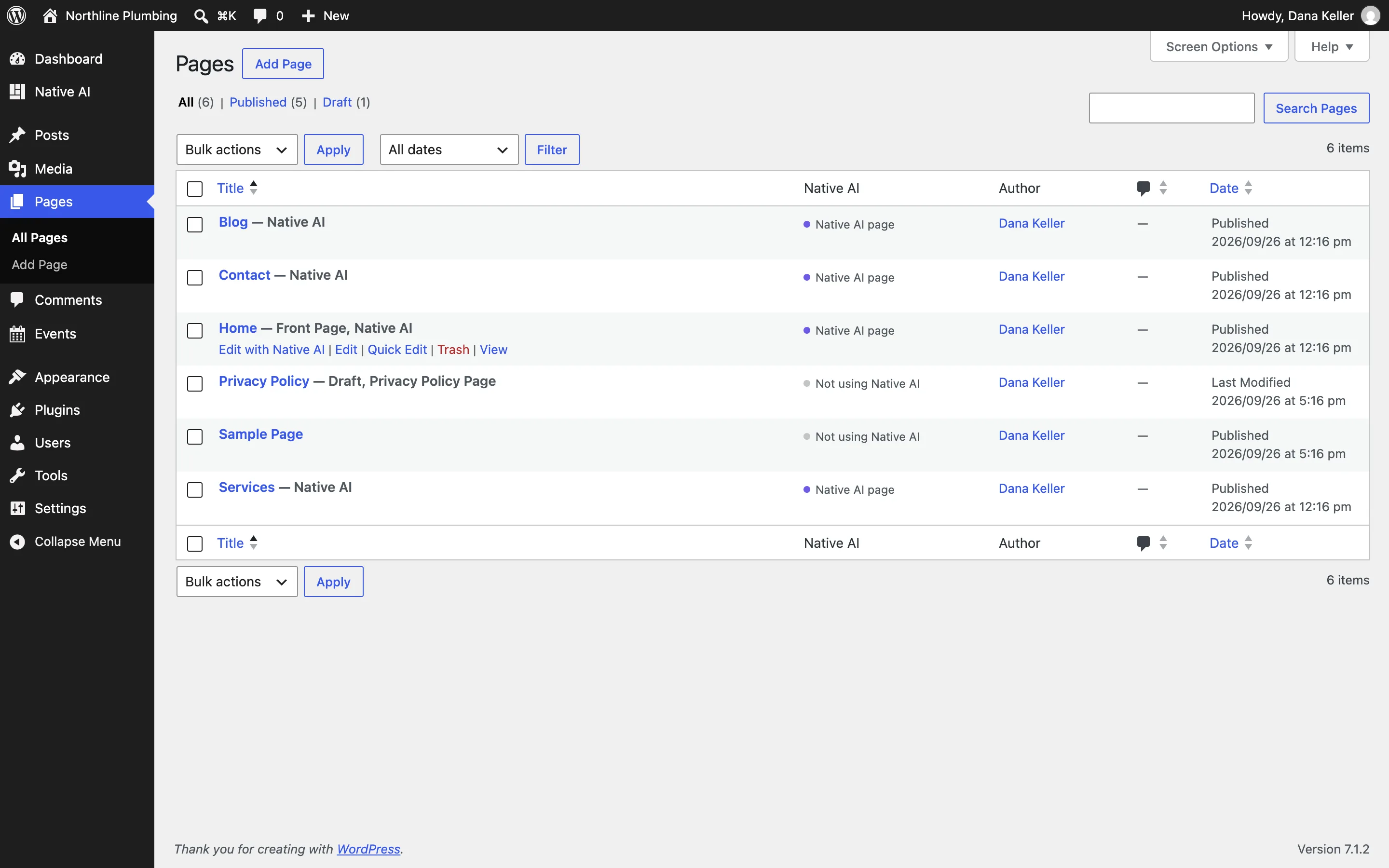
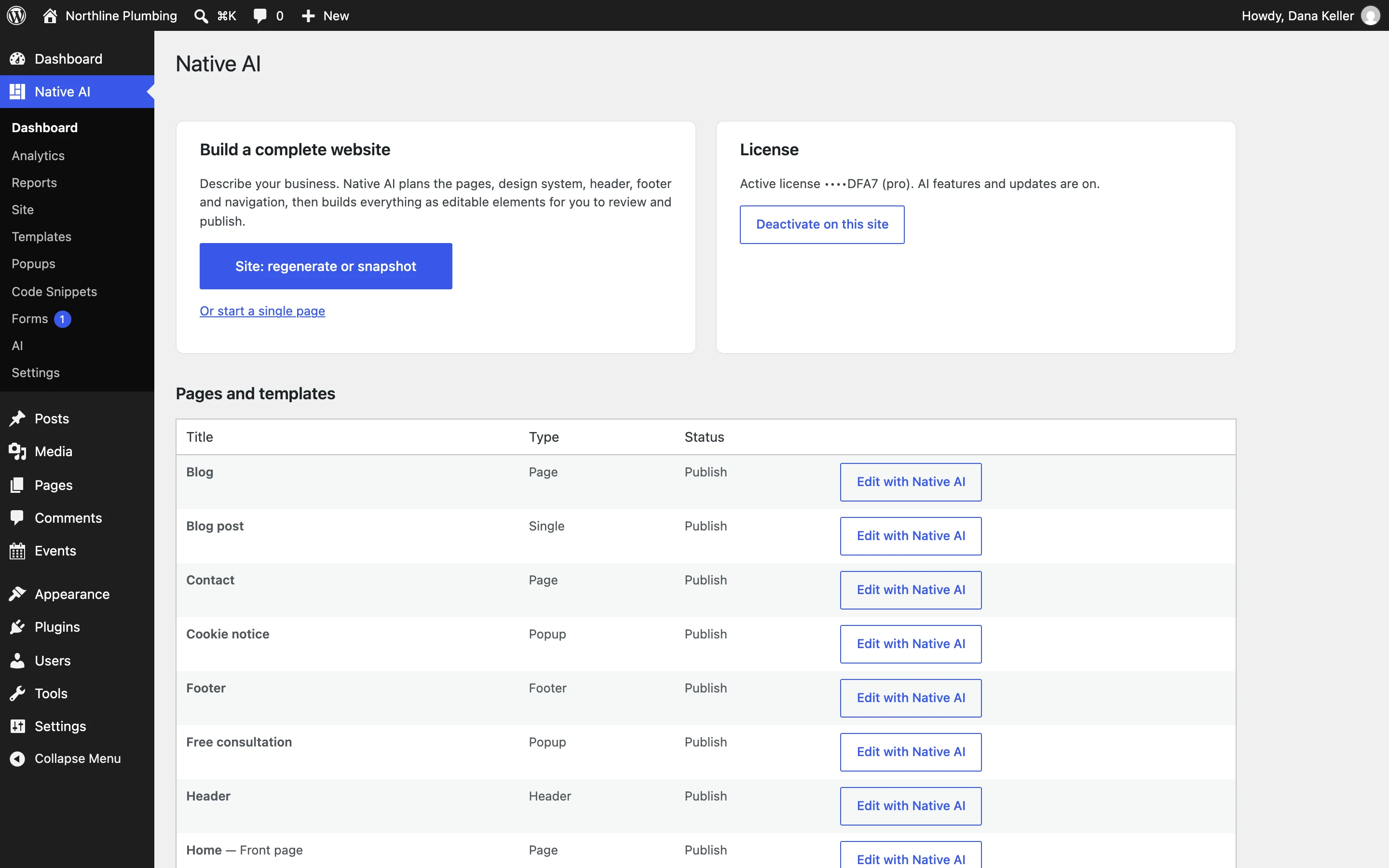
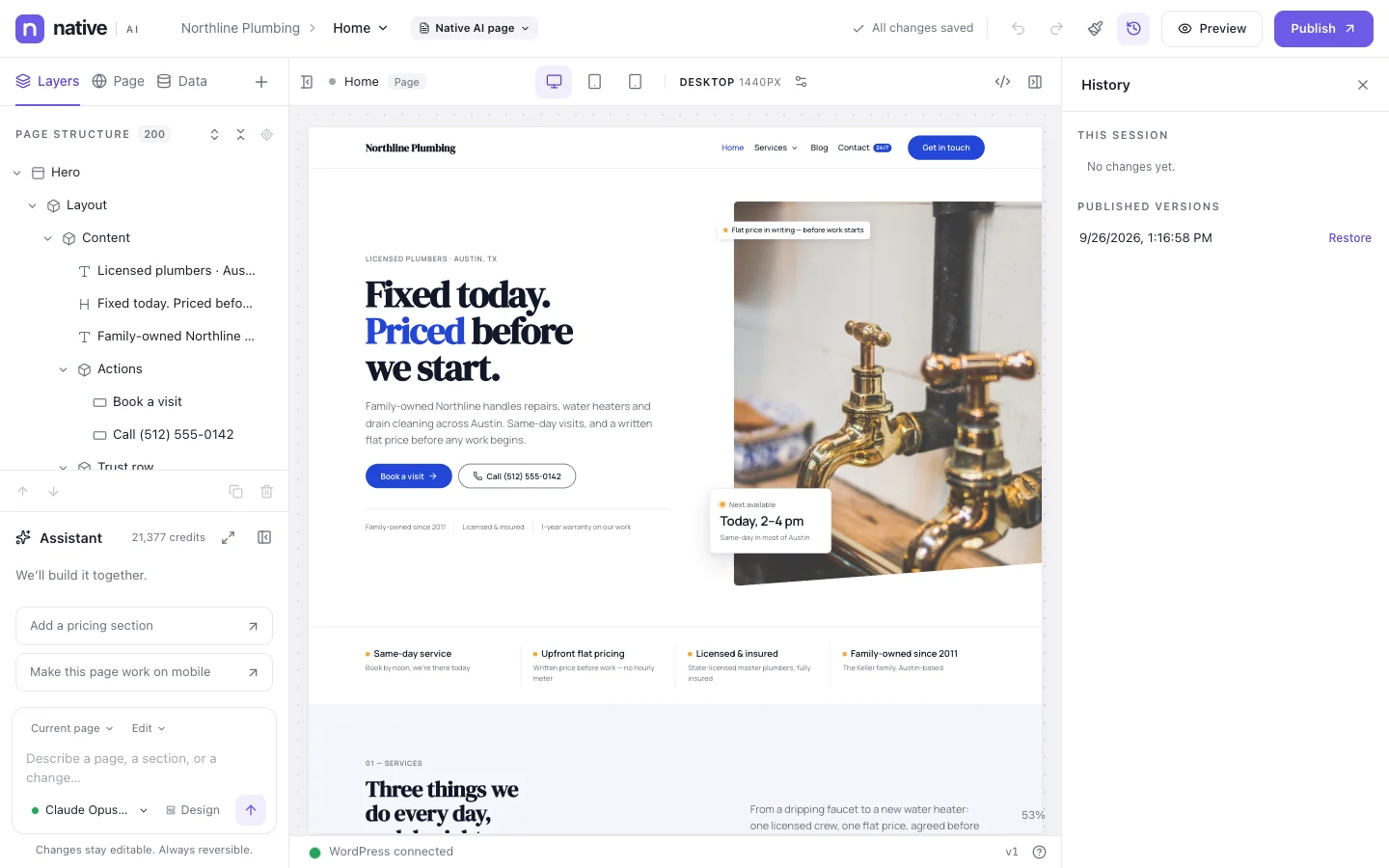
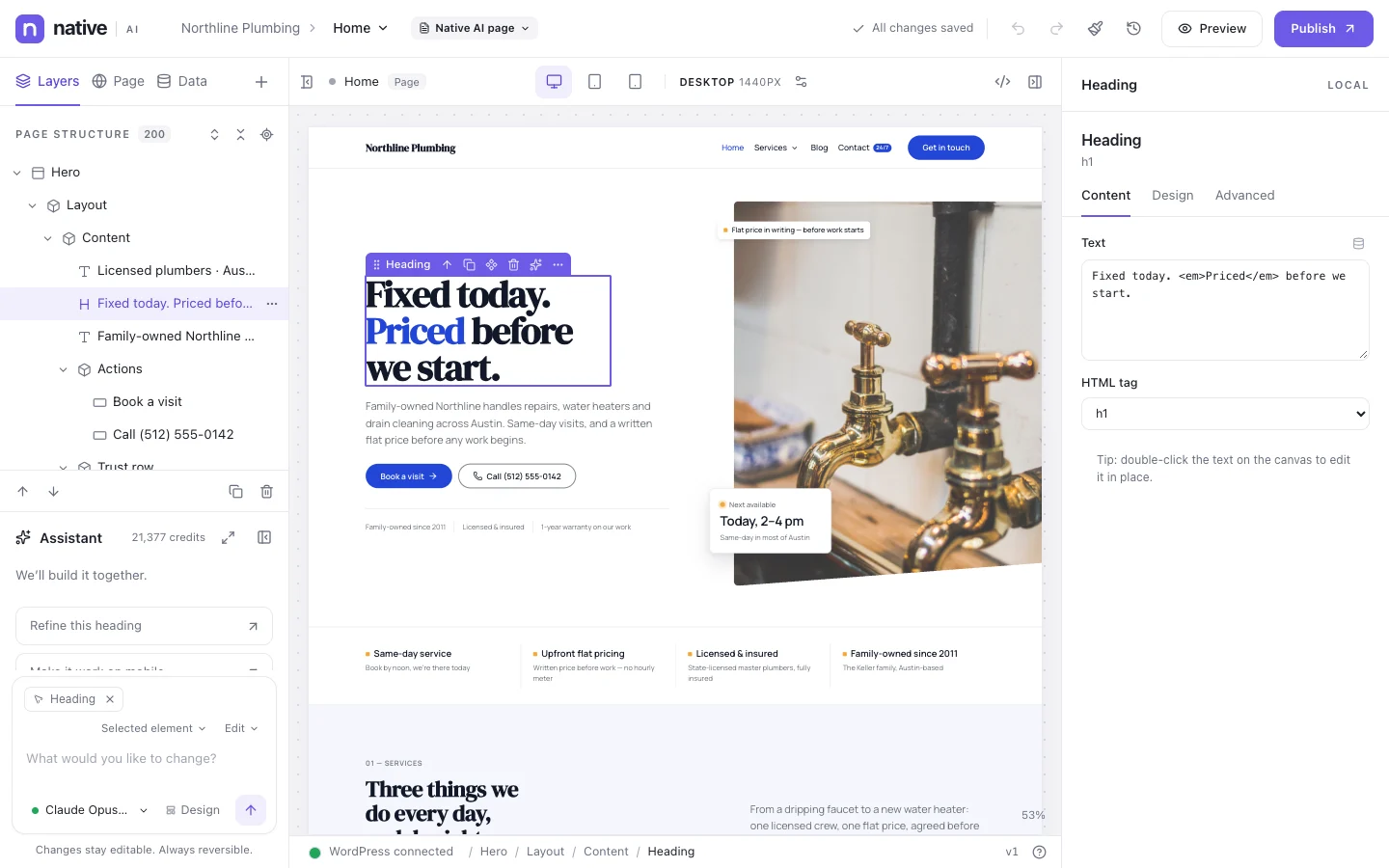
Pages built with Native AI are marked in the Pages list, each with an Edit with Native AI link; the admin bar has one too. Native AI → Dashboard shows the license and every page and template, with shortcuts.
Choose which post types can use Native AI, and whether a post gets its own layout or uses its template.
- Edit with Native AI in lists and the admin bar
- A Native AI column in post lists
- Post type rules and layouts per post
Permissions for every role
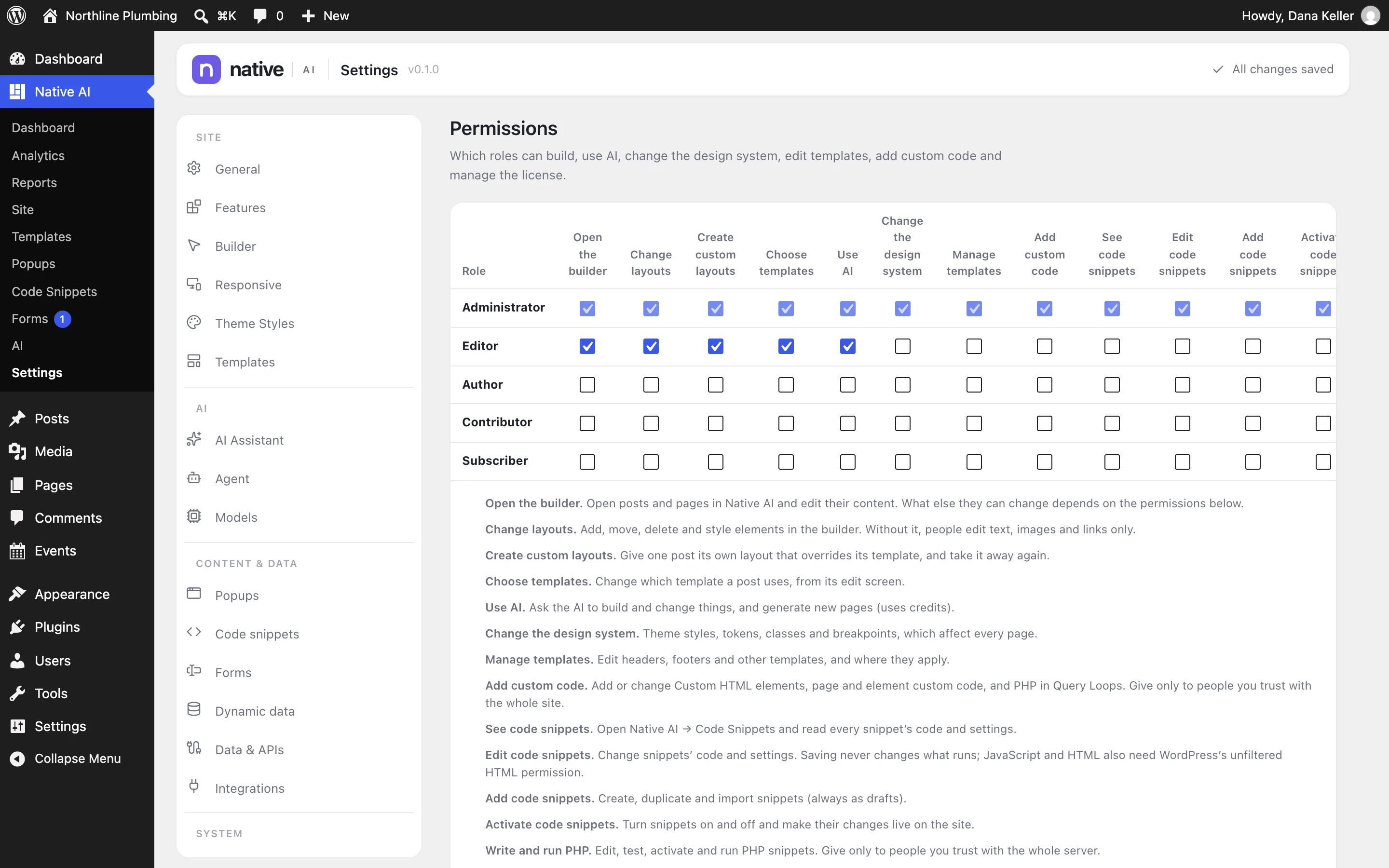
A permissions matrix decides what each WordPress role can do: open the builder, change layouts (or only edit text, images and links), create custom layouts, choose templates, use AI, change the design system, manage templates, add custom code, and see, edit, add or activate code snippets.
- Content-only editing for roles that shouldn’t change layouts
- AI access per role
- Separate permissions for code
Only the features you use
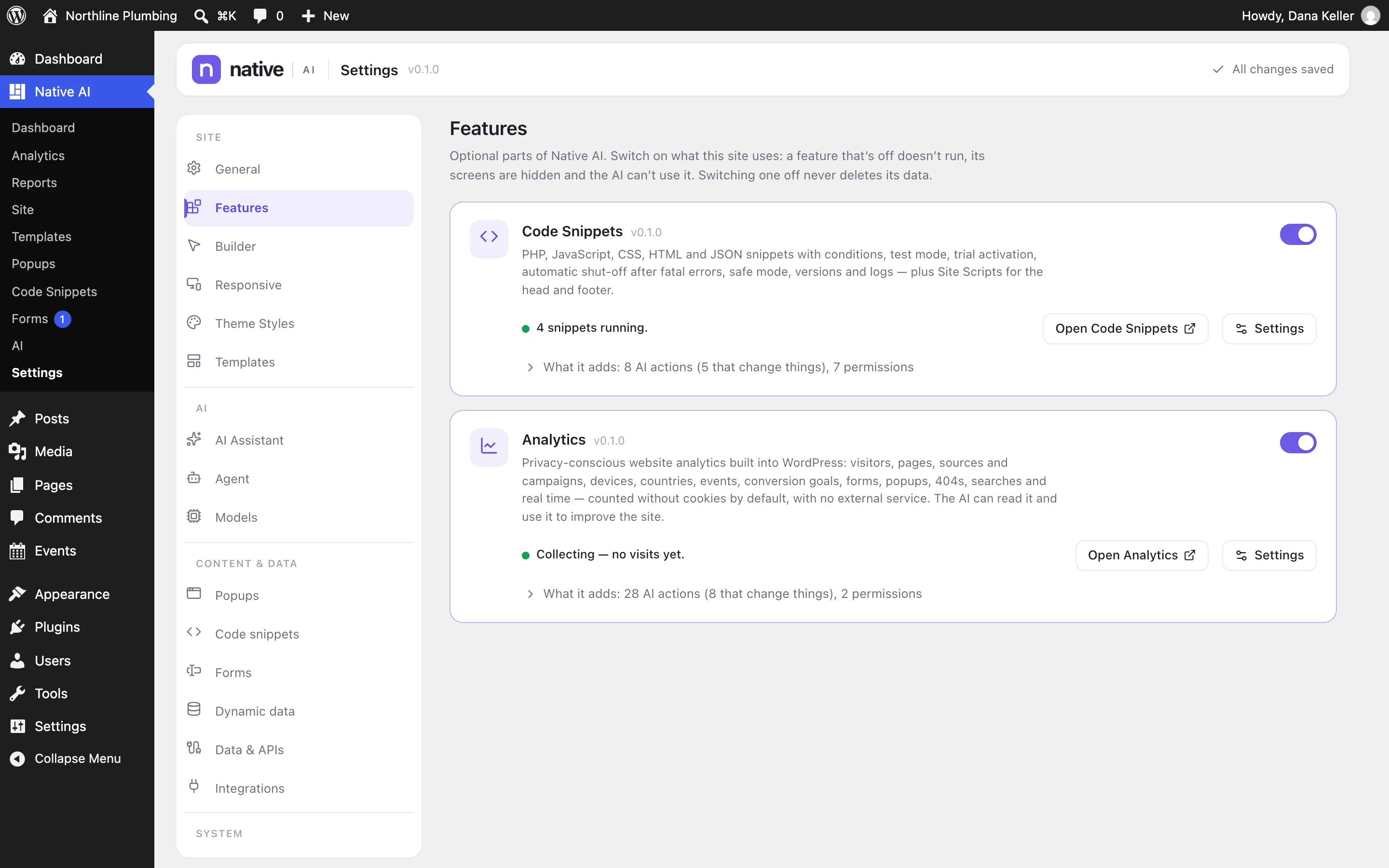
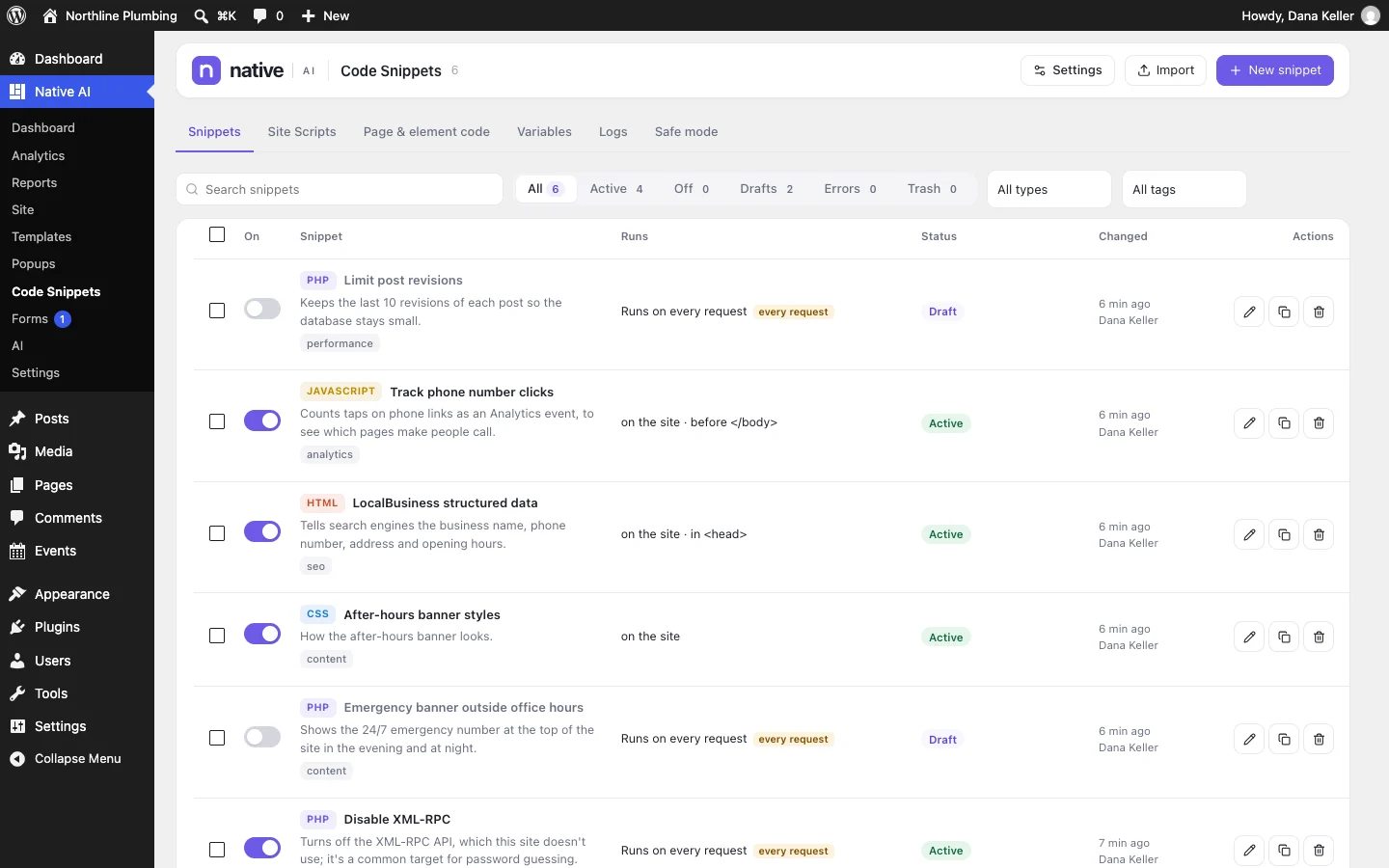
Analytics and Code Snippets are optional features. Switch them on when a site needs them; a feature that’s off doesn’t run, its screens are hidden and the AI can’t use it. Switching one off never deletes its data.
Uninstalling keeps your pages’ last published content. Native AI’s data is only deleted if you choose that in Settings → Advanced.
- Optional features with their own permissions
- Nothing deleted by switching off
- A clean uninstall only when you ask for it
Built into WordPressEverything included
Everything in built into WordPress
Integration
- Edit with Native AI links
- Native AI column in post lists
- Post type rules and per-post layouts
- WordPress menus, Media Library, custom fields
- Updates in the Plugins screen
Requirements
- WordPress 6.9 or later
- PHP 8.1 or later
- Any host that runs WordPress
- Tested up to WordPress 7.1
Administration
- Roles and permissions matrix
- Optional features
- Settings import and export
- Background jobs and logs
- Notifications
- Clean uninstall on request
Questions about built into WordPress
Where is my data stored?
In your WordPress database and uploads folder, on your hosting. The Native AI service only handles AI requests, licenses and updates.
Does my site need to be public for the AI?
No. The AI service only receives what the builder sends for the request you make; your WordPress site doesn’t need to be reachable from the internet.
Works well with
Build your next WordPress site with AI you can edit.
Native AI is in early access. Tell us about your sites and we’ll set you up with a license.