FeaturesRunCode Snippets
Custom code, managed like a professional codebase
Add PHP, JavaScript, CSS, HTML and JSON snippets from WordPress, with conditions for where and for whom they run, a code editor that checks your code before it runs, versions you can restore, logs of errors and activity, and safe mode for the day something breaks. The AI can write snippets too — always as drafts that a person activates.
- PHP, JavaScript, CSS, HTML and JSON
- Checks before running, automatic shut-off after fatal errors
- Versions, logs, variables, secrets and safe mode
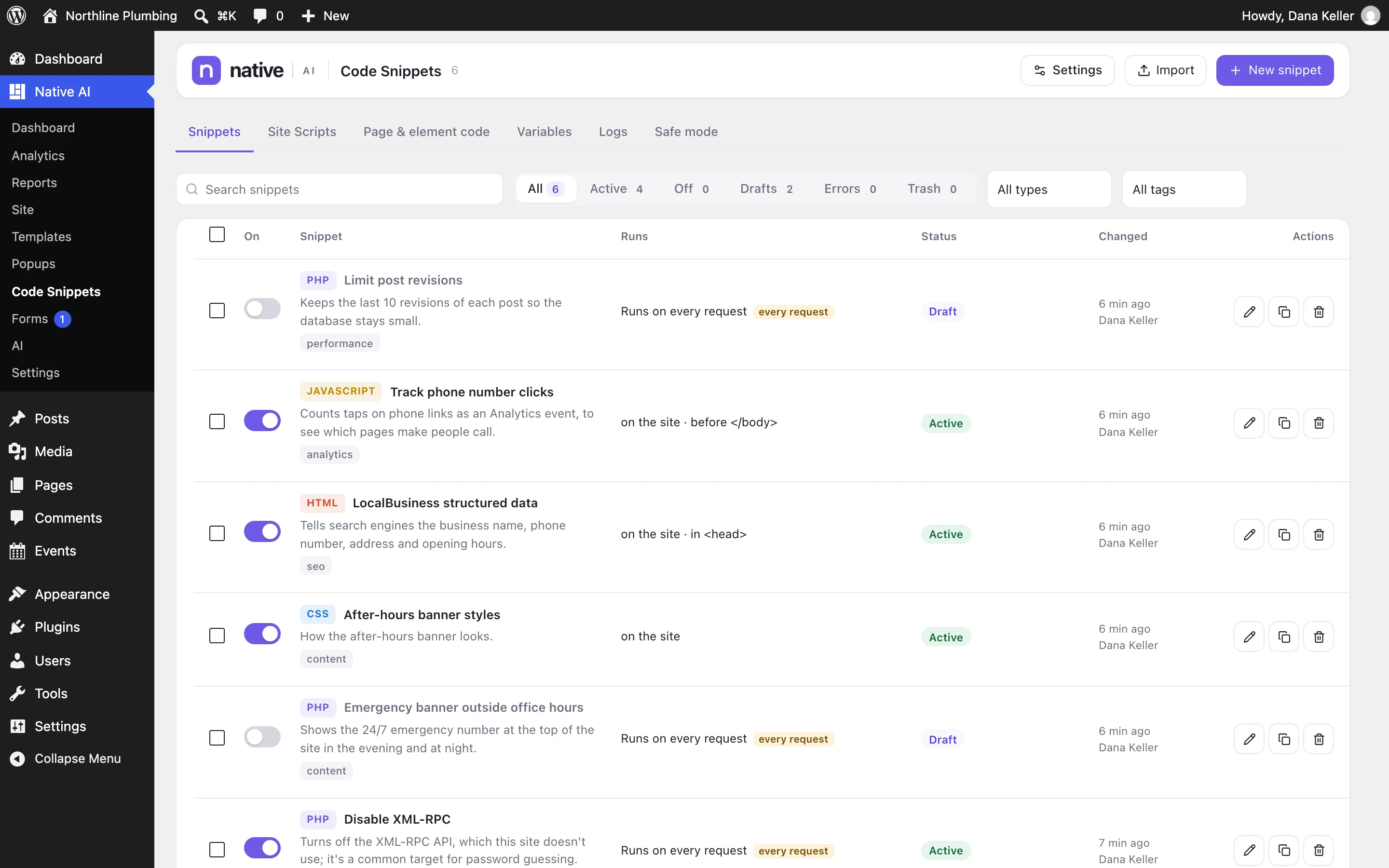
Every snippet, with where it runs
The list shows each snippet’s type, what it does, tags, where it runs and whether it’s on. Turn snippets on and off, filter by type, tag or status, and see errors from the last 24 hours at a glance.
Site Scripts give you quick head, body and footer boxes; Page & element code lists the custom code in pages and elements.
- Search, types, tags and statuses
- Site Scripts for head, body and footer
- Page and element code in one place
Write, test, then activate
The editor highlights and checks code before it runs. A PHP snippet can run on every request, as a hook, a shortcode, a REST endpoint, or once when you click Run now. Choose where (everywhere, the site, admin, specific pages) and who (everyone, logged-in visitors, roles).
Test mode runs a snippet only for you before everyone gets it. A snippet that causes a fatal error is turned off automatically.
- Run modes: every request, hook, shortcode, REST endpoint, run once
- Conditions for where, who and when
- Test mode and automatic shut-off
- Versions with restore
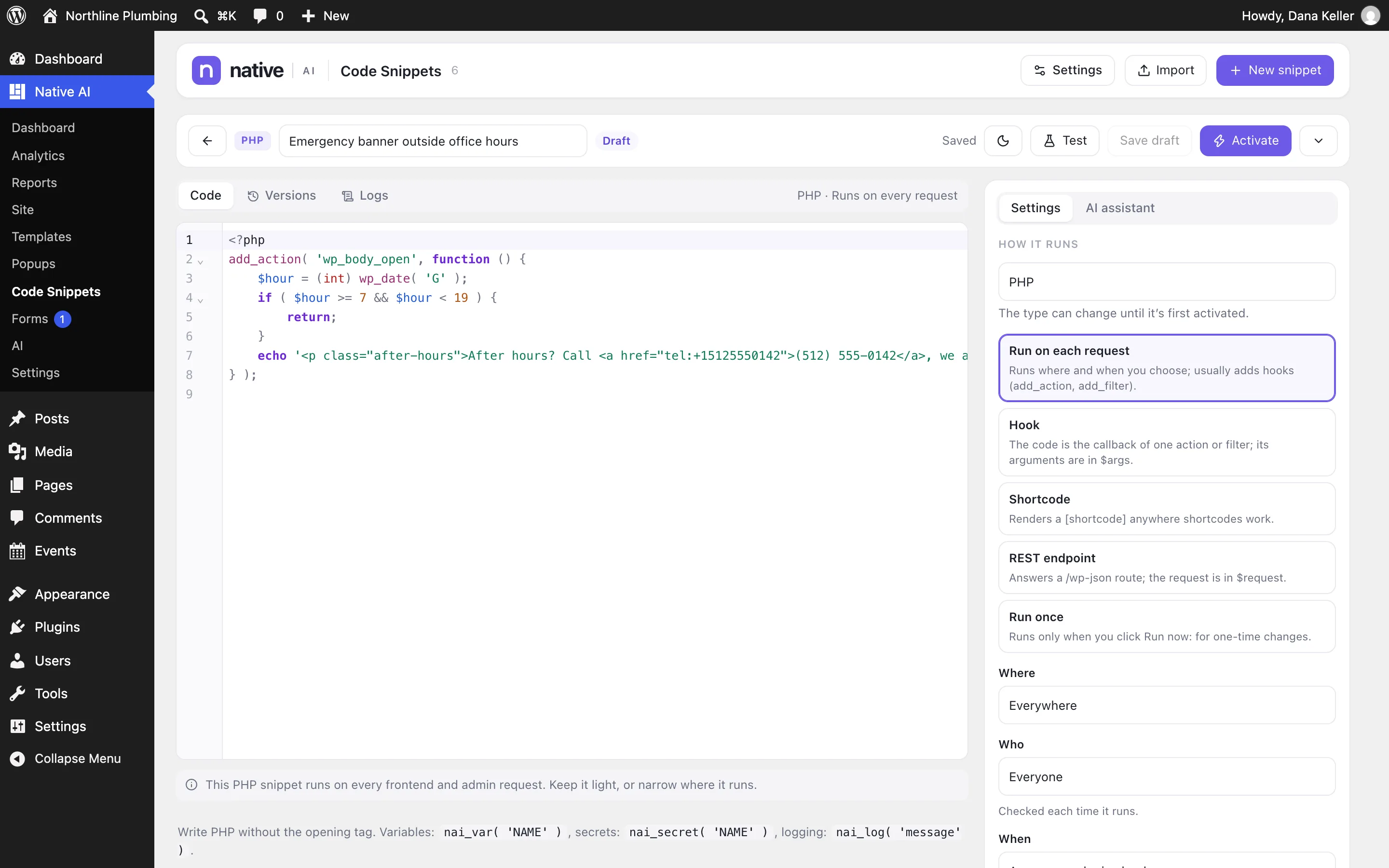
Safe mode, even when you can’t log in
Safe mode stops snippets from running without changing them: PHP snippets only, or all snippets including page and element code. Turn it on for everyone here, add ?nai_safe_mode=1 to any address as an administrator (your browser only), use a recovery link that works when you can’t log in, or set a constant in wp-config.php.
- Safe mode for everyone or one browser
- Recovery links
- wp-config.php constant as a last resort
Code SnippetsEverything included
Everything in code Snippets
Snippets
- PHP, JavaScript, CSS, HTML, JSON
- Run modes for PHP: request, hook, shortcode, REST endpoint, once
- Conditions: where, who, when
- Tags, search and filters
- Import and export
Safety
- Checks before running
- Test mode (only you)
- Automatic shut-off after fatal errors
- Safe mode, recovery links, wp-config constant
- Versions with diff and restore
- Logs of errors and activity
Team
- Separate permissions: see, edit, add, activate, write PHP
- Variables and encrypted secrets (nai_var, nai_secret)
- AI assistant that writes drafts, never activates
Questions about code Snippets
Is Code Snippets required?
No. It’s an optional feature switched on in Settings → Features. Switching it off stops snippets from running and hides the screens; nothing is deleted.
Can the AI activate code on my site?
No. Snippets the AI writes are saved as drafts. A person with the right permission reviews and activates them.
Works well with
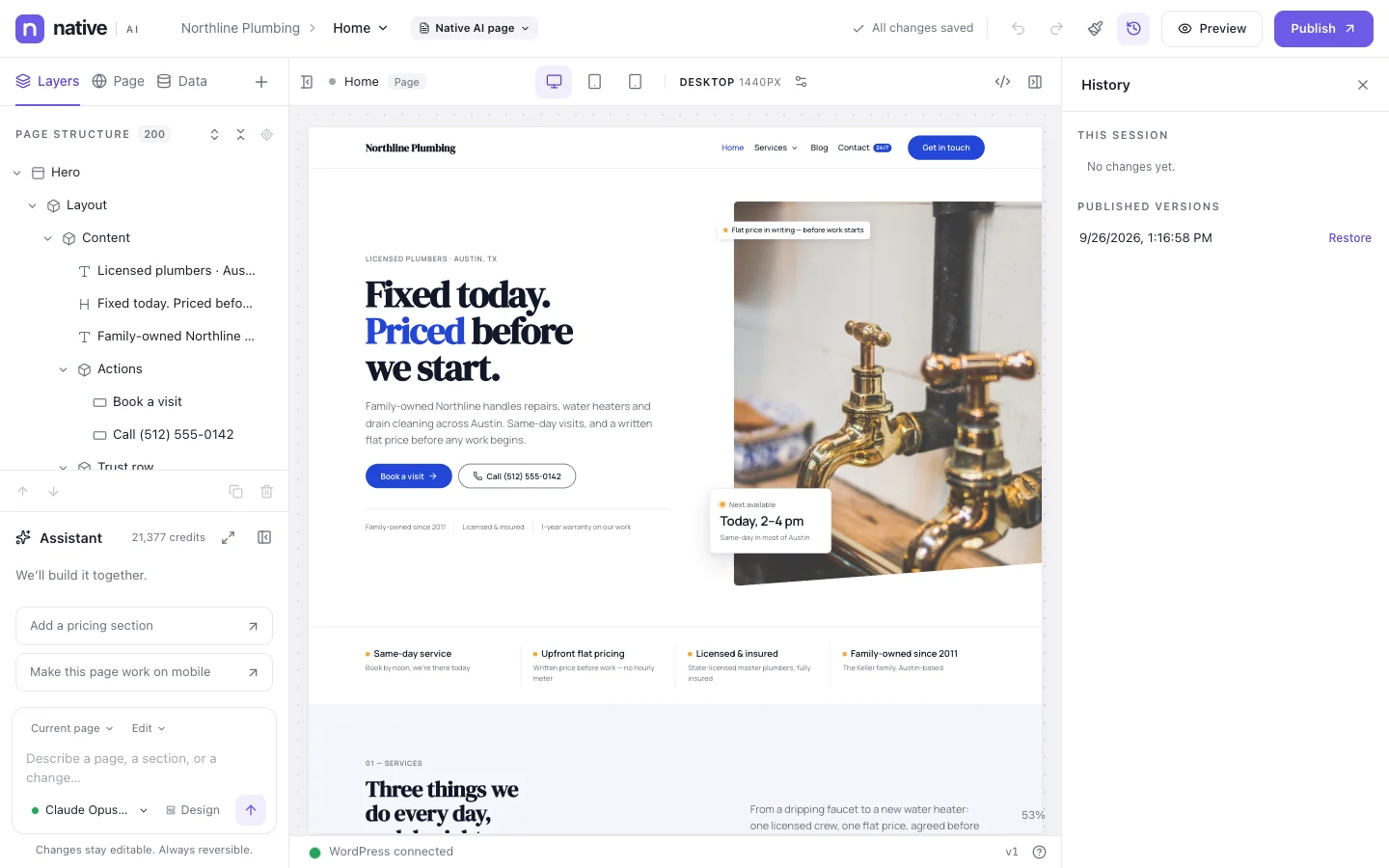
Build your next WordPress site with AI you can edit.
Native AI is in early access. Tell us about your sites and we’ll set you up with a license.