Native WP AIGet started
From license to first page in ten minutes
Native WP AI installs like any WordPress plugin. Here’s everything, from getting a license to publishing the first page.
Get a license
Create your account with your name and email. It starts with a free 14-day trial license for one website, with free AI credits. Your key is in your account — it looks like
NAI-XXXX-XXXX-XXXX-XXXX.Download the plugin
In your account, click Download Native WP AI to get the latest
native-ai-x.y.z.zip. Keep the file zipped.Install it in WordPress
Go to Plugins → Add New Plugin → Upload Plugin, choose the zip file, click Install Now, then Activate. Native WP AI appears in the admin menu. The builder and every other feature work right away.
- WordPress 6.9 or later
- PHP 8.1 or later
- Any host that runs WordPress
Turn on AI
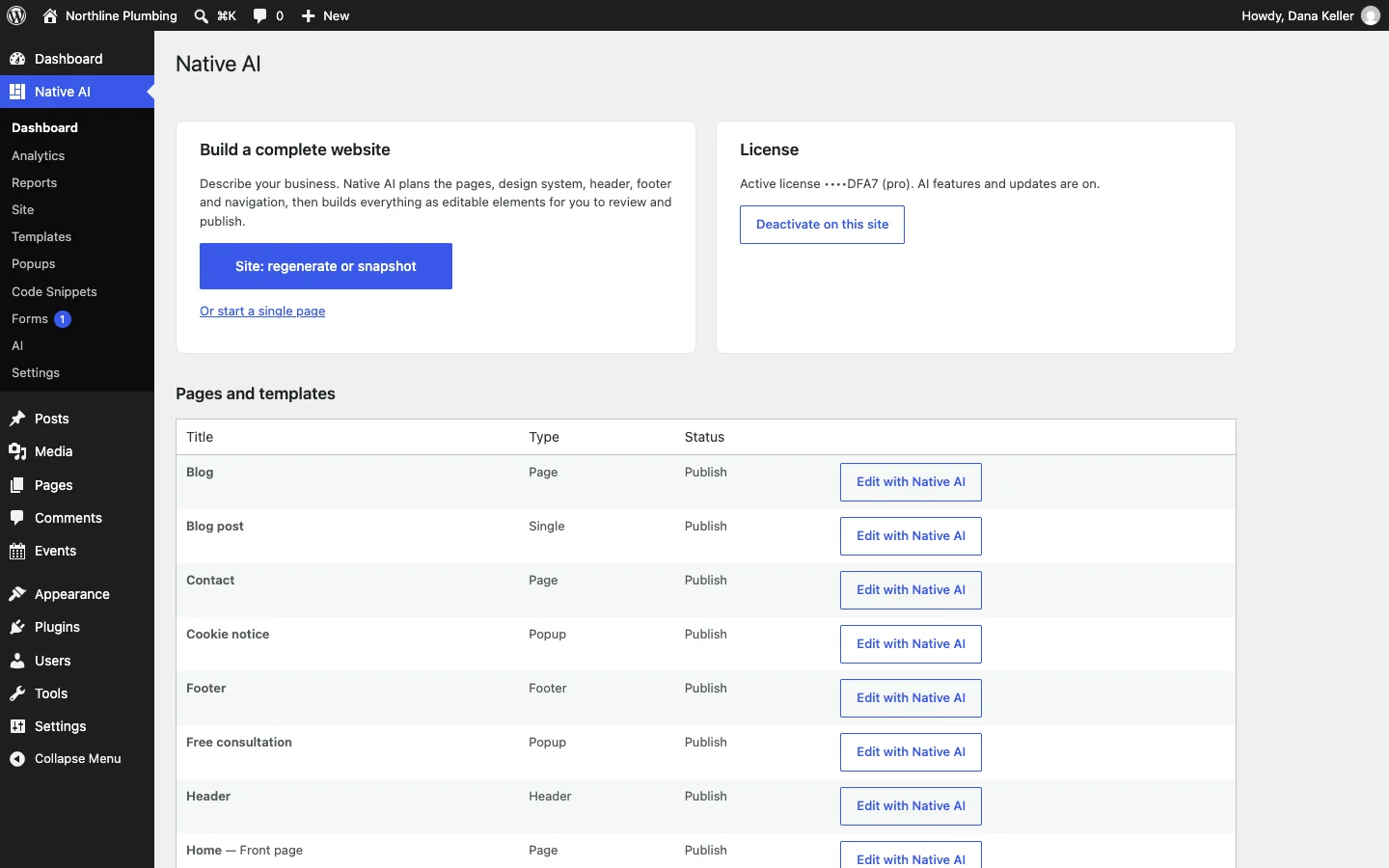
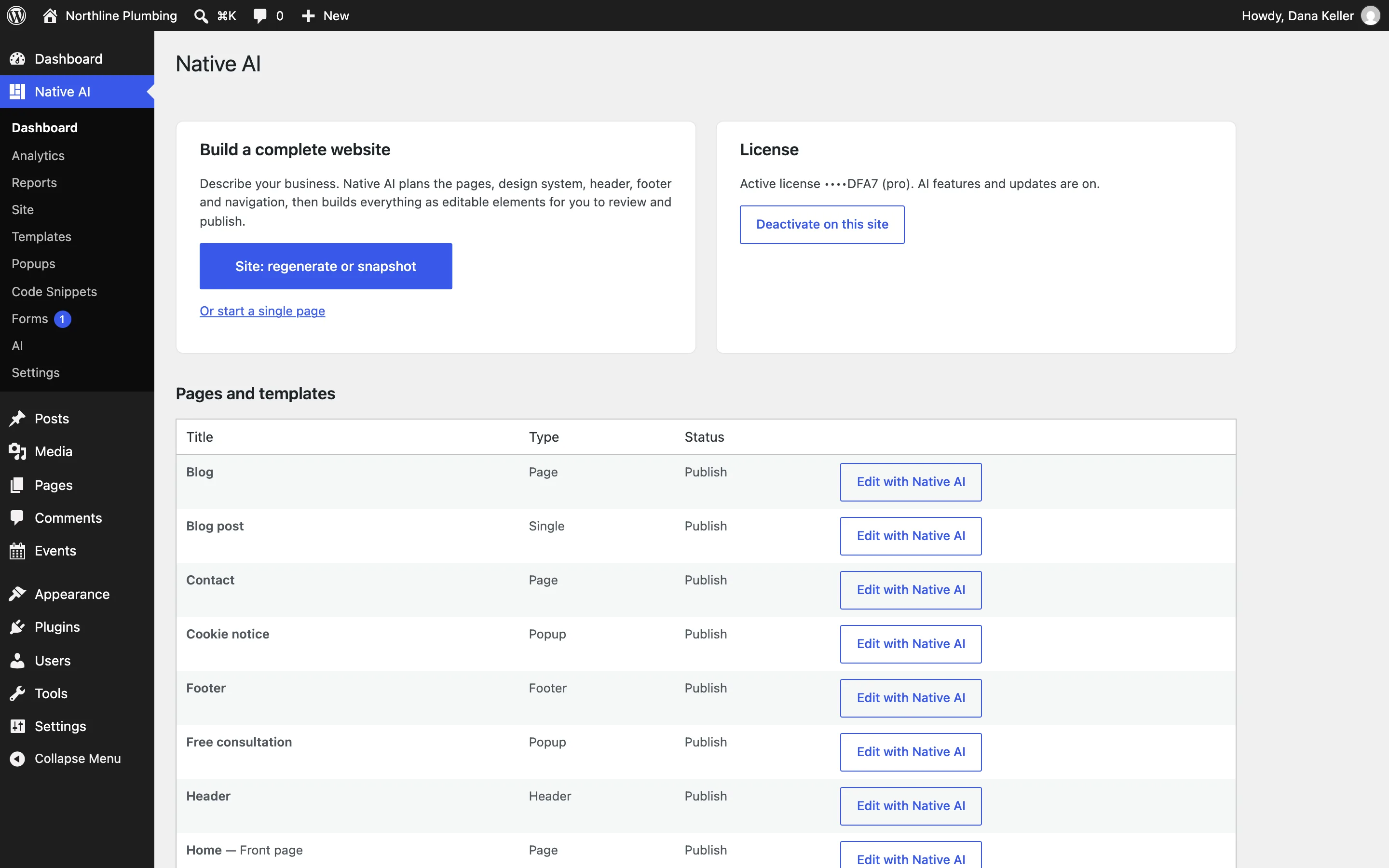
Open Native WP AI → Dashboard, paste your license key and click Activate. AI is now on for that site, and updates arrive in the Plugins screen like any other plugin.
Build something
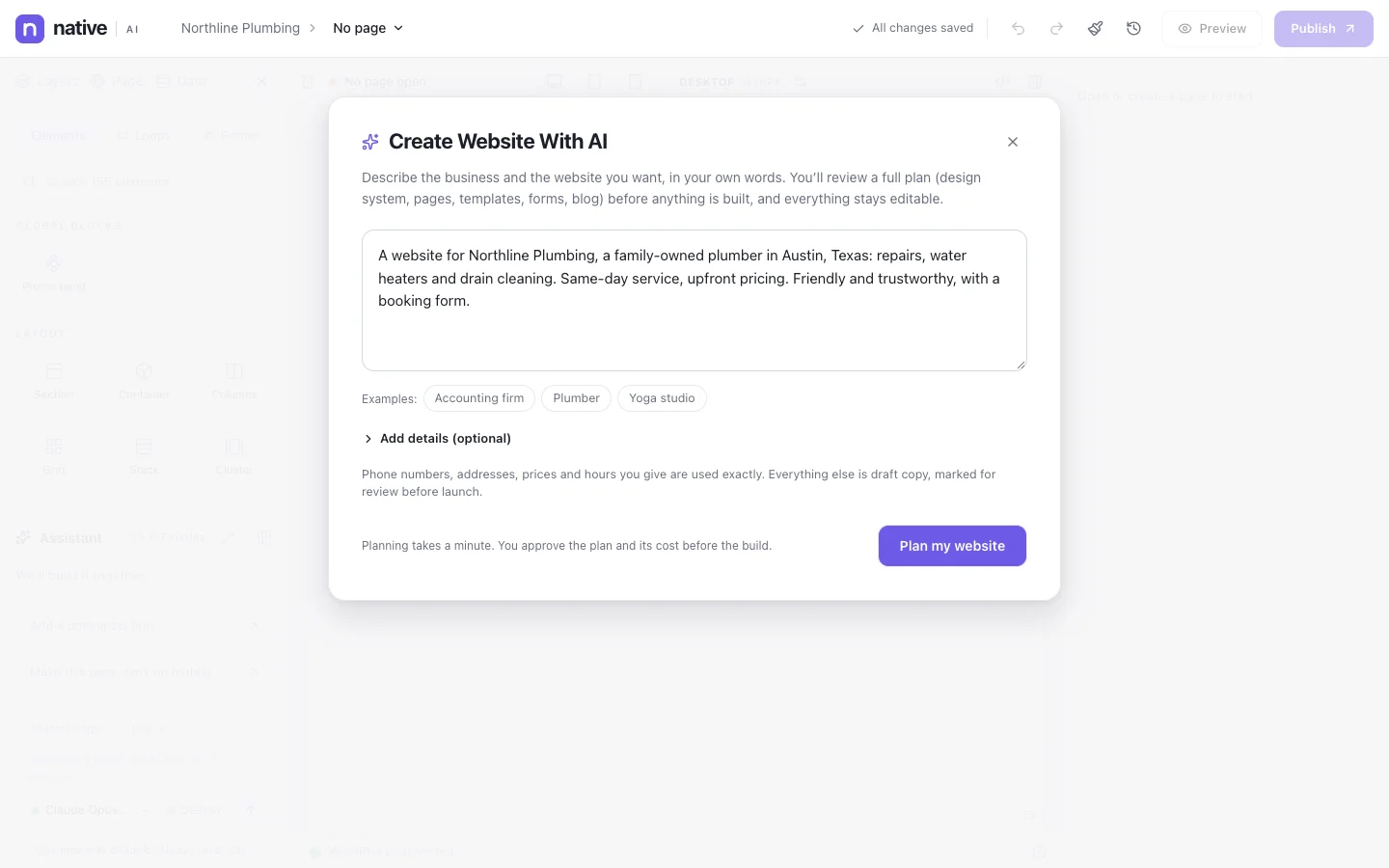
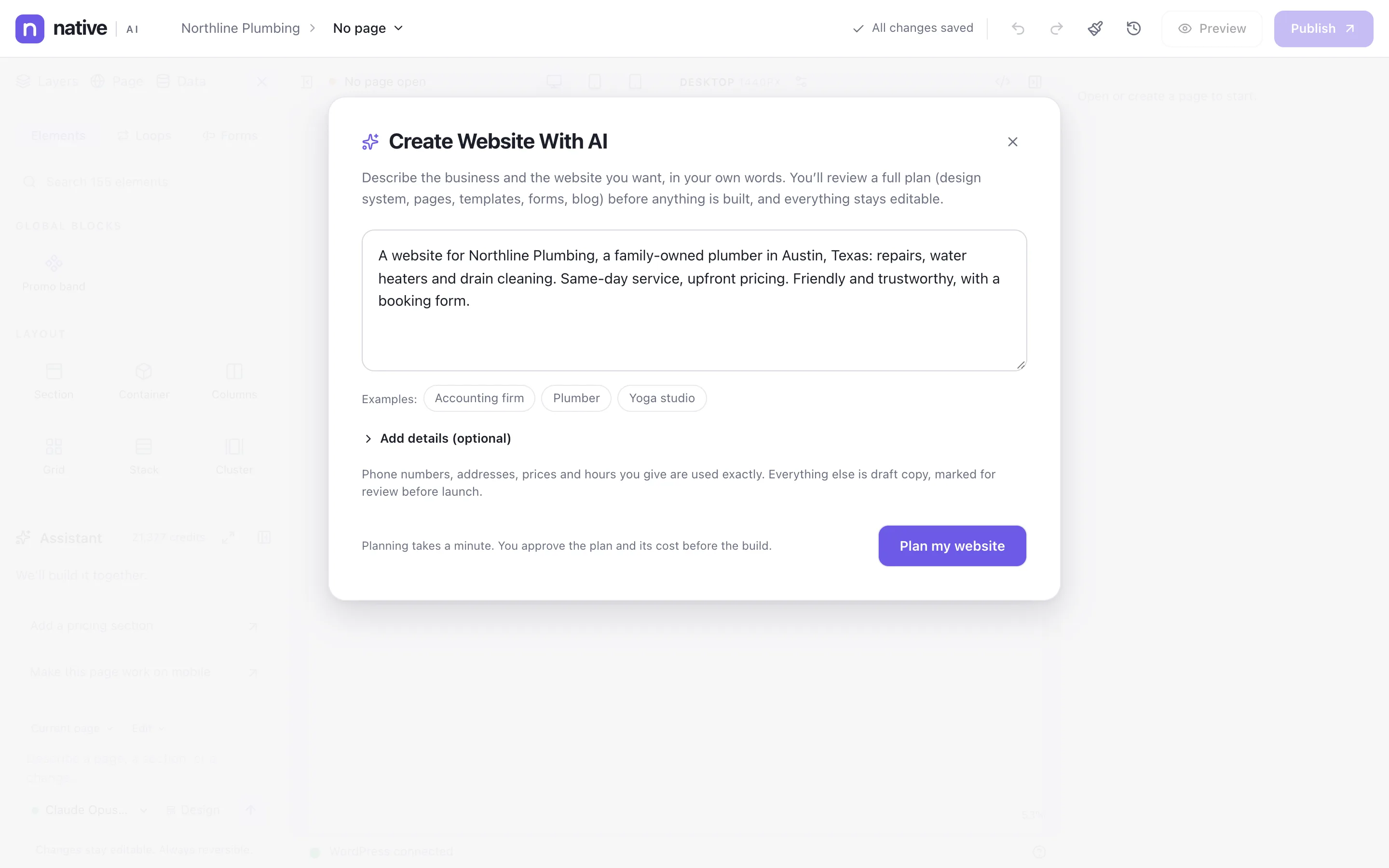
Start a whole site from Native WP AI → Site (describe the business; review the plan; approve), or open any page with Edit with Native WP AI and build by hand or with the assistant. Publish when it’s ready.
One plugin. One agent. Your whole site.
Start free: a license for one website and AI credits to build with, no card needed. Describe your business and watch Native WP AI design your home page.