FeaturesBuildFilters
Filters for listings and shops, built in
Put filters beside any Query Loop and visitors narrow it themselves — checkboxes, dropdowns and buttons for categories, tags, product attributes and custom fields, a search box, price and number ranges, dates, star ratings and a sort menu. Every choice shows how many results it gives, the results update without the page reloading, and the filtered page has its own address to share. No separate filter plugin, no index to rebuild.
- 13 kinds of filter, from checkboxes to price sliders
- Live counts and no page reloads
- A slide-in filters drawer on tablets and phones
We’ll email you about early access — nothing else without asking. Privacy
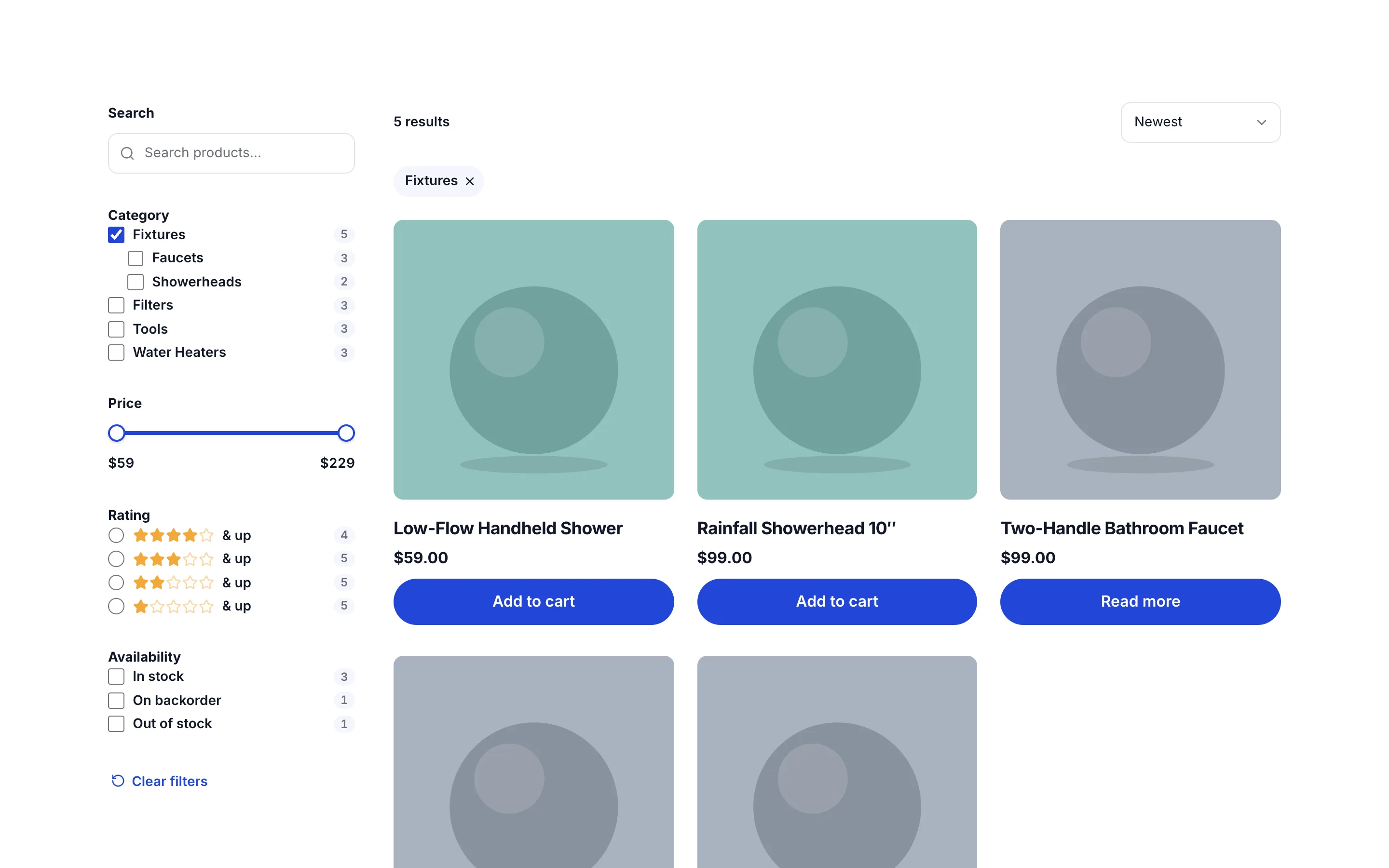
A filterable shop or blog in one click
Add → Loops → Shop with Filters or Filterable Blog adds a whole section: a sidebar of filters, a result count and sort menu above the results, the filters a visitor chose as chips they can remove, and the loop with a message for when nothing matches. Or add single filters from Elements → Dynamic data.
Or ask the AI for it — “make the shop filterable by category, price and rating” — and it lays out the same native elements beside the loop, in the page’s own style.
- Shop with Filters and Filterable Blog layouts
- Single filters from the Elements panel
- The AI builds with the same Filter elements
Filter by anything the loop shows
Categories, tags and any custom taxonomy; WooCommerce product categories and attributes such as Color and Size; any custom field or ACF field, compared as text, numbers or dates; the author, post type, publish date or keywords; and in a shop, the price, rating, stock status and whether it’s on sale.
Each filter shows the loop’s real choices and counts, worked out for what’s already chosen, so a choice never leads to an empty page. Several choices can match any or all of them, empty ones can hide, and long lists can show more on request.
- Taxonomies, custom fields, ACF fields, post data
- WooCommerce price, rating, stock, on sale and attributes
- Counts that match what the loop would show
Shareable, and made for phones
Choices are kept in the page’s address — /shop/?_category=faucets&_price=50,200 — so a filtered page can be bookmarked, shared and reloaded, and the Back button works. Pagination and Load more keep the choices.
In a Filters Drawer, the filters stay a sidebar on wide screens and become a Filters button on tablets and phones, showing how many are active; it slides the filters in, with a button that shows the results.
- Shareable filtered URLs
- Back button and pagination keep the choices
- Filters drawer from the breakpoint you choose
FiltersEverything included
Everything in filters
Kinds of filter
- Checkboxes, radio buttons, dropdowns, buttons
- Search box, range slider, min and max, date range
- Star ratings and a sort menu
- Active filters, reset button, result count
What they filter by
- Categories, tags and custom taxonomies
- Custom fields and ACF fields: text, numbers, dates
- Author, post type, publish date, keywords
- WooCommerce: price, rating, stock, on sale, product attributes
For visitors
- Live counts on every choice
- Results without page reloads
- Shareable addresses and a working Back button
- A slide-in drawer on tablets and phones
In the builder
- Shop with Filters and Filterable Blog layouts
- Real choices and counts on the canvas
- Every part styled in the Design tab
- Several filtered loops on one page
Questions about filters
Do I need a filter plugin as well?
No. Filters are elements in the builder, like headings and loops, so they follow your design system and there’s nothing else to install or keep in step.
Does it work with WooCommerce?
Yes. Filter products by category, attributes such as Color and Size, price, rating, stock status and whether they’re on sale, beside a Query Loop of products.
Can filters narrow data from an API?
Not yet. Filters narrow loops over WordPress posts, pages, products and custom post types, not loops over external data.
FiltersKnowledge base
How to use it
Step-by-step articles, settings and answers in the knowledge base.
Works well with
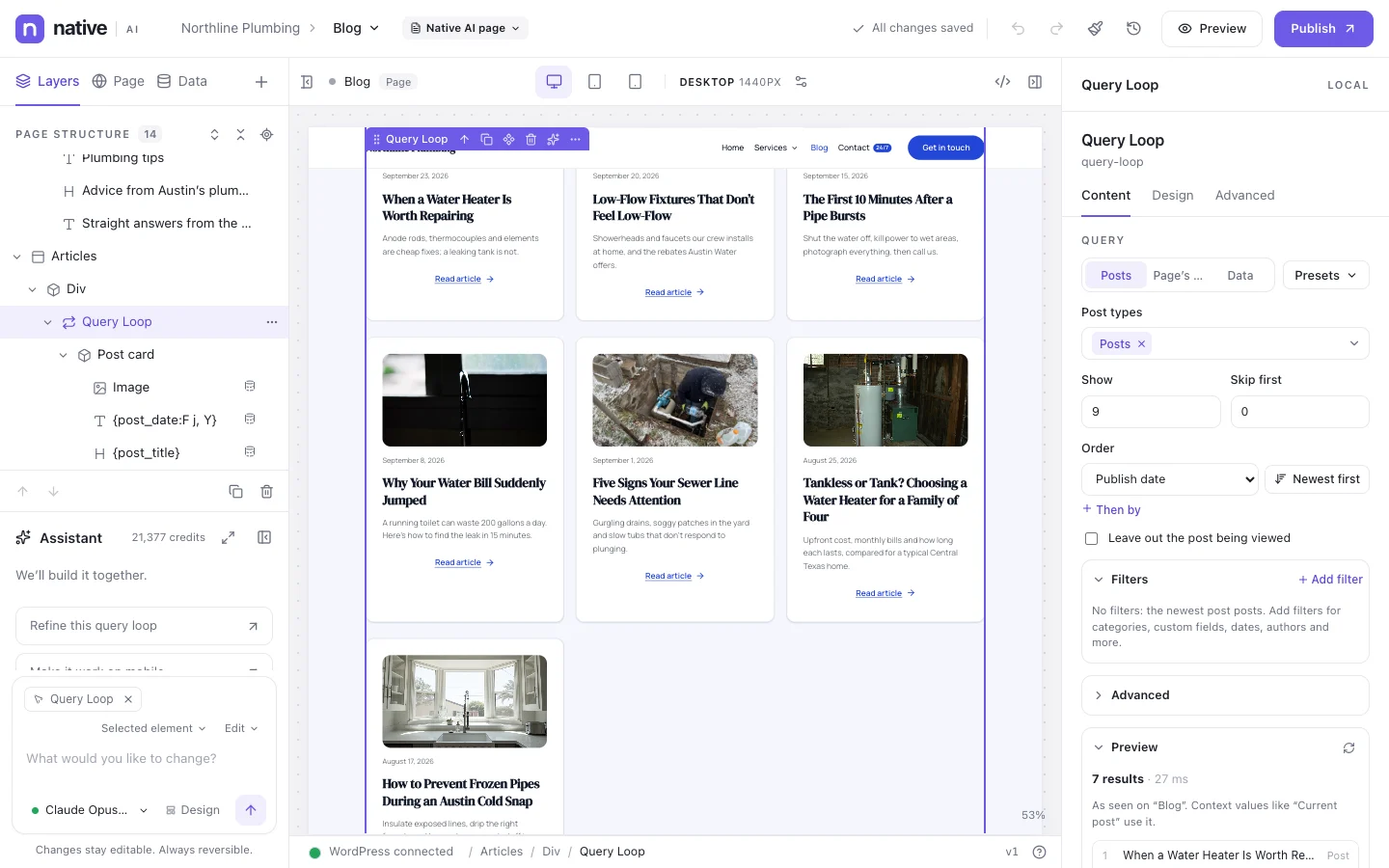
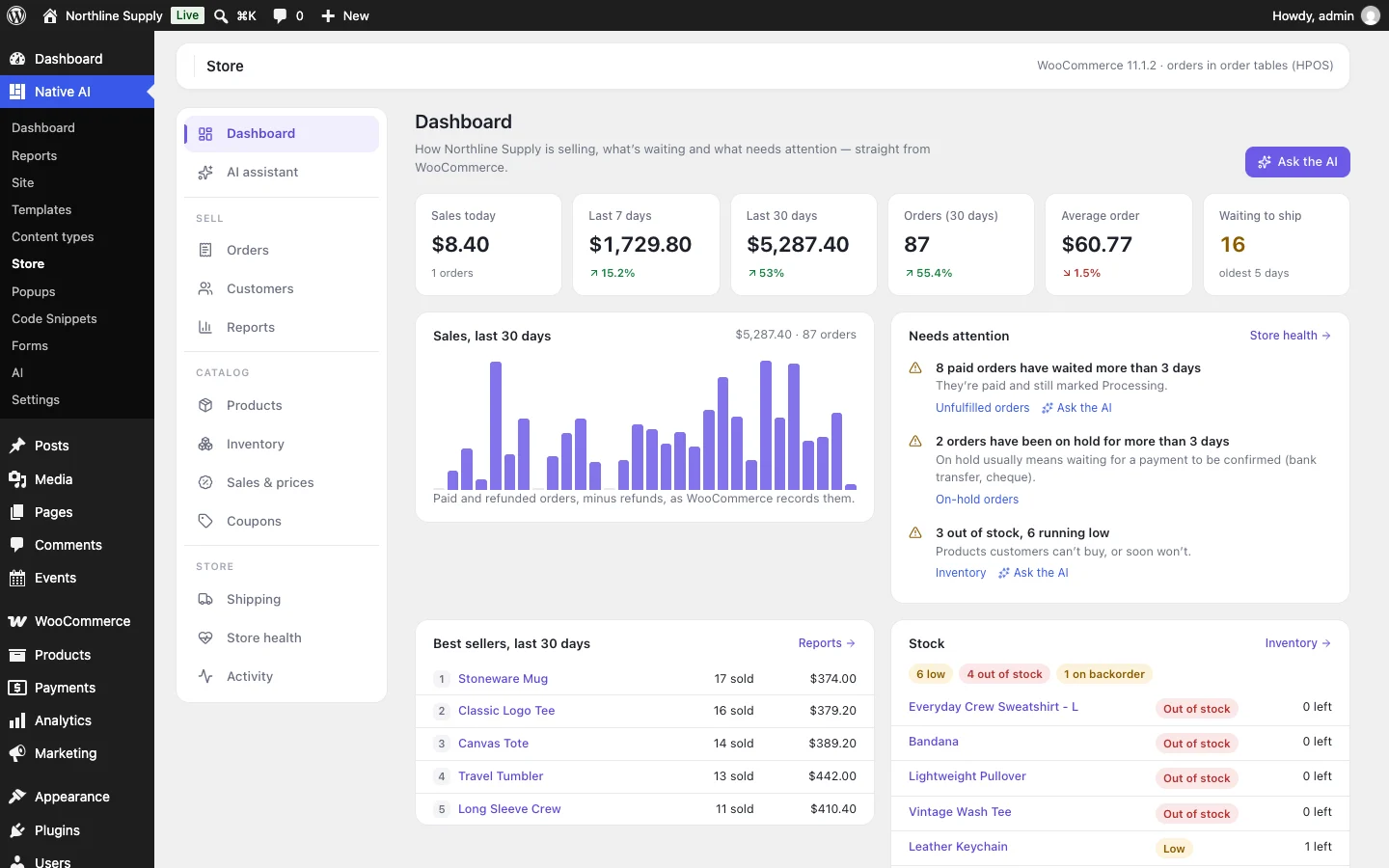
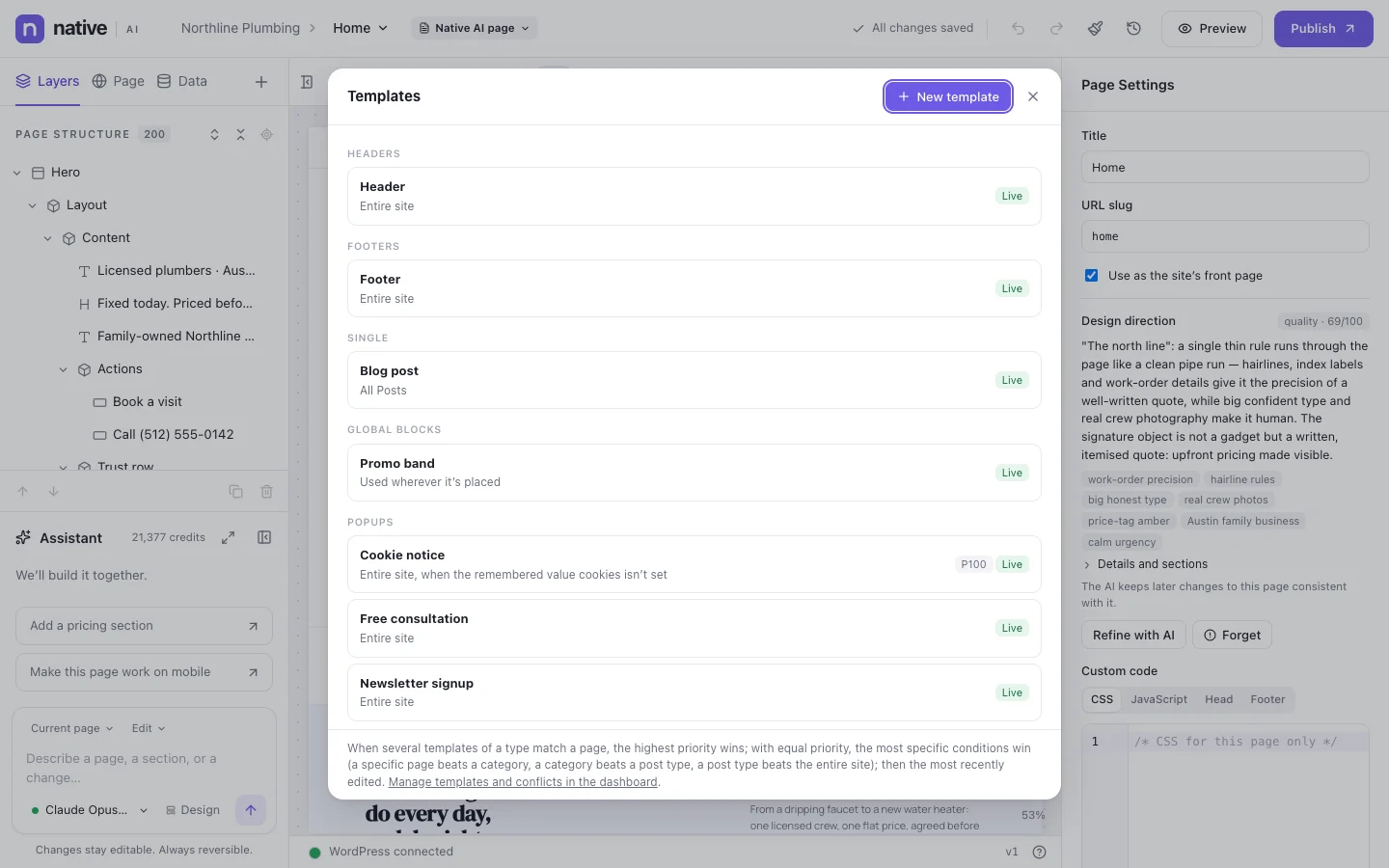
Describe it. Native AI builds it.
Native AI is in early access. Leave your email and we’ll set you up with a license — or tell us more about your sites first.
We’ll email you about early access — nothing else without asking. Privacy