Blog
Your WordPress Site Has 23 Plugins. What If It Only Needed One?
Plugin fatigue is real. See how Native WP AI rolls site building, security, LMS, and CRM into one AI agent for WordPress, so you manage less and build more.
On this page
Go ahead and open your Plugins page. We'll wait.
Count them up. A page builder. A security plugin. A firewall that's kind of a second security plugin. A forms plugin. A course plugin. A CRM connector. Something for backups, something for SEO, something for caching, and that one plugin you installed in 2021 to fix a single button and have been too scared to deactivate ever since.
If your number lands somewhere around 23 (and plenty of sites land well past it), you're not doing anything wrong. That's just how WordPress grew up. Every problem got its own plugin, and every plugin got its own settings page, update schedule, and support forum.
But here's a question worth asking: what if most of that stack could be one thing?
Why plugin stacks get so big#
WordPress is amazing because it does almost nothing on its own and lets you add almost anything. That's the superpower. It's also the trap.
Here's how a typical site ends up with a pile of plugins:
You launch with a theme and a page builder.
You get nervous about hackers, so you add security.
A client wants a course, so you add an LMS.
Then they want to track leads, so you add a CRM or a connector to one.
Each of those wants add-ons, and each add-on wants its own license.
None of these decisions is bad on its own. Stacked together, though, you've built a little ecosystem that you now have to babysit.
The hidden cost of "just one more plugin"#
Plugin bloat isn't only about page speed (though that matters too). The real cost shows up in your week:
1. Update roulette#
Every plugin updates on its own schedule. When something breaks after an update, you get to play detective: which of the 23 did it?
2. Settings sprawl#
Your security settings live in one place. Your course settings live in another. Your contacts live somewhere else again. Nothing talks to anything without glue.
3. Licenses and renewals#
Premium plugins usually mean yearly renewals. Add them up and it's often more than people expect. (Want a real number? Open your own billing history. That's the only honest figure for your site.)
4. More moving parts, more risk#
Each plugin is more code running on your site. More code means more surface area to keep patched and watched.
5. Learning curve times 23#
Every tool has its own interface and its own way of doing things. If you hand a site to a client or a new team member, they have to learn all of it.
A different idea: one agent instead of a stack#
This is the thinking behind Native WP AI.
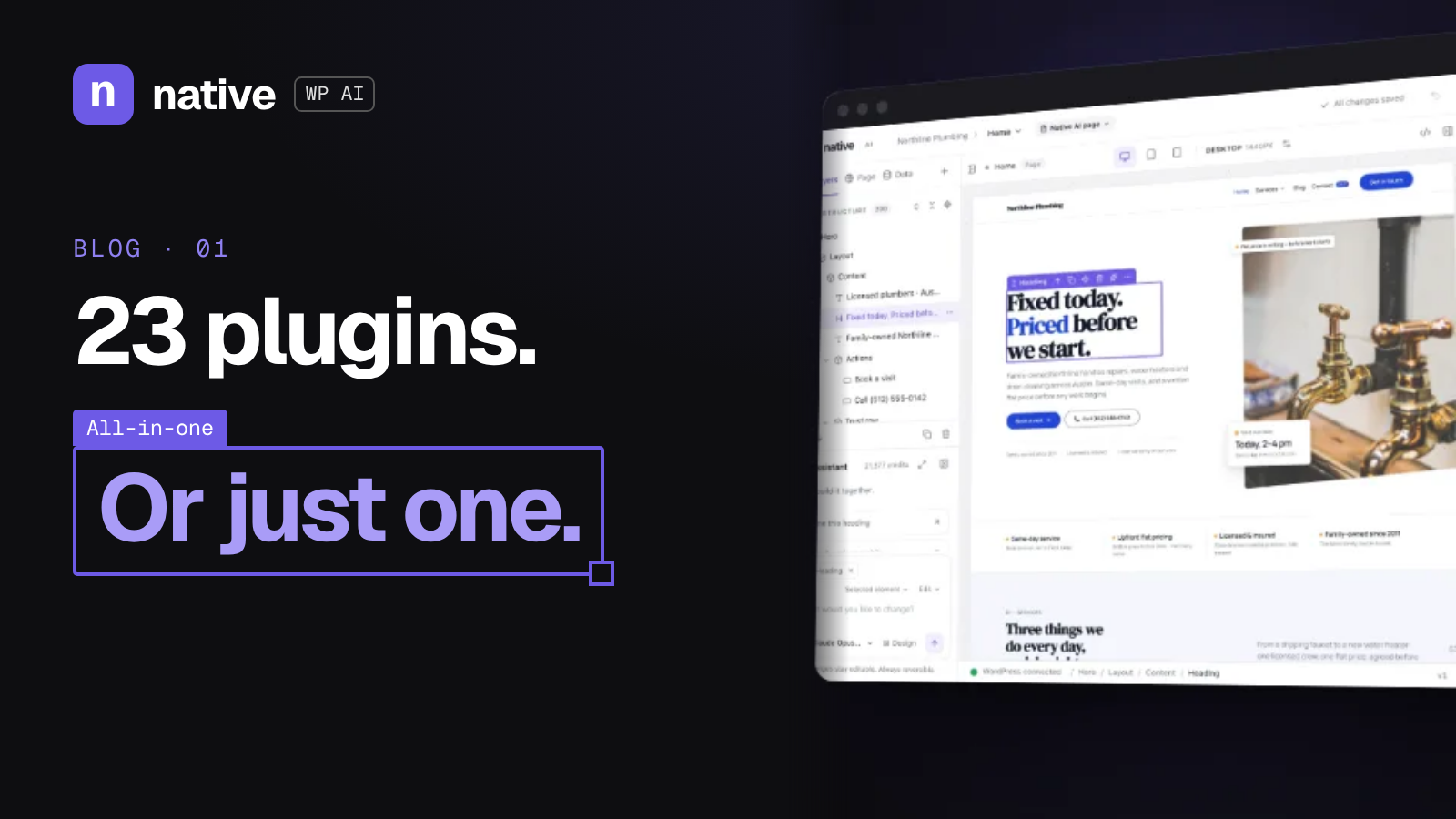
Instead of bolting on a separate tool for every job, Native WP AI is an AI agent for WordPress that brings the big jobs together in one place:
Site building: describe what you want and let the agent do the heavy lifting.
Security: keep watch over your site without a separate security plugin setup.
LMS: create and run online courses.
CRM: keep track of your contacts and leads.
And more, all under one roof.
The magic isn't just "fewer plugins." It's that one agent understands the whole site. Your builder, your security, your courses, and your contacts aren't strangers bolted together with integrations. They live in the same place.
What "one" actually looks like day to day#
Let's make it real. Picture a normal Tuesday.
The old way: You log in, see eight update notices, update them one at a time, check the front end, open your security plugin's dashboard, jump into your course plugin to add a lesson, then switch to your CRM tab to see who signed up.
The Native WP AI way: You log in and tell the agent what you need. Build a new landing page. Add a lesson. Check on security. See who signed up. One place, one conversation, one way of working.
That's the shift: from managing tools to getting stuff done.
"But I like my plugins"#
Totally fair. Some plugins are fantastic, and nobody's saying you have to rip everything out tomorrow.
Here's a gentle way to think about it:
List your plugins by job. Building, security, courses, contacts, other.
Circle the ones that overlap with what Native WP AI covers.
Start with one job. Maybe you try building your next page with the agent, or setting up your next course there.
Keep what you love for jobs Native WP AI doesn't cover.
You're not chasing "zero plugins" as a trophy. You're chasing a simpler site you actually enjoy running.
Who gets the most out of this?#
WordPress creators who want to spend time creating, not configuring.
Agencies juggling a bunch of client sites, each with its own plugin soup.
Business owners who just want a site that works, with courses and contacts built in, without hiring a developer for every change.
If you've ever said "I just want this to work," this is for you.
Quick checklist: is your stack too big?#
Answer yes or no:
[ ] I have more than one plugin doing a similar job.
[ ] I've delayed an update because I was scared it would break something.
[ ] I don't remember what at least one of my plugins does.
[ ] My course, contacts, and website live in different places.
[ ] I pay for multiple plugin renewals every year.
Two or more yeses? Your stack is probably working harder than it needs to.
The bottom line#
Twenty-three plugins isn't a badge of honor. It's a to-do list.
WordPress doesn't have to feel like a patchwork. With Native WP AI, the builder, security, LMS, and CRM come together in one AI agent, so you can spend less time managing your site and more time growing what's on it.
Ready to trim the stack? Start your 14-day free trial at nativewp.io (500 AI credits, no card needed) and see what your site looks like with one agent instead of a pile of plugins.
Was this post useful?
Comments
No comments yet. Start the conversation.