FeaturesGrowTranslator
Your whole website in other languages, translated by AI
Add a language and your site is there, at its own address — /es/, /fr/ — translated by the AI: every page, menu, button, form, product and SEO tag, whatever made it. Change any translation in a list or right on the page, keep your brand words in a glossary, and give visitors a language switcher and a banner that offers them their language, in your design.
- Every page at its own address per language
- Translated by AI as pages are seen, or all at once
- Edit in a list or click any text on the page
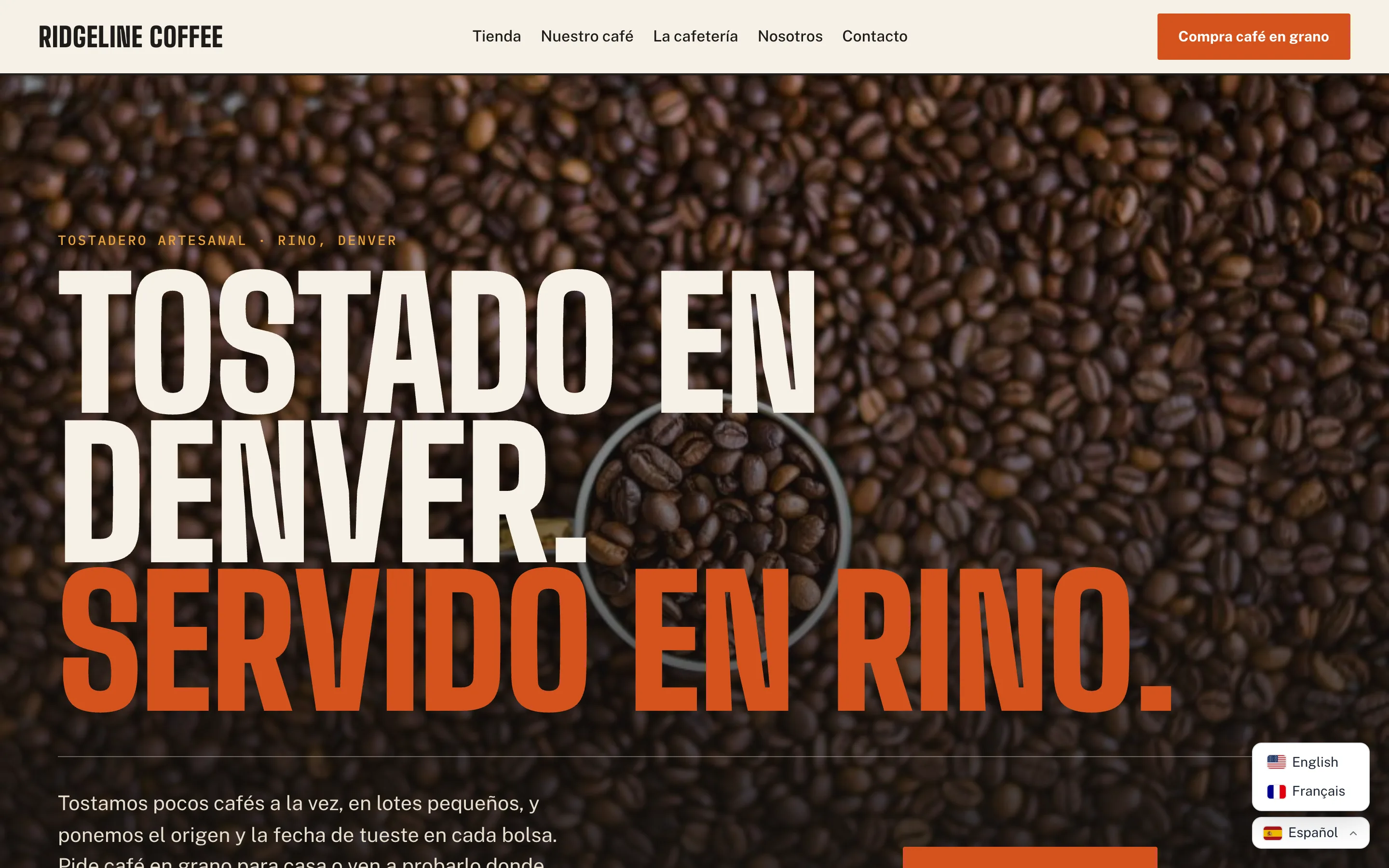
Everything on the page, in every language
Native WP AI translates the page WordPress sends — your Native WP AI pages, the theme, WooCommerce, other plugins — so nothing is left in the wrong language: headings and paragraphs, menus, buttons, forms and their messages, image descriptions, page titles and meta descriptions. Each language has its own address (yoursite.com/es/), links stay in that language, and search engines get hreflang links and a sitemap for each one.
Sentences are translated whole, with their links and bold words in the right place, by the AI model you use for writing. New text is translated in the background as visitors see it — and before the page opens for you — or translate the whole site at once and see the credits first.
- /es/, /fr/, /pt-br/ — over 60 languages
- Pages, theme, WooCommerce and plugins
- hreflang, lang and translated SEO tags
Your words, where you want them
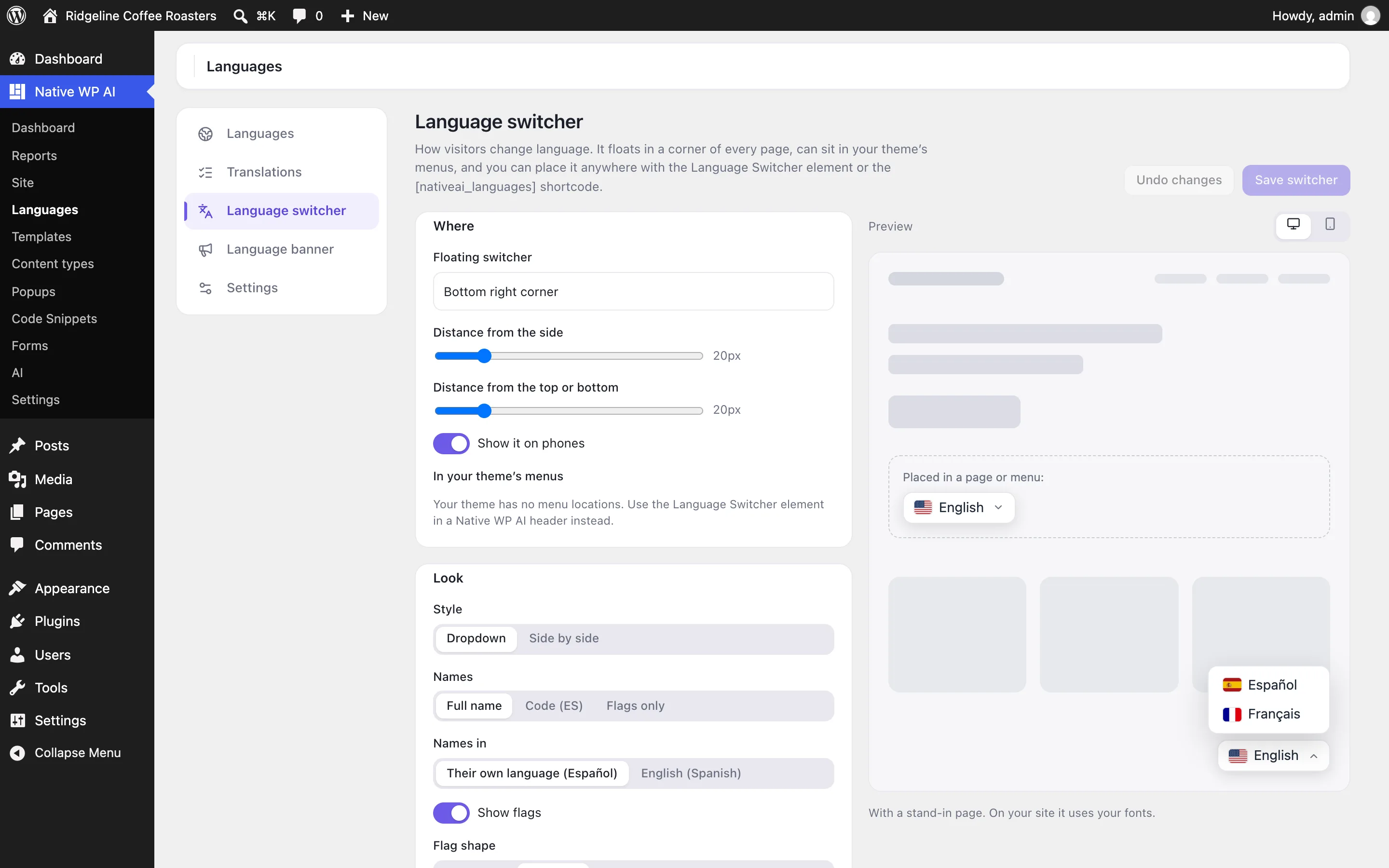
The translation editor lists every piece of text next to its translation, by language, page or status. Change a translation and it’s yours: the AI never replaces it. Or open a page in its language and click any text to change it right there.
Keep your brand and product names in a glossary — never translated, or always translated one way — choose a formal or informal tone per language, leave pages or parts of pages in your own language, and export or import translations as CSV.
- Edit in a list or on the page
- Glossary and formal or informal tone
- Private languages until you’ve reviewed them
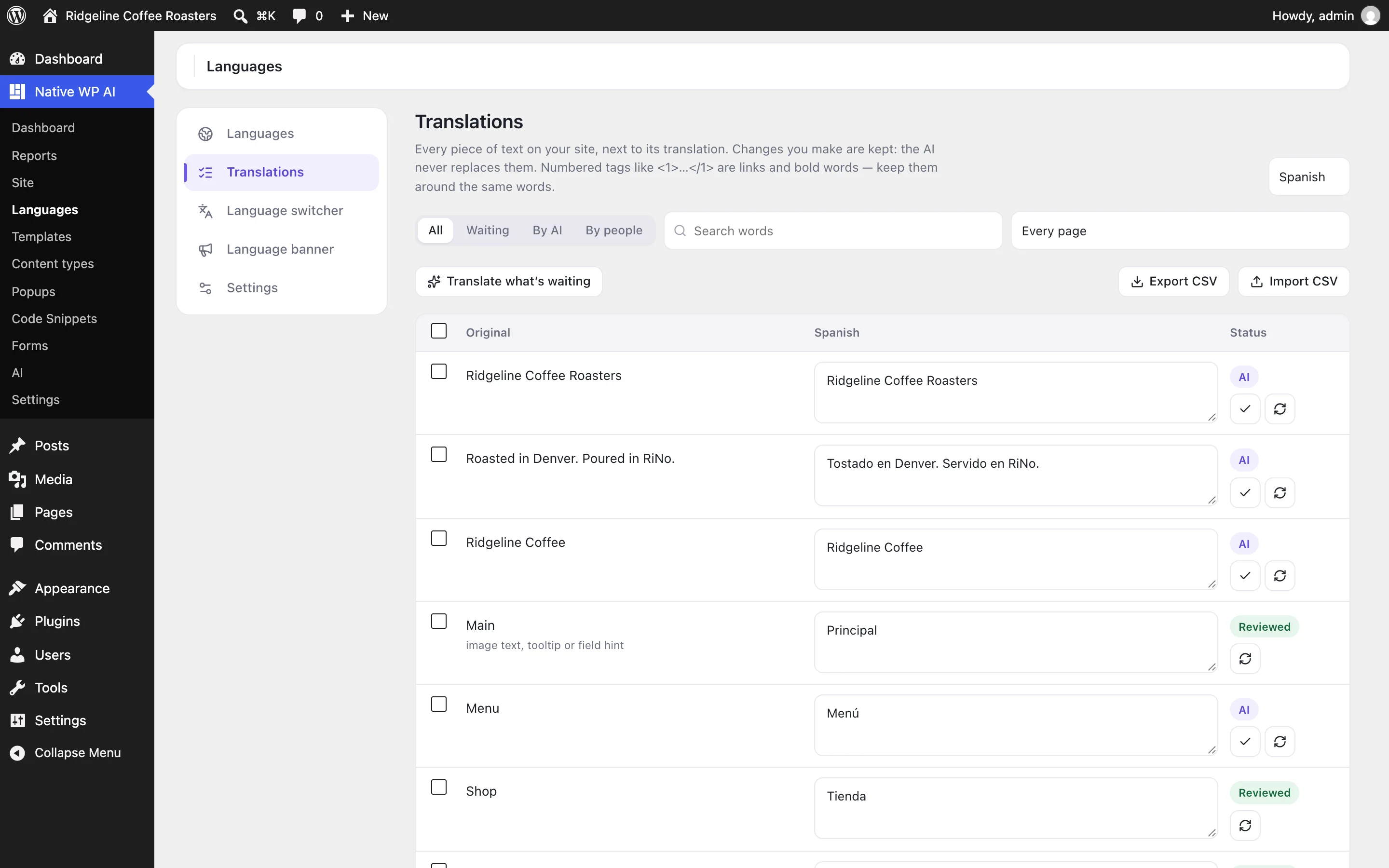
A language switcher in your design
Visitors change language from a switcher that floats in a corner, sits in your menus, or goes anywhere with the Language Switcher element. Make it a dropdown or a row, with flags (rectangle, rounded, square or round) and names in their own language, in English or as codes, in your colors — with a live preview.
When a visitor’s browser prefers one of your other languages, a banner offers it to them in that language — or they’re taken there on their first visit. Their choice is remembered.
- Dropdown or side by side, flags in four shapes
- In a corner, in menus, or the Language Switcher element
- A banner that offers the visitor’s language
TranslatorEverything included
Everything in translator
Languages
- Over 60 languages, right-to-left ones included
- Each at its own address: /es/, /fr/, /pt-br/
- Public, or private until you’ve reviewed it
- Your site’s own language, and a flag of your choice for each
Translation
- Text, titles, meta descriptions, social text, alt text, placeholders, buttons
- Native WP AI pages, the theme, WooCommerce and other plugins
- New text translated as it’s seen, or the whole site at once
- Glossary, formal or informal tone, excluded pages and selectors
- Don’t translate on any element, and a Page language display condition
Editing
- A list by language, page and status (AI, edited, reviewed, waiting)
- Click any text on the page to change it
- Translate again with AI, mark reviewed
- CSV export and import
Switcher and banner
- Floating in a corner, in theme menus, the Language Switcher element or a shortcode
- Dropdown or side by side, four flag shapes, full names or codes
- Colors, corners, size, shadow and custom CSS, with a live preview
- A banner in the visitor’s language, or a redirect on their first visit
Search engines
- hreflang links for every language and x-default
- The page’s lang and direction
- A sitemap of translated pages per language
- Translated titles, descriptions and social text
AI
- Add languages and translate the whole site, with the credits first
- Find and change translations
- Change the switcher and the banner
- Report how much is translated
Questions about translator
Do I still need Weglot, WPML or Polylang?
Not for translating the site: switch on the Translator in Settings → Features, add your languages, and every page is translated at its own address. There’s no monthly word limit: translating uses your AI credits, once — a translation is kept until the text changes.
Is the translation good?
It’s made by the same AI models that write for you, a sentence at a time, with your site’s name, your glossary and the tone you choose for each language. Review it in the editor or on the page; whatever you change is never replaced.
What happens when I change a page?
Changed or new text is found the next time the page is seen and translated in the background; until then it shows in your site’s language. You see it translated before anyone else does.
Does it work with page caching?
Yes. Each language has its own addresses, so caches keep a copy per language, and the banner runs in the browser.
TranslatorKnowledge base
How to use it
Step-by-step articles, settings and answers in the knowledge base.
- Translate your site into other languagesThe Translator puts your whole site in other languages at their own addresses (/es/, /fr/), translated by the AI — every page, menu, form, product and SEO tag — with a switcher for visitors.
- Edit translationsChange any translation in the list of every string, or by clicking the text on the page; keep words in a glossary, choose the tone, and export or import translations.
- Design the language switcher and bannerThe switcher floats in a corner, sits in your menus or goes anywhere with the Language Switcher element; the banner offers visitors the language their browser prefers.
Works well with
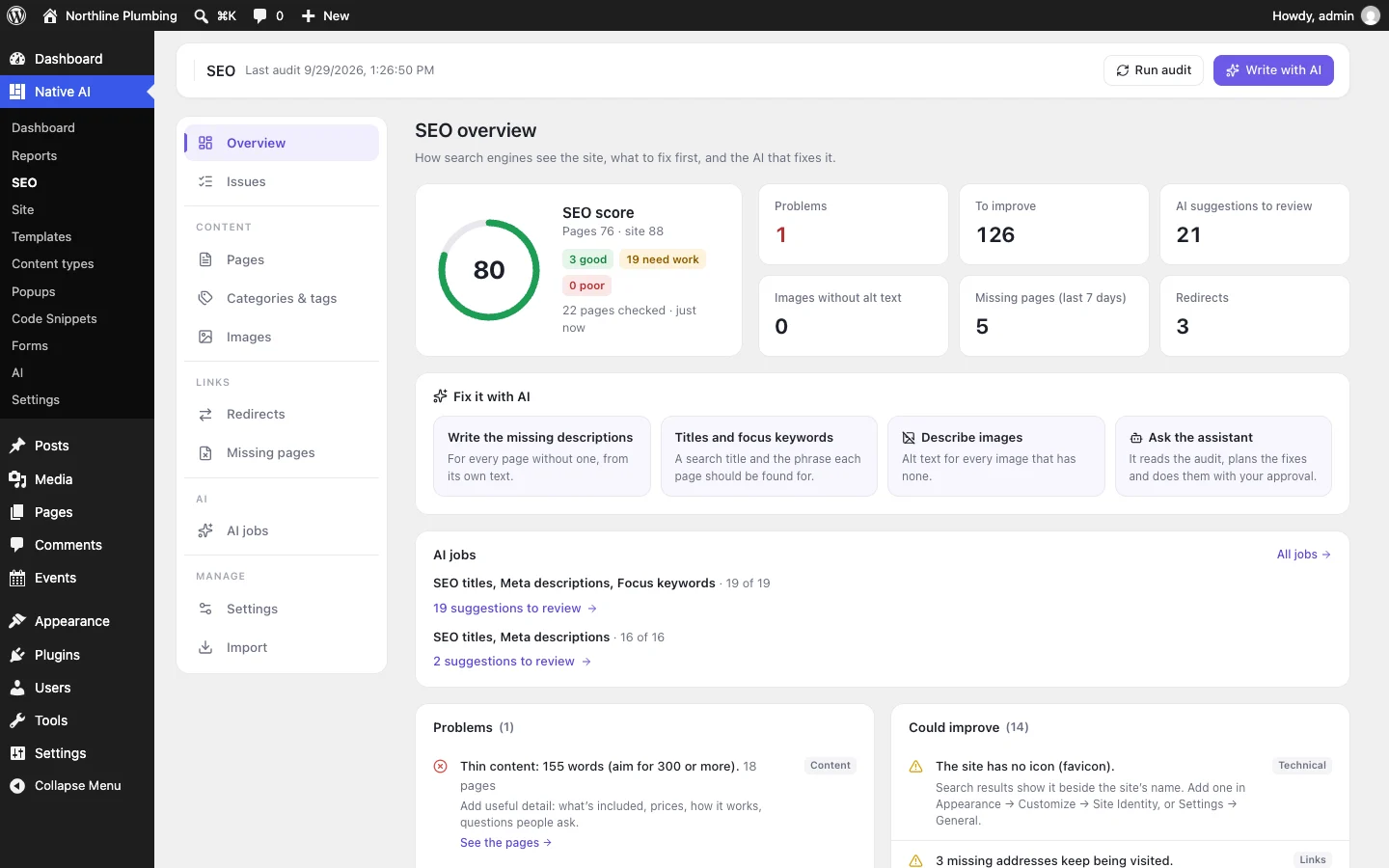
One plugin. One agent. Your whole site.
Start free: a license for one website and AI credits to build with, no card needed. Describe your business and watch Native WP AI design your home page.