NewThe agent now reads your files and links, and can search the web.Files, links and web search in the agent.See how

Native WP AIHow-to videos

How-to videos

Short walkthroughs of every part of Native WP AI on a real site, in the order you’d learn it — 29 videos in 5 series, each with the knowledge base articles that go with it. New ones are added as they’re published; until then, the articles cover the same ground.

Getting started

Install it, find your way around the builder, and build your first website with AI.

Coming soon~4 min
01

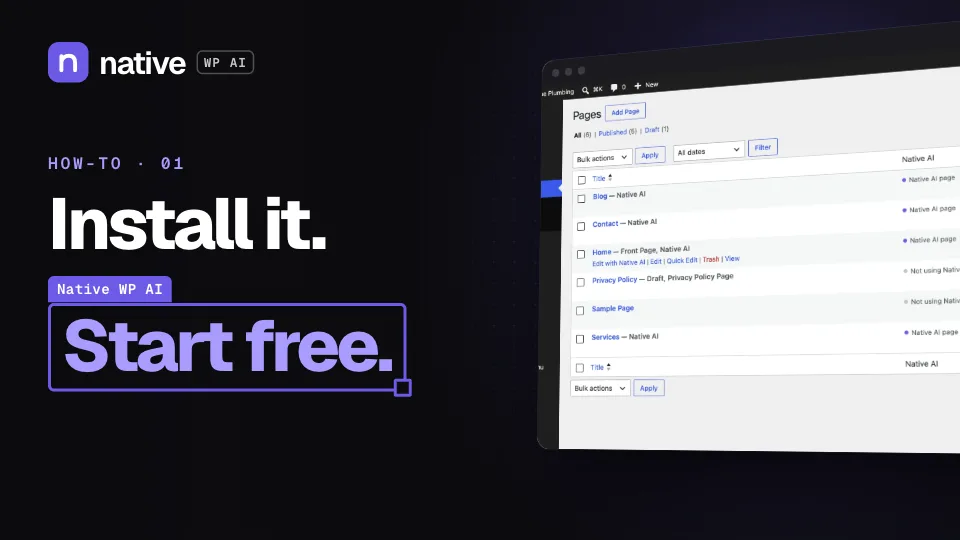
How to install Native WP AI and start your free trial

From downloading the plugin to opening your first page in the builder.

  1. Download the plugin and upload it in WordPress
  2. Activate your license — the 14-day trial needs no card
  3. Open any page with “Edit with Native WP AI”
Coming soon~6 min

02

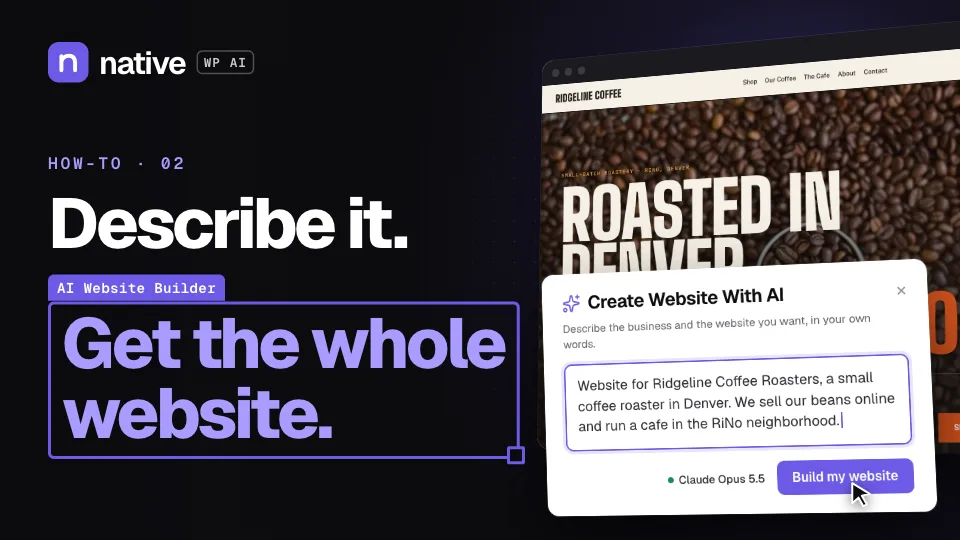
How to build a whole website from a description

Describe the business in a few sentences and the AI designs and builds every page with native elements you can edit.

  1. Describe the business in Create Website With AI
  2. Let Improve prompt turn it into a full brief
  3. Watch it build the pages, header, footer and forms
  4. Review the drafts and publish
Coming soon~8 min

03

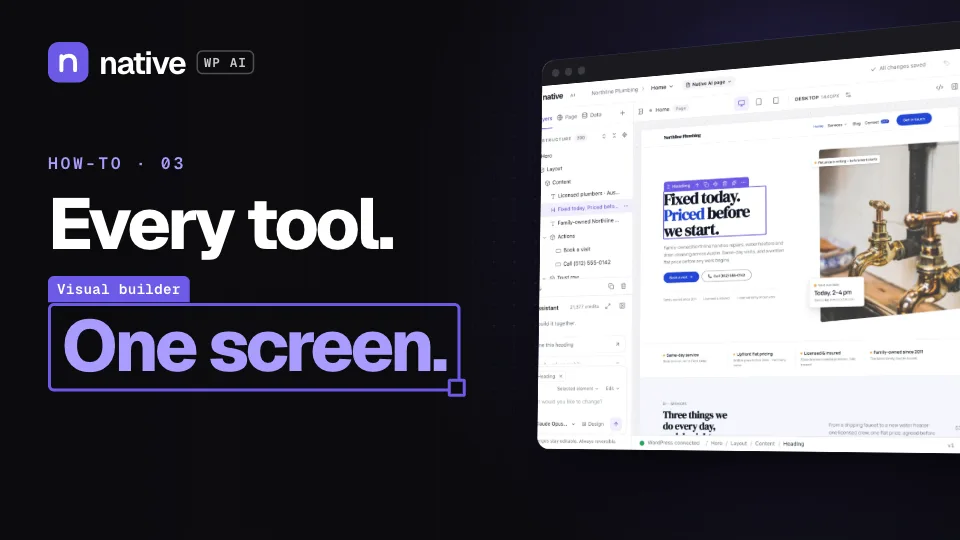
A tour of the builder

The canvas, the layer tree and the settings panel — everything you use to build a page by hand.

  1. Add elements and arrange them in the layer tree
  2. Style them per breakpoint and state
  3. Undo, history, versions and publishing
Coming soon~5 min

04

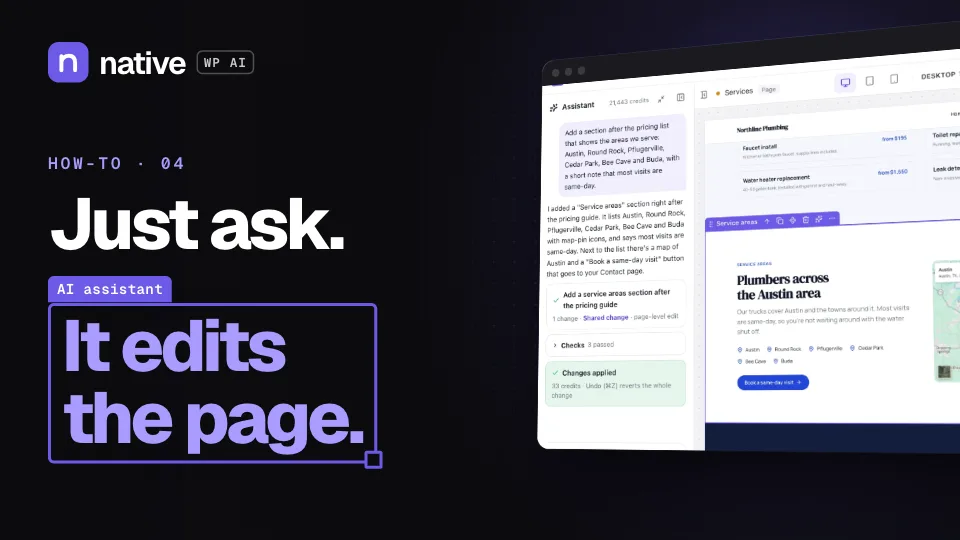
How to edit any page with the AI assistant

Point at an element, a section or the page and ask for the change in plain words.

  1. Choose what the AI works on
  2. Ask the way you’d ask a designer
  3. See what changed — one undo reverts it all

Design and build

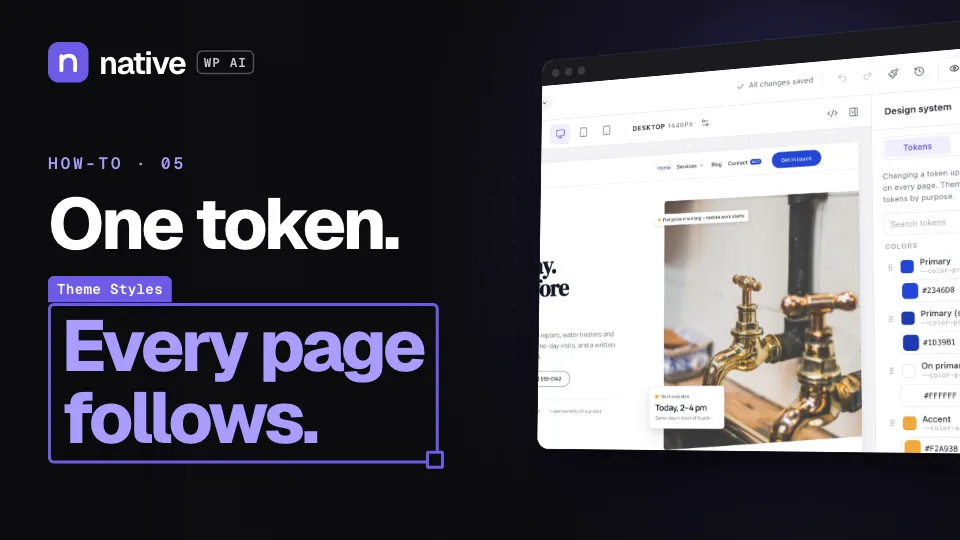
A design system every page follows, templates, menus, data, filters, motion and popups.

Coming soon~6 min

06

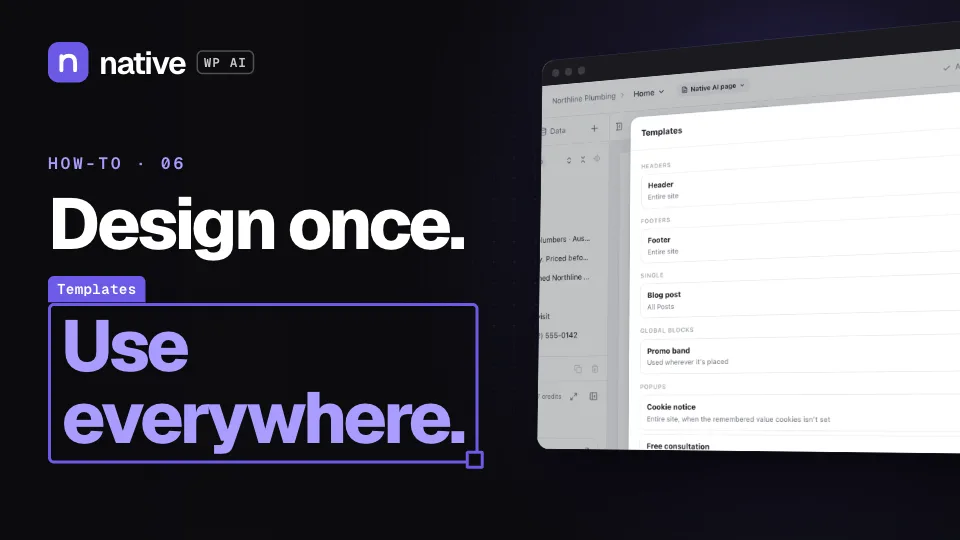
How to build headers, footers and templates

A header for the whole site, templates for posts and archives, and blocks you design once.

  1. Build a sticky or overlay header with the Header Builder
  2. Choose where a template applies with display conditions
  3. Reuse a section everywhere as a Global Block
Coming soon~8 min

08

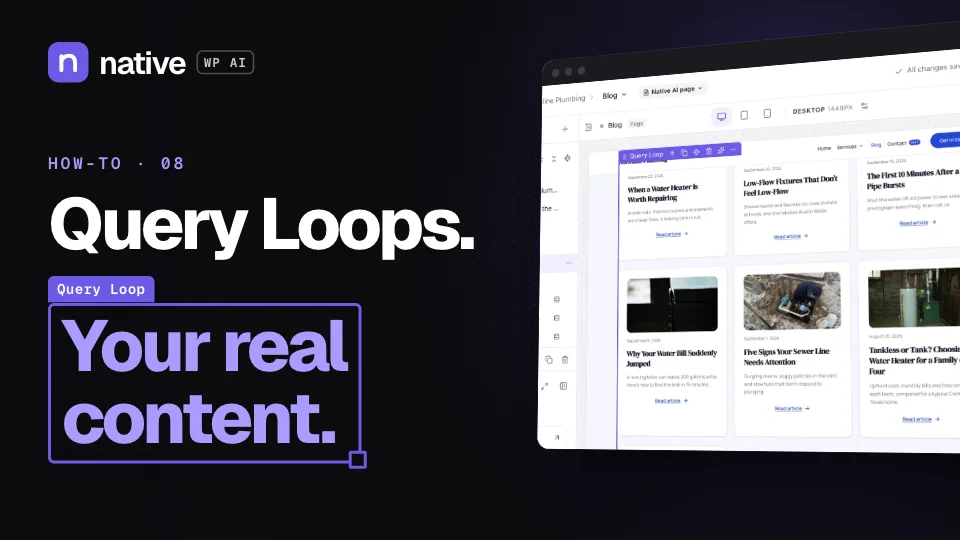
How to show posts and custom fields with Query Loops

Pages built from your real content: posts, custom post types, ACF fields and repeaters.

  1. Put dynamic data in any text, link or image
  2. Loop over posts, custom post types or repeaters
  3. Sort, filter and paginate
Coming soon~5 min

09

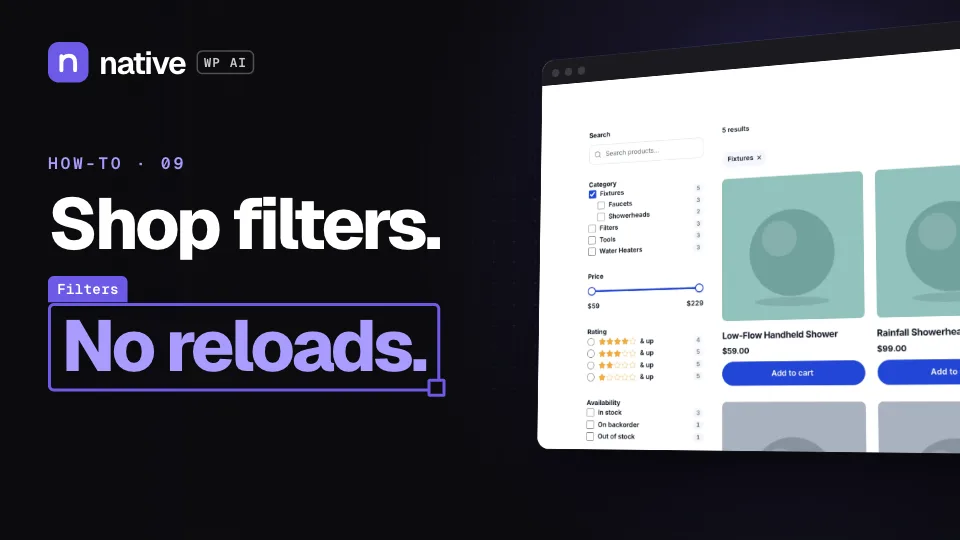
How to add filters to a shop or blog

Checkboxes, price sliders, ratings and a sort menu that narrow a listing without reloading the page.

  1. Add Filter elements beside a Query Loop
  2. Filter by categories, attributes, price or custom fields
  3. Live counts, and a filters drawer on phones
Coming soon~6 min

10

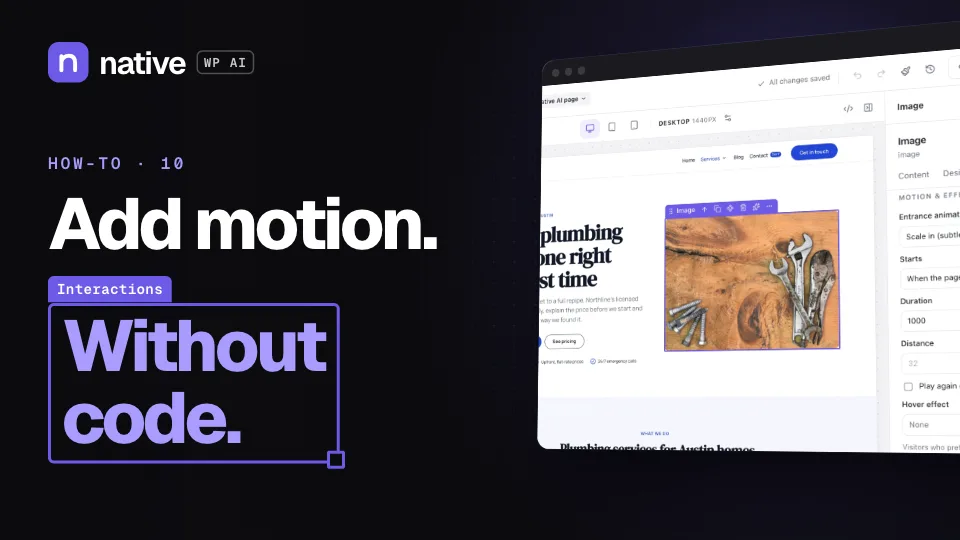
How to add motion and interactions without code

Entrance animations, hover effects and “when this happens, do that” — set up in the builder.

  1. Add an entrance animation or a ready preset
  2. Build an interaction from a trigger and actions
  3. Respect visitors who prefer reduced motion
Coming soon~5 min

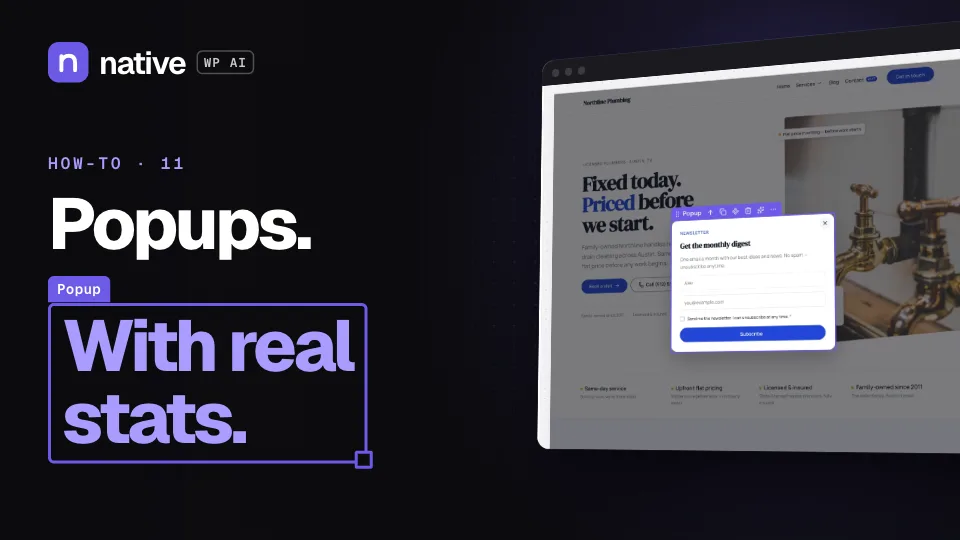
11

How to create a popup that converts

The right popup at the right moment, and not too often — with its views and conversion rate.

  1. Pick a type: modal, slide-in, bar, full screen and more
  2. Choose triggers like exit intent, and where and how often it shows
  3. Read its views and conversion rate

Grow

Forms, SEO, a blog written with AI, other languages, analytics and reports.

Coming soon~6 min

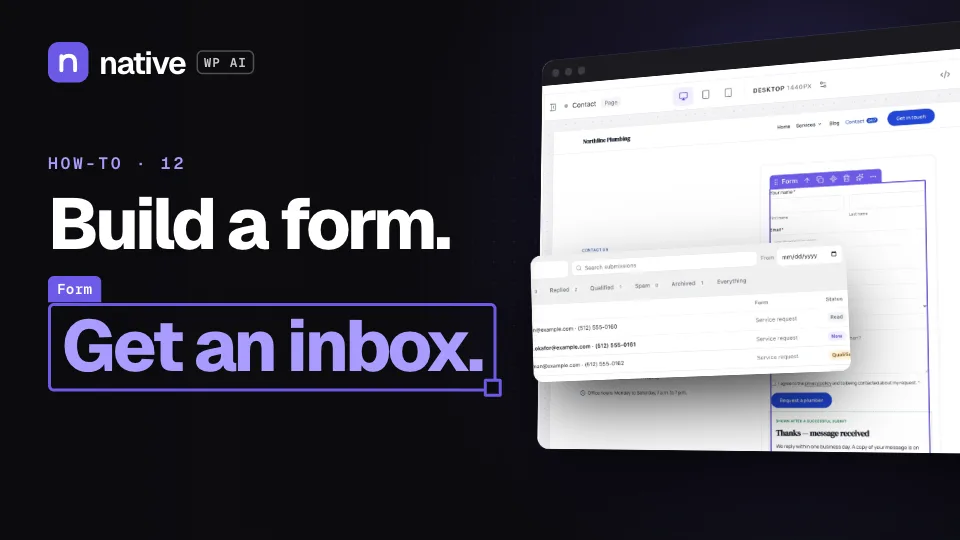
12

How to build a form and get submissions in WordPress

A form designed like the rest of the page, with an inbox in WordPress and the tools you already use.

  1. Add fields, steps and logic
  2. Choose what happens after someone submits
  3. Read submissions and connect an integration
Coming soon~6 min

13

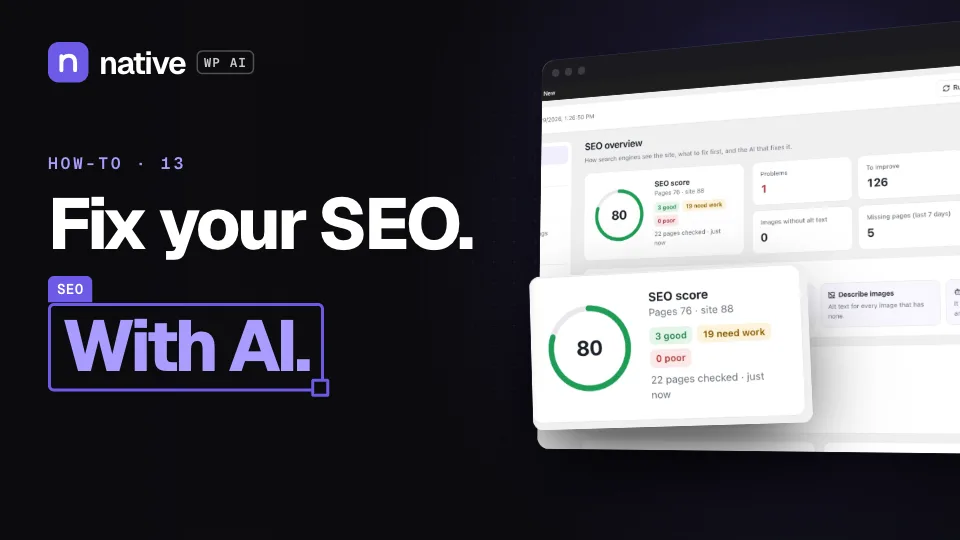
How to audit and fix your SEO with AI

A score for the site, what to fix first, and the AI writing what’s missing on every page.

  1. Run the audit and read the score
  2. Have the AI write titles and descriptions in bulk
  3. Add structured data and redirects
Coming soon~4 min
16

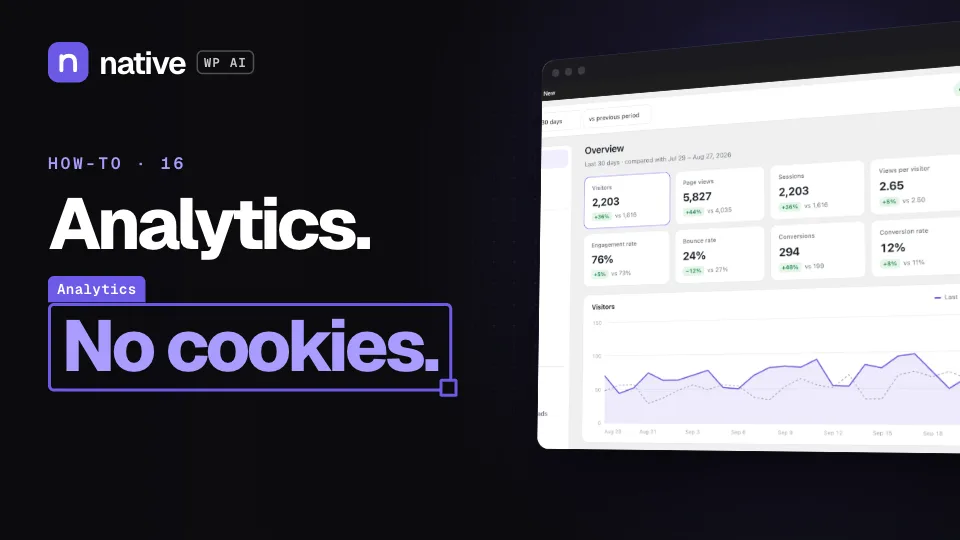
How to track visitors and goals without cookies

First-party analytics in WordPress: where visitors come from, what they read and what they do.

  1. Switch on analytics
  2. Read sources, pages and trends
  3. Set goals from forms, popups and events
Coming soon~4 min
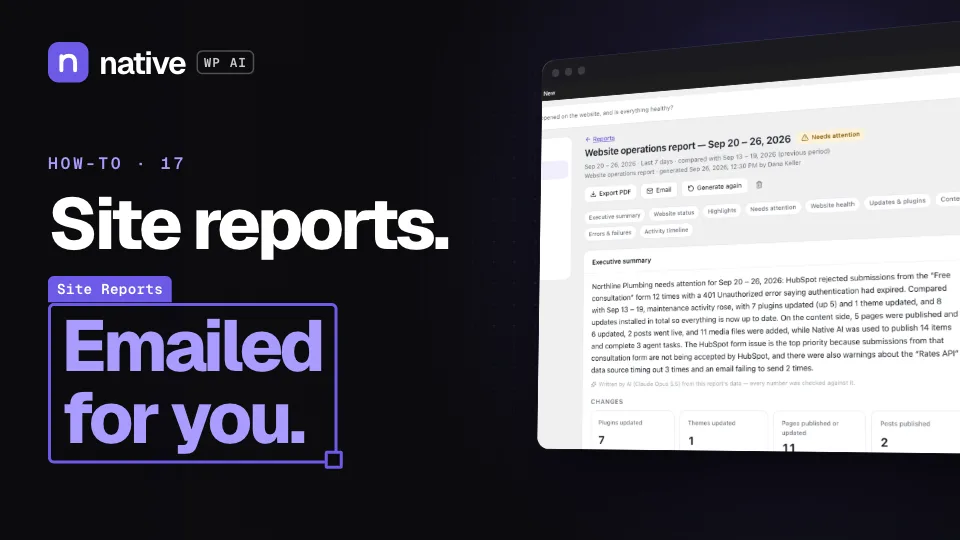
17

How to send PDF site reports automatically

What happened on the site, written up — and emailed on a schedule.

  1. Read the site’s status and health
  2. Make a report with an AI summary
  3. Email it daily, weekly or monthly

Sell and engage

Your WooCommerce store, memberships, courses, the CRM, automations and email.

Coming soon~6 min

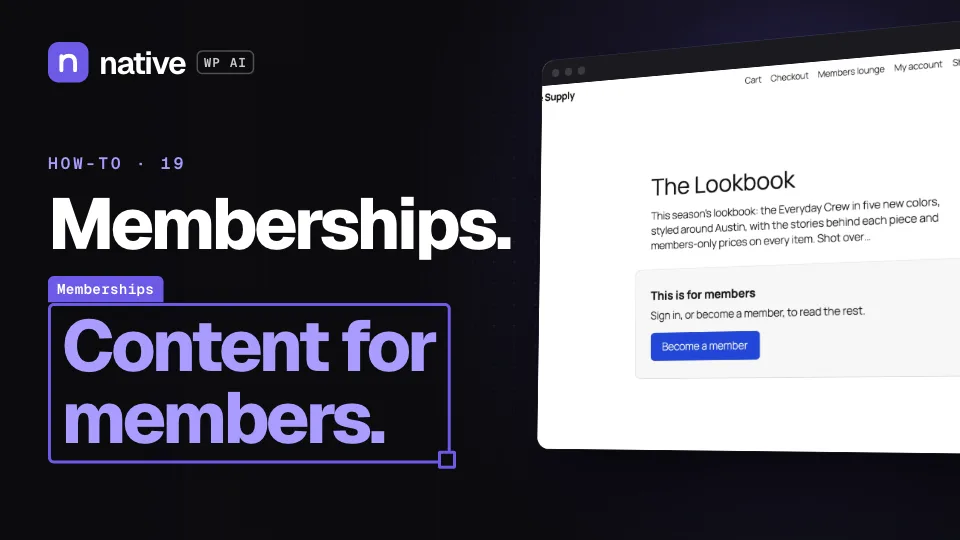
19

How to create memberships and members-only content

Plans people join by buying, signing up or by role — and content kept for them.

  1. Create a plan from a WooCommerce product or a role
  2. Keep pages, categories or sections for members
  3. Open content days after someone joins
Coming soon~8 min

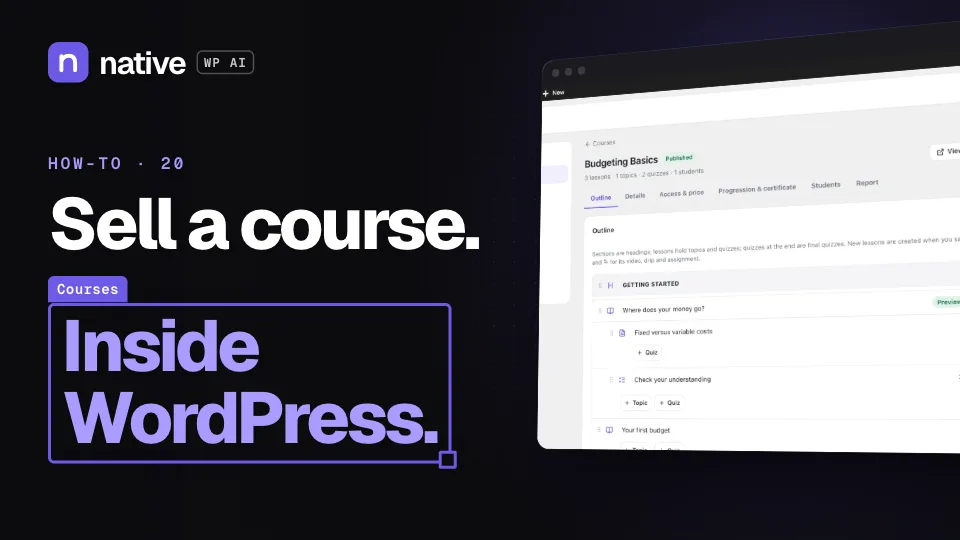
20

How to create and sell an online course

Lessons, quizzes and certificates — sold with WooCommerce, included in a membership or free.

  1. Outline the course: sections, lessons and topics
  2. Add a quiz
  3. Set access and price, and a certificate
Coming soon~7 min

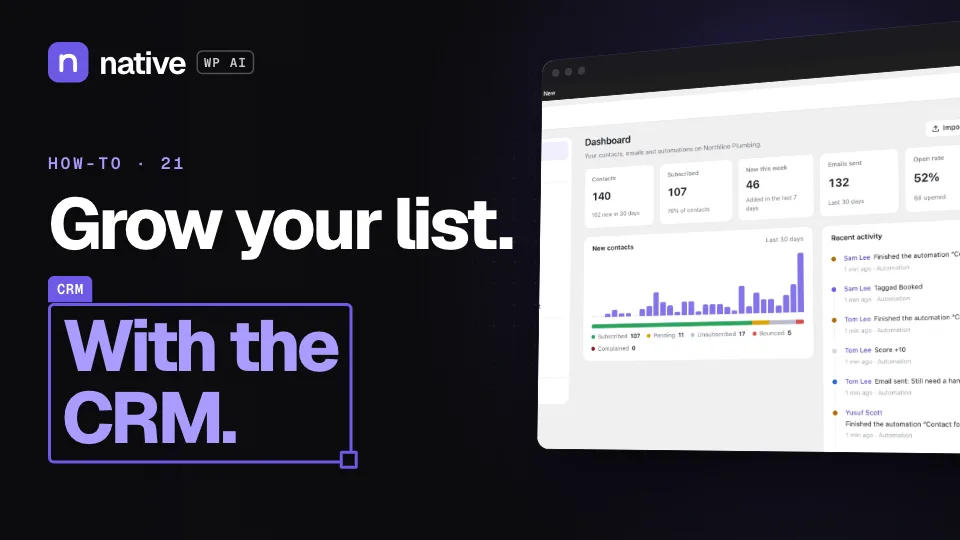
21

How to manage contacts and send campaigns with the CRM

Contacts from your forms and store, segments, automations on a canvas and email campaigns.

  1. Organize contacts with lists, tags and segments
  2. Build an automation from a recipe
  3. Send a campaign and read opens and clicks

Run and protect

The AI agent for site-wide work, security, cookie consent, roles, addresses and code.

Coming soon~4 min

27

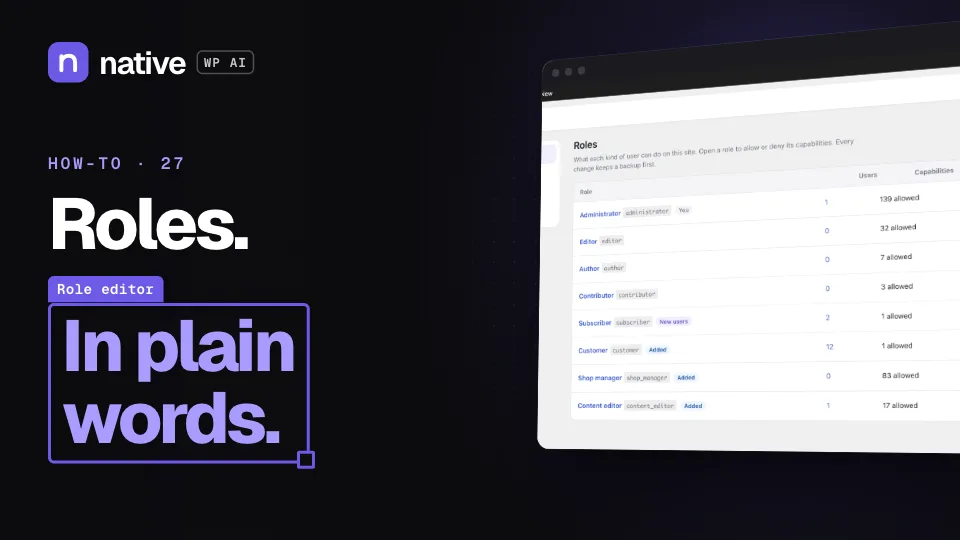
How to edit roles and permissions

Every capability in plain words — allow, deny or leave unset, with a backup first.

  1. Open a role
  2. Allow or deny its capabilities
  3. Restore a backup
Coming soon~4 min

29

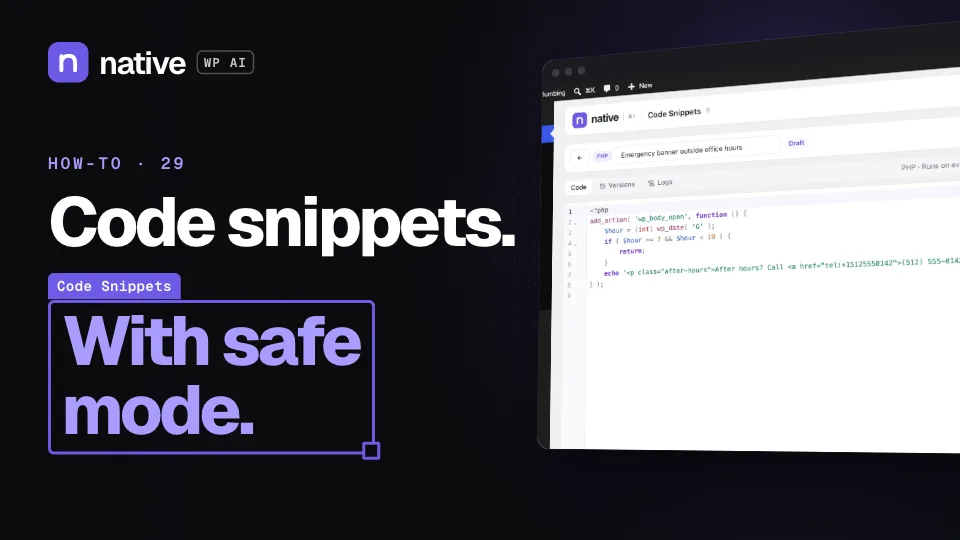
How to add code snippets safely

PHP, JavaScript and CSS snippets that are checked before they run and switch off after a fatal error.

  1. Write a snippet and choose where it runs
  2. Test it before you activate it
  3. Recover with safe mode

Try it on your own site while you watch.

Start free: a license for one website and AI credits to build with, no card needed. Describe your business and watch Native WP AI design your home page.

Questions? Talk to us

Product updates

Stay close to what the agent can do.