FeaturesGrowCourses
Online courses, built into your site
Build a course from sections, lessons, topics and quizzes; sell it with WooCommerce or a membership, or give it away; open lessons step by step or on a schedule; grade quizzes, essays and assignments; give certificates anyone can check; run groups for teams and classes; and see where students stop. Or describe the course and the AI writes the lessons and quizzes for you to review.
- Lessons, topics and quizzes with ten question types
- Sold with WooCommerce, memberships or free
- Certificates, groups, reports — and courses the AI writes
A course builder, not a page builder
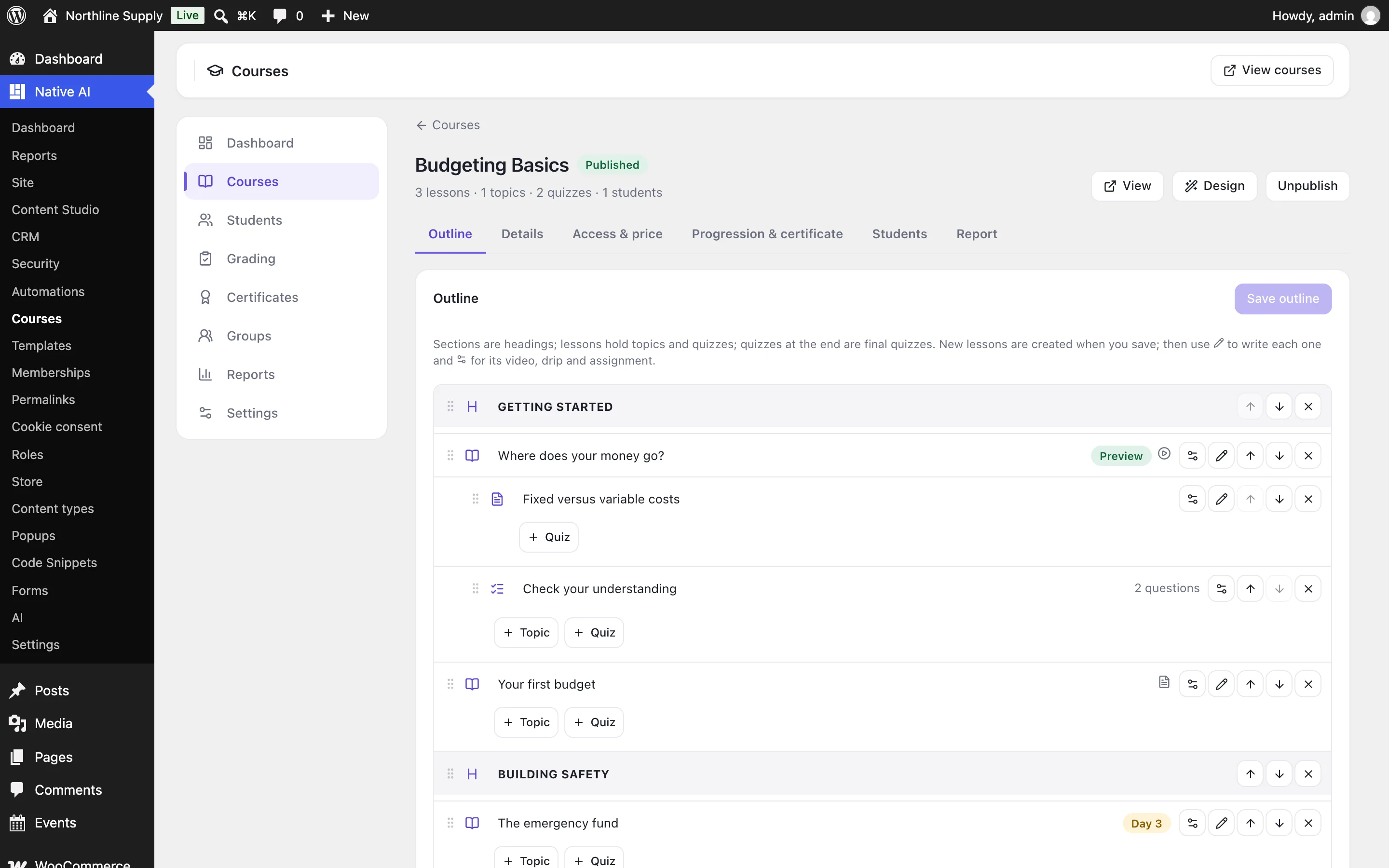
Lay out sections, lessons, topics and quizzes in the order students take them, rename and reorder them, and open any lesson to write it in the WordPress editor or design it in the builder. Each lesson can have a video students must watch to the end, a minimum time, materials to download and an assignment to hand in.
Lessons open step by step (finish one to open the next) or in any order, and can drip: a number of days after a student enrolls, or on a date — with an email when they open.
- Sections, lessons, topics and final quizzes
- Videos that must be watched, timers and assignments
- Step-by-step or free order, and drip by days or date
Quizzes that grade themselves
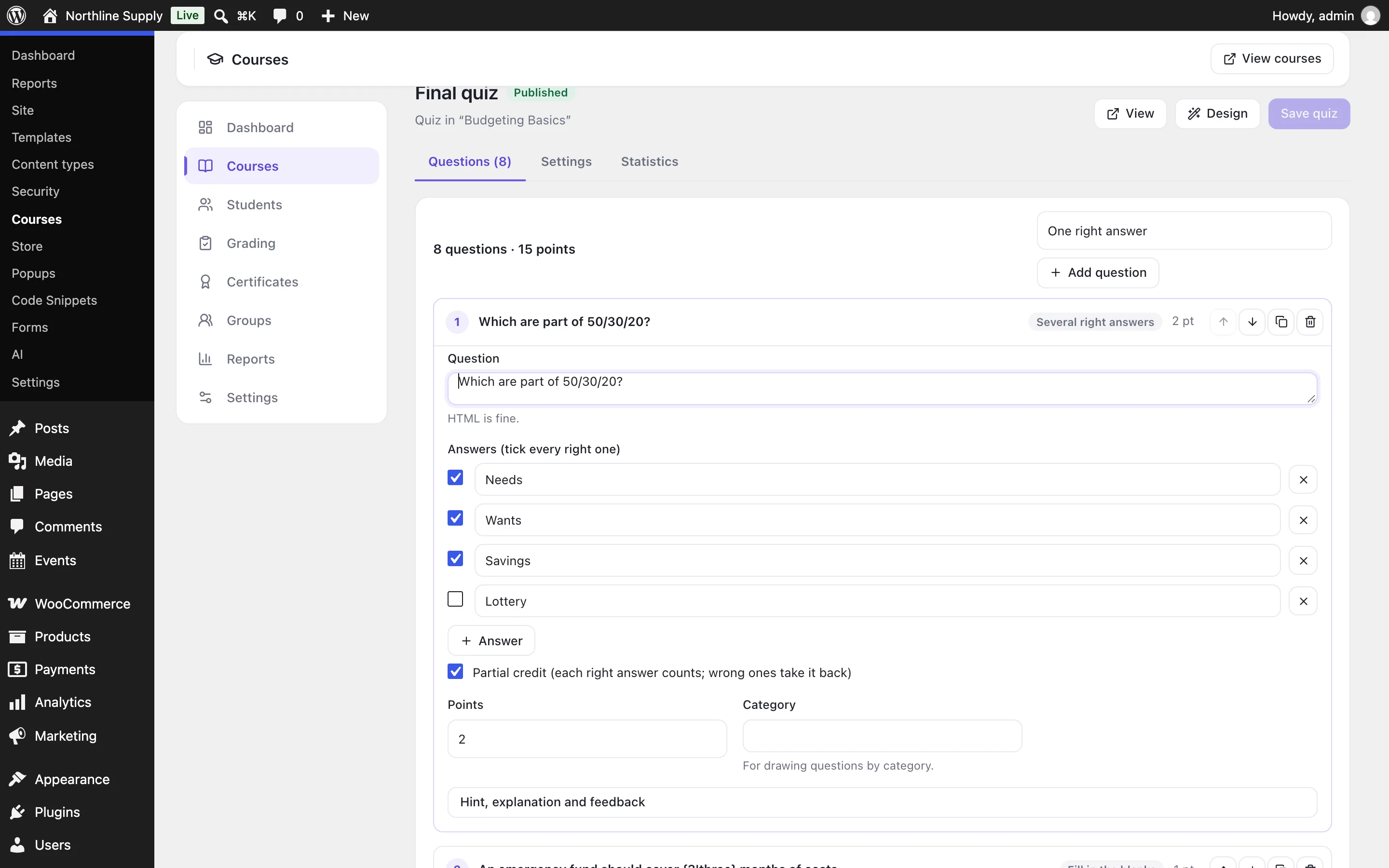
Ten question types: one right answer, several right answers (with partial credit), true or false, a typed answer, fill in the blanks, put in order, match pairs, a number, an essay you grade, and a scale for surveys. Draw questions at random from a pool or by category, shuffle answers, set a time limit, a number of attempts and a wait between them.
Students see their score, the right answers and an explanation for each question; you see every attempt, grade essays with feedback, and read which questions most people get wrong.
- Ten question types, partial credit and question pools
- Time limits, attempts and messages by score
- Essays and assignments graded with feedback
Sell it, give it away, or keep it for members
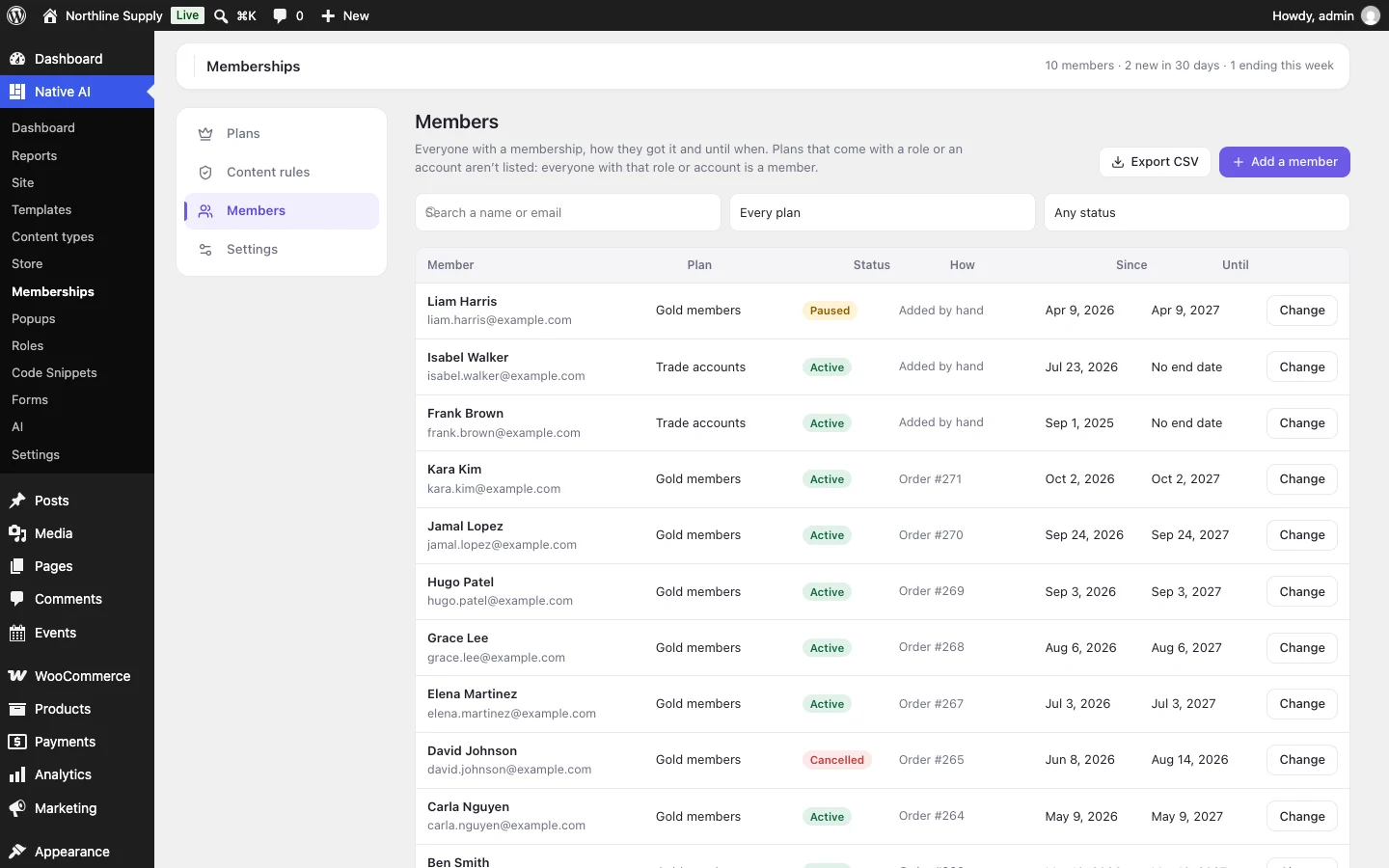
Courses can be free with sign-up, open to everyone, bought with a WooCommerce product (one product can sell several courses as a bundle), kept while a WooCommerce subscription is active, or given to the members of a membership plan. Add prerequisites, course points, a number of seats, start and end dates, and access that ends after a number of days.
Groups enroll a team or a class together: leaders see their members’ progress and grade their work, and people join with a code or by buying a place.
- WooCommerce products, subscriptions and bundles
- Membership plans, prerequisites, points and seats
- Groups with leaders and join codes
Certificates, a dashboard and focus mode
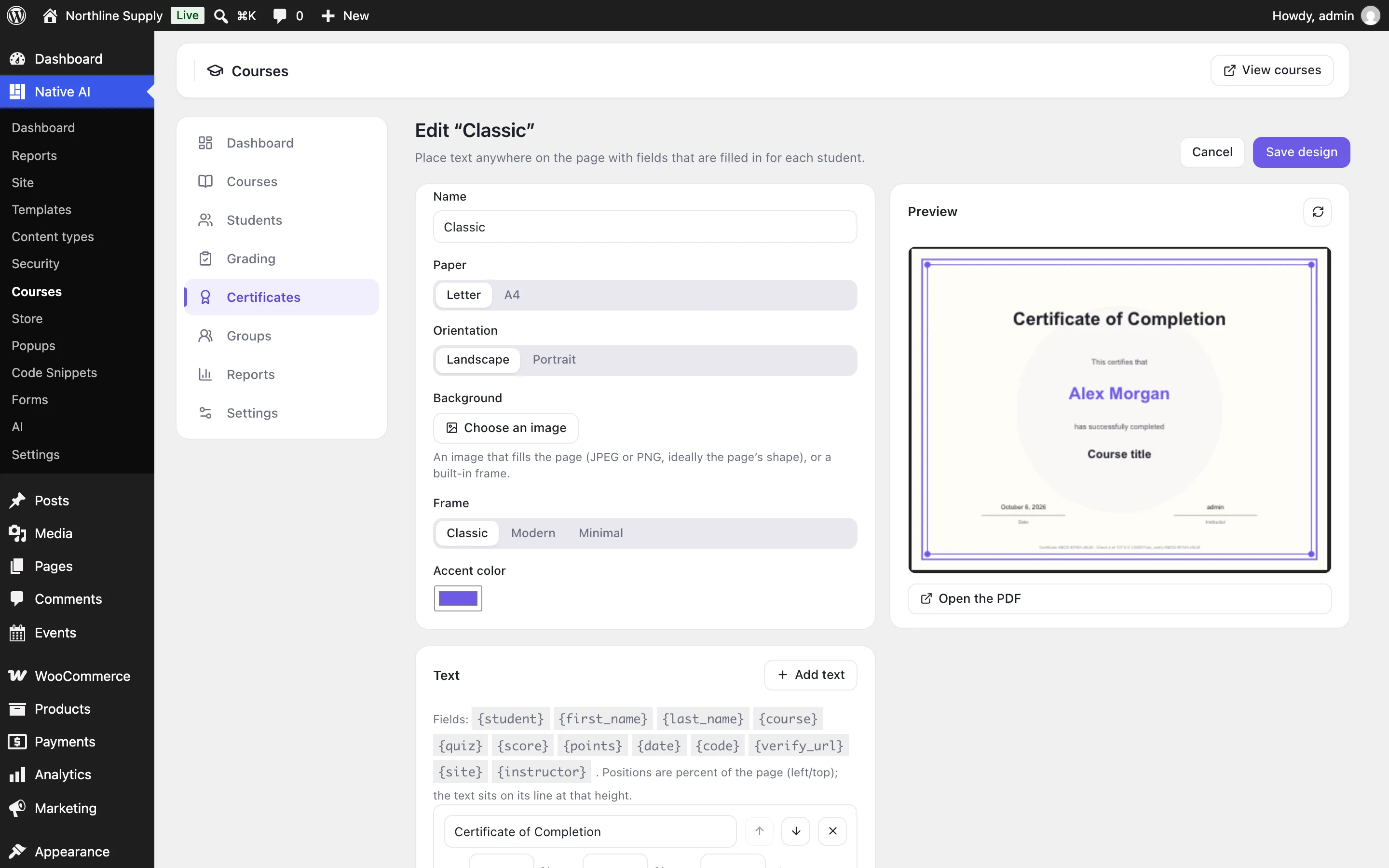
Finishing a course — or passing a quiz with a high score — gives a PDF certificate with a code anyone can check on your site. Design it with a built-in frame or your own background, and place the student’s name, the course, the date and more anywhere on the page.
Lessons open in focus mode, with the course outline and progress beside them. Students have a dashboard with their courses, progress, certificates and points (also in WooCommerce’s My Account), can keep private notes and review the course.
- PDF certificates with a public check page
- Focus mode, notes and reviews
- A student dashboard and My Account tab
Reports, and an AI that teaches
The dashboard shows enrollments, completions, quiz scores and work to grade; each course shows where students stop and a gradebook you can export. Describe a course — what it teaches, for whom, how many lessons, quizzes or not — and the AI writes the outline, every lesson, topics and quizzes as drafts. In the builder’s chat the AI can create and change courses, enroll students, grade work and read the reports.
- Where students stop, and a gradebook
- Courses written by the AI, as drafts
- The AI enrolls, grades and reports — and asks before ending access
CoursesEverything included
Everything in courses
Courses
- Sections, lessons, topics and quizzes; free previews
- Videos to watch, minimum time, materials and assignments
- Step-by-step or free order; drip by days or date
- Categories, tags, outcomes, requirements, level, length, co-teachers, announcements, reviews
Quizzes
- One or several right answers, true/false, typed answer, fill in the blanks, put in order, match pairs, number, essay, scale
- Partial credit, question pools and categories, shuffling
- Time limits, attempts, waits, messages by score, hints and explanations
- Statistics for every question
Access
- Free, open, bought (WooCommerce, subscriptions, bundles) or closed
- Membership plans, prerequisites, points, seats, start and end dates, access that ends
- Groups with leaders, seats, join codes and products
- Enroll, pause, end or extend by hand
Also
- PDF certificates with a check page; course points
- Focus mode, student dashboard, notes, reviews, emails
- Reports, gradebook and CSV exports
- Courses elements, dynamic data and conditions in the builder; the AI writes and runs courses
Questions about courses
Do I need LearnDash or another LMS plugin?
No. Courses, quizzes, certificates, groups and reports are built in. Turn on Courses in Native AI → Settings → Features.
How do students pay?
Through WooCommerce, with any payment method it supports — or through a Memberships plan. Free courses need only an account.
Can I design the course pages?
Yes. Course and lesson pages work with any theme, and in the builder you can design course and lesson templates with the Courses elements and the Course dynamic data.
Can the AI write the course?
Yes. Describe it and the AI writes the outline, every lesson and the quizzes, using your AI credits. Everything is saved as drafts for you to read and change before publishing.
CoursesKnowledge base
How to use it
Step-by-step articles, settings and answers in the knowledge base.
- Create and sell coursesCourses is an optional feature for teaching online: build a course from sections, lessons, topics and quizzes, choose who can take it — free, bought with WooCommerce, a membership or closed — open lessons step by step or on a schedule, and publish. The AI can write the whole course.
- Quizzes, assignments and gradingTen question types with partial credit, question pools, time limits and attempts; results with explanations; essays and assignments graded with feedback; and statistics that show which questions people get wrong.
- Students, groups, certificates and reportsEnroll people and see each student’s progress step by step; run groups with leaders and join codes; design PDF certificates anyone can check; read the dashboard, where students stop and the gradebook; and the emails students and teachers get.
Works well with
One plugin. One agent. Your whole site.
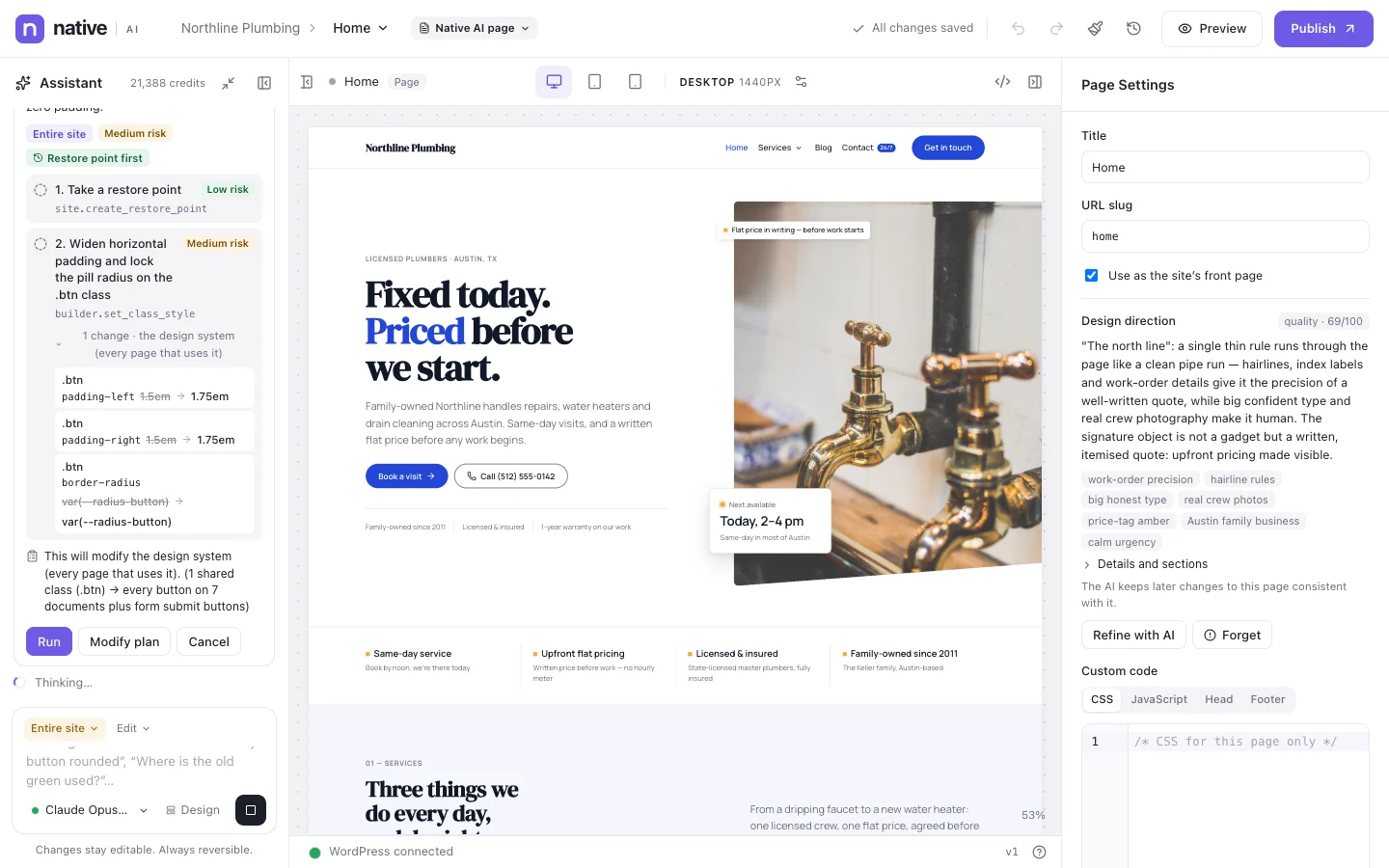
Start free: a license for one website and AI credits to build with, no card needed. Describe your business and watch Native AI design your home page.