DocsCourses
Quizzes, assignments and grading
Ten question types with partial credit, question pools, time limits and attempts; results with explanations; essays and assignments graded with feedback; and statistics that show which questions people get wrong.
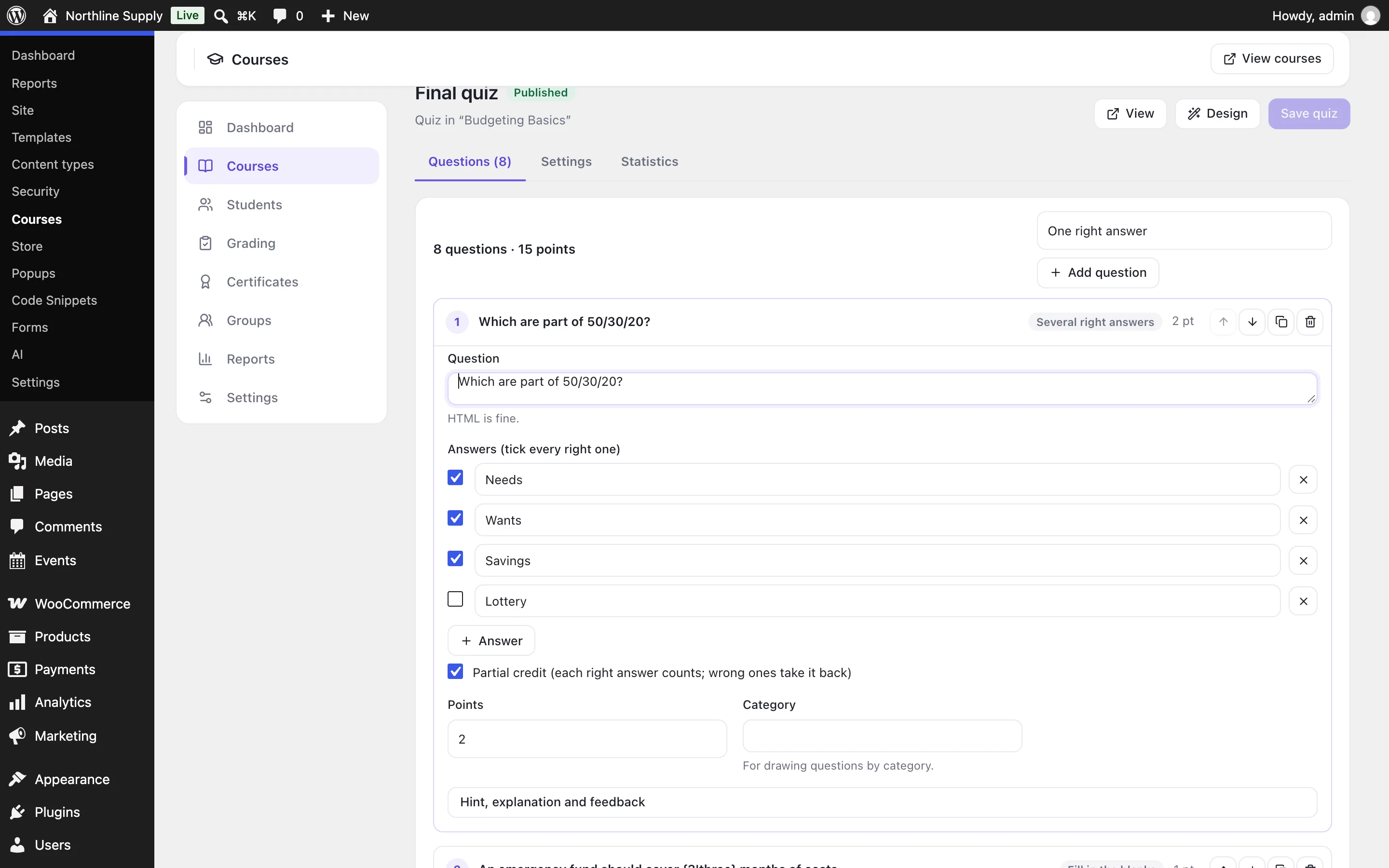
Open a quiz from a course’s outline (the gear beside it). Questions lists them; choose a type and Add question.
| Type | How it’s answered and graded |
|---|---|
| One right answer | Pick one; right or wrong. |
| Several right answers | Tick every right one; with partial credit, each right answer counts and wrong ones take it back. |
| True or false | Right or wrong. |
| Typed answer | Any of the answers you accept (capital letters, spaces and a final full stop don’t matter unless you say so). |
| Fill in the blanks | Write the text with each blank’s answer in braces — “Water boils at {100|one hundred} °C” — with partial credit per blank. |
| Put in order | Items shown shuffled, dragged (or moved with arrows) into order; partial credit per item in place. |
| Match pairs | Each left item matched with its right one; partial credit per pair. |
| Number | A number, within a tolerance you set. |
| Essay | Written (and a file, if you allow it), graded by you — or full points when sent. |
| Scale | A 1–5 (or any) scale for surveys: the choice is the points. |
Quiz settings#
- Score to pass, Time limit (answers are sent when it runs out), Attempts and a Wait between attempts.
- Questions per page, shuffled questions and answers, hints, and whether students see the score and every answer, only the score, or nothing until it’s graded.
- Question pool: draw a number of questions from all of them, or a number from each category, so every attempt is different.
- Messages by score, Course points for passing, and a certificate for a score above a threshold.
- Students must pass it to move on (otherwise sending it is enough).
Grading#
Courses → Grading lists essays waiting for a grade and assignments handed in. Give an essay its points and feedback — the attempt passes or fails once every essay is graded; approve or send back an assignment with points and feedback. Students are emailed either way, and an approved assignment that a lesson requires lets them complete it.
Statistics#
A quiz’s Statistics tab shows attempts, the average score, the pass rate and the average time, and how often each question is answered right — a question few people get right may be unclear.
On the features pages
Still have a question? Email us at support.