DocsAI
AI activity and undo
Native AI → AI keeps every AI task on the site — the request, the plan, every change with its before and after, the checks, the credits — with a way to undo it.
Open Native AI → AI. It has three tabs: Activity, Capabilities and Jobs & log.
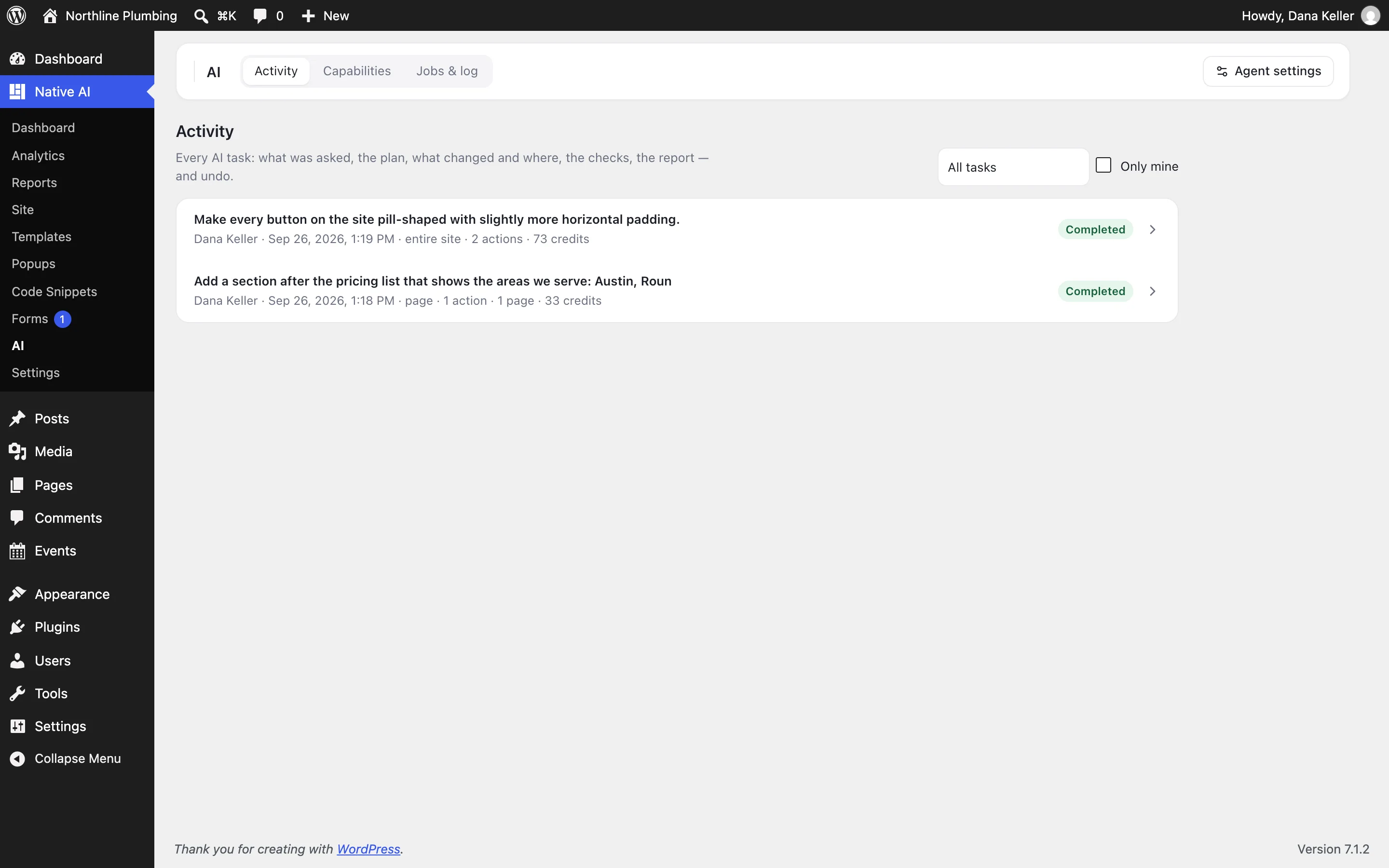
Activity#
Every AI task, newest first: its status, the pages it touched, how many actions it took, the credits it used, who asked and when. Open one to see:
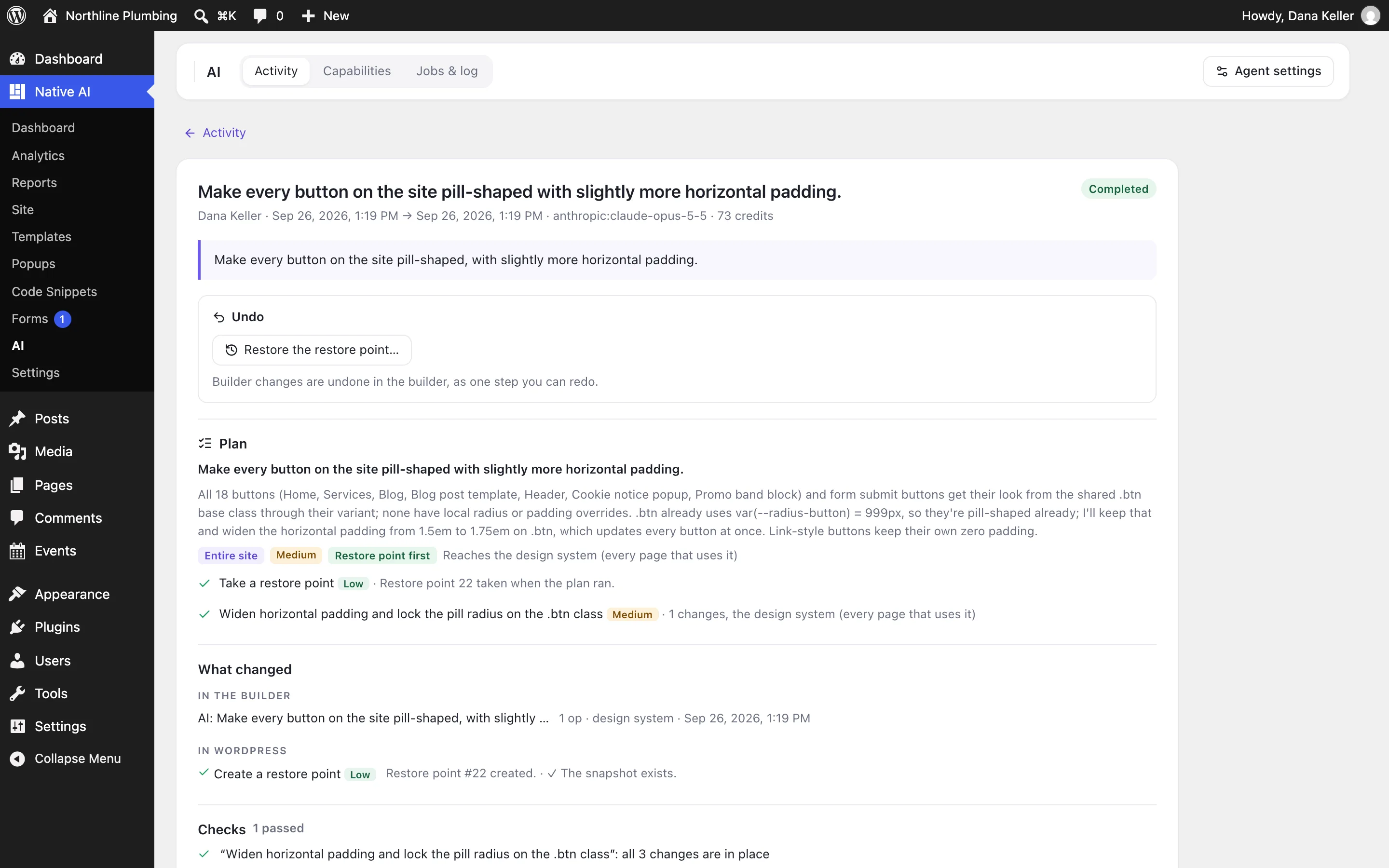
- The request and the approved plan, with each step’s final status
- Every change the builder made and every WordPress action, with before and after
- The checks and their results
- The agent’s report, and any rollback
Undo a task#
- Undo reverts the task’s builder changes as one step (which you can redo) and undoes its WordPress actions.
- If the task took a restore point, you can restore the whole site to it from Native AI → Site.
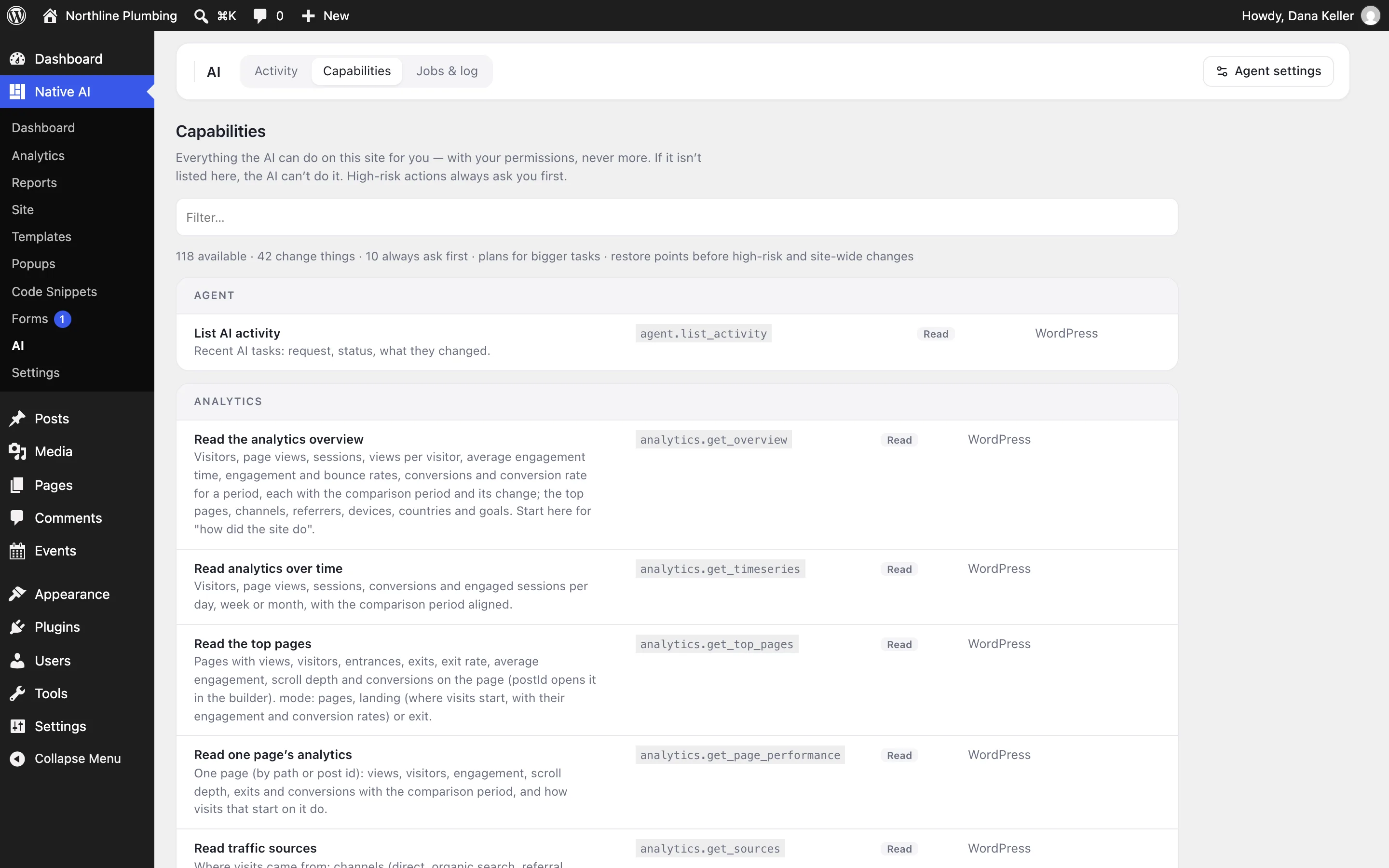
Capabilities#
Everything the AI can do on this site, with the risk of each action and which ones always ask first. Switching an optional feature off removes its capabilities; if it isn’t listed, the AI can’t do it.
Jobs & log#
Background jobs (with their progress, retries and errors), notifications, and the technical log. Secrets are redacted everywhere.
How long it’s kept#
AI activity is kept for 90 days by default (Settings → Agent → Keep AI activity for, 7–730 days).
Who sees it: people with the Use AI permission.
Related articles
Still have a question? Email us at support.