DocsAccount & settings
Optional features
Code Snippets and Analytics are switched on per site. A feature that’s off doesn’t run, its screens are hidden and the AI can’t use it — and switching it off never deletes its data.
Go to Native AI → Settings → Features. Each optional feature shows what it does, its status, what the AI can do with it (and at what risk), the permissions it adds, and what it keeps (never deleted when it’s off).
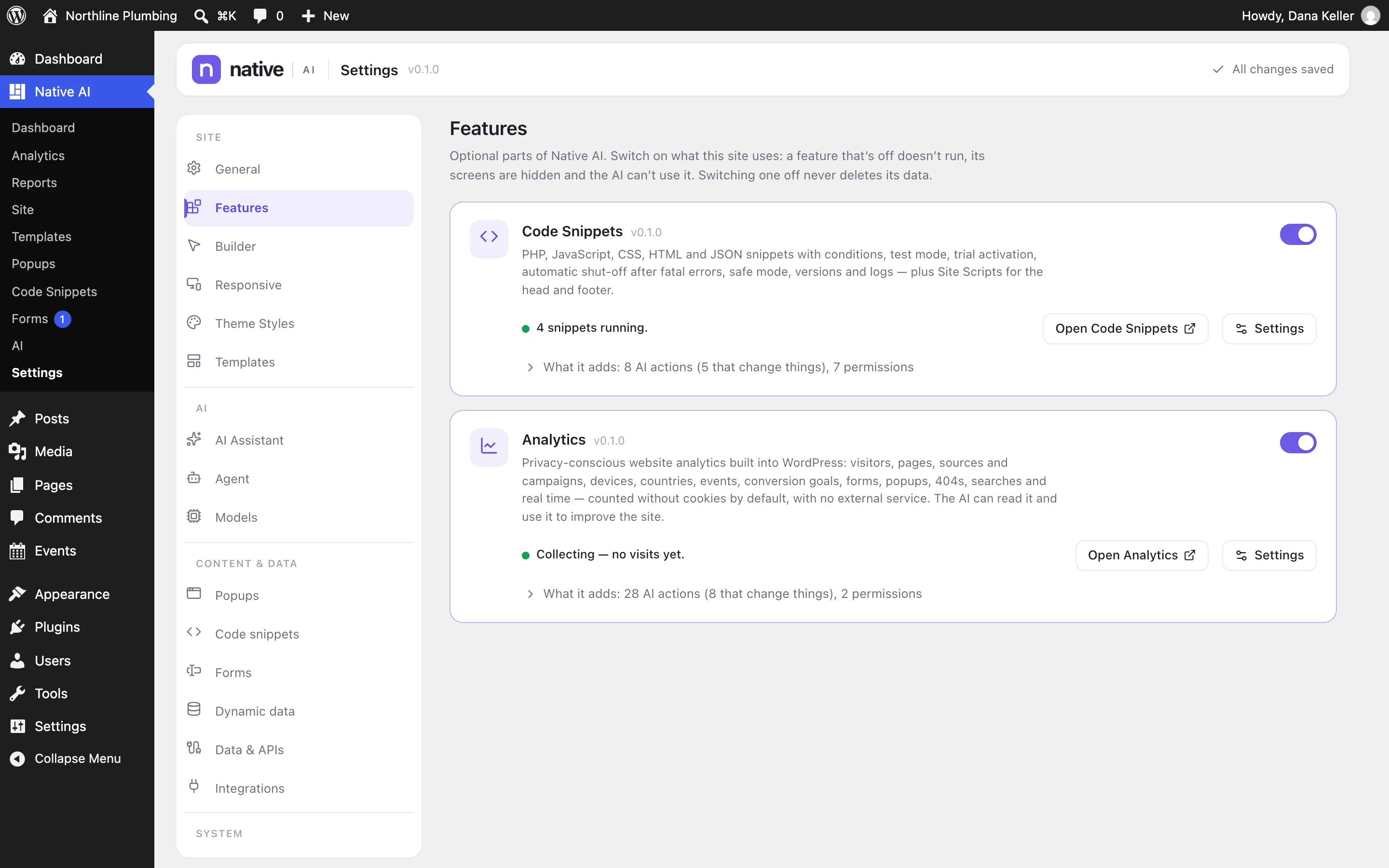
| Feature | Off by default | More |
|---|---|---|
| Code Snippets | Yes | Code Snippets |
| Analytics | Yes | Turn on Analytics |
What “off” means#
- Nothing of the feature runs: no snippets, no tracker, no scheduled work.
- Its screens, settings section, permission rows and builder options are hidden.
- The AI can’t use it. If you ask for something that needs it, the AI says it’s switched off — and never switches it on without your confirmation.
- All its data is kept. Switch it on again and everything is back as it was.
The rest of Native AI — the builder, templates, forms, popups, menus, dynamic data, site generation and Site Reports — is always on.
Related articles
On the features pages
Still have a question? Email us at support.