DocsAnalytics
Goals, events and campaigns
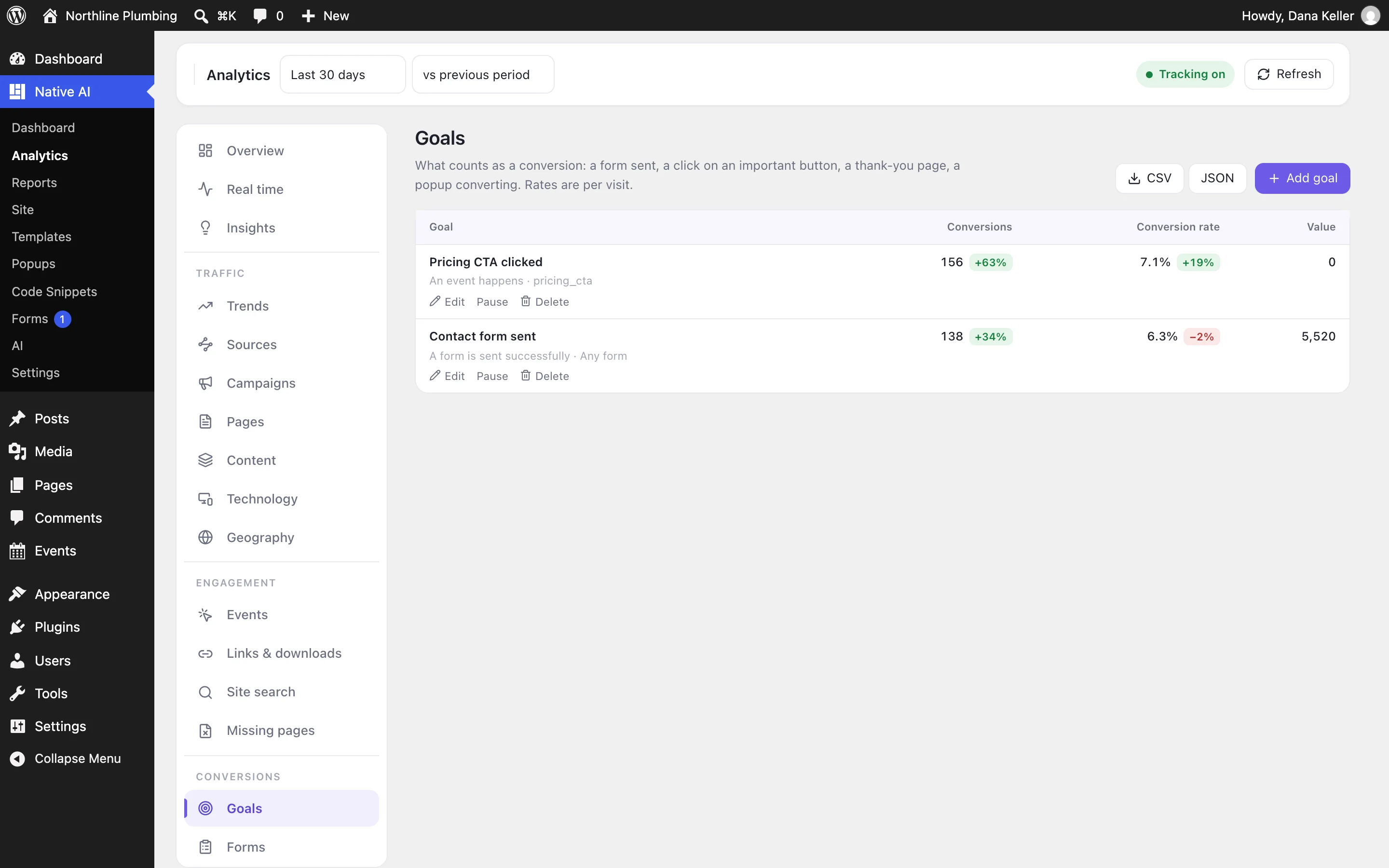
Count what matters as conversions — a form sent, an important click, a thank-you page, a popup converting — track clicks without code, and tag campaign links.
Goals#
In Native AI → Analytics → Goals, create goals from:
- A form sent — one form, or any.
- An event — a tracked click, an interaction or a custom event.
- A page — its address equals, starts with or contains something (a thank-you page).
- A popup converting — one popup, or any.
Give a goal an optional value, count it once per visit or every time, and pause it when you like. New goals are backfilled from the detailed events still kept. Suggested goals propose the obvious ones for your site.
Track clicks — no code#
Select any element in the builder and open Advanced → Analytics → Track clicks. The event name is suggested from its text (book_a_visit); add a category and tick Count as a conversion if it should be a goal. Clicks on links and buttons inside it count too — a whole card, a menu.
On a Query Loop, Track clicks counts clicks per item, and Also count the items people see counts each item once per page view when it’s at least half visible.
Events from interactions#
The Track analytics event interaction action counts an event with a name like pricing_cta_clicked, an optional category and a label (dynamic data allowed) — for anything an interaction can react to.
Automatic events#
Without setting anything up: outbound link clicks, downloads (files ending in the extensions you list in Settings → Events), form and popup events, video plays, site searches and result clicks, and missing pages.
Forms and popups#
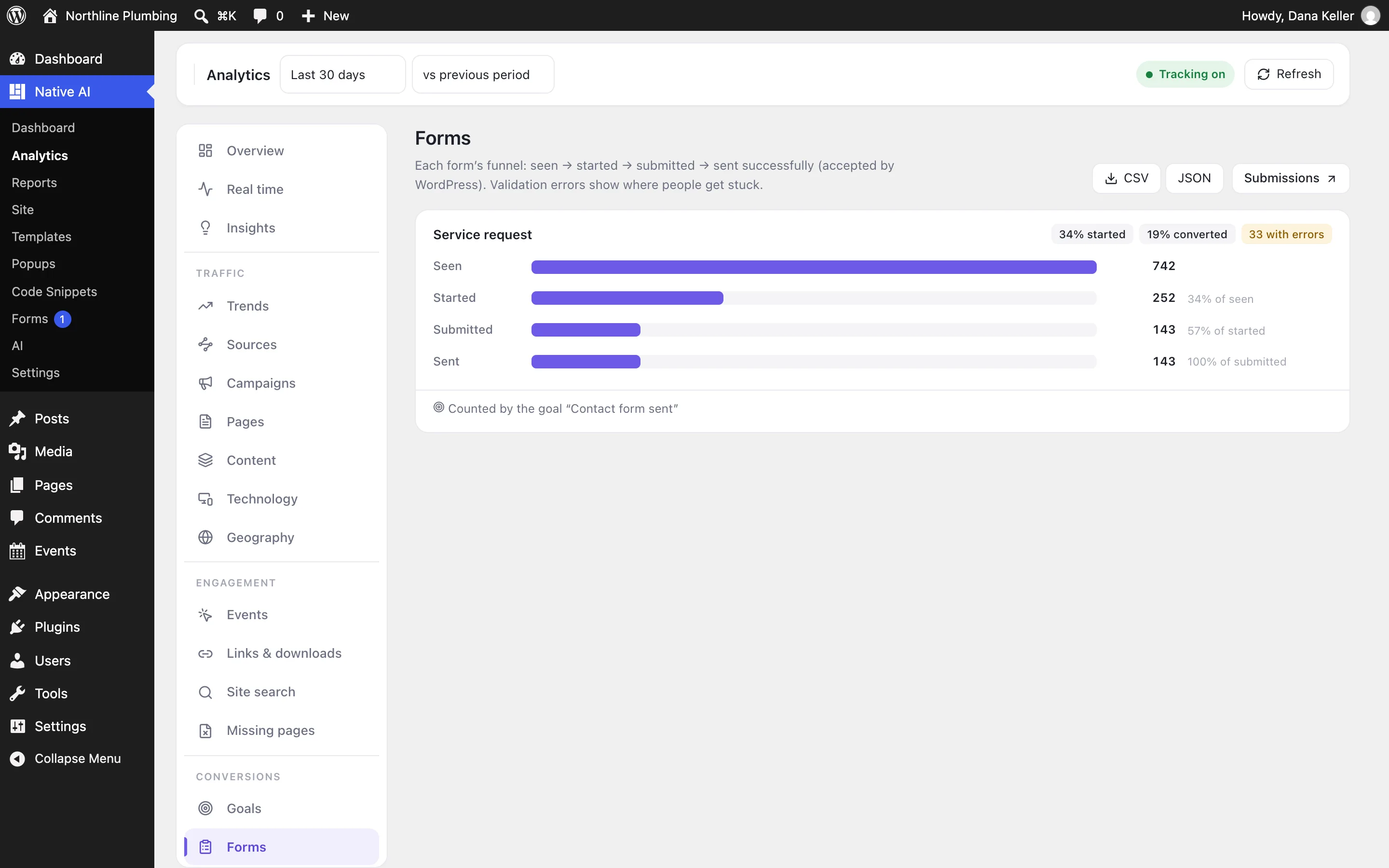
- Forms: each form’s funnel — seen, started, steps reached, submitted, sent — with the validation errors that stop people. WordPress records a form as sent when it accepts the submission, so a blocked script can’t lose a conversion.
- Popups: impressions, opens, closes, clicks, submissions, conversions, the conversion rate per open, and the pages they open and convert on.
Campaigns#
Add UTM parameters to links you share (utm_source, utm_medium, utm_campaign, utm_term, utm_content) and Analytics groups the visits by campaign. The Campaigns report has a link builder. Ad click IDs such as gclid and msclkid are recognized too.
For developers#
naiAnalytics.track('newsletter_signup', { category: 'forms', label: 'Footer' });Event names are lowercase with underscores. More in Hooks and filters.
Related articles
Still have a question? Email us at support.