DocsThe builder
Saving, history and versions
Changes save automatically as a working copy, every change can be undone, and publishing makes a version you can restore.
Autosave#
The builder saves your changes automatically, 1.5 seconds after you stop — the top bar says “All changes saved”. What it saves is a working copy: visitors keep seeing the published page until you publish.
In Settings → Builder you can change the delay (0.5–30 seconds) or turn autosave off. With it off, changes wait for ⌘S or the Save button, and the builder warns you before you leave with unsaved changes.
Undo and redo#
Every change is a step: ⌘Z undoes it, ⇧⌘Z redoes it. A whole AI request is one step, however many elements it changed. The builder keeps 200 steps by default (Settings → Builder → Undo steps kept, 20–1000).
History and versions#
Click the clock in the top bar. This session lists your changes; Published versions lists every version you published, with a Restore button.
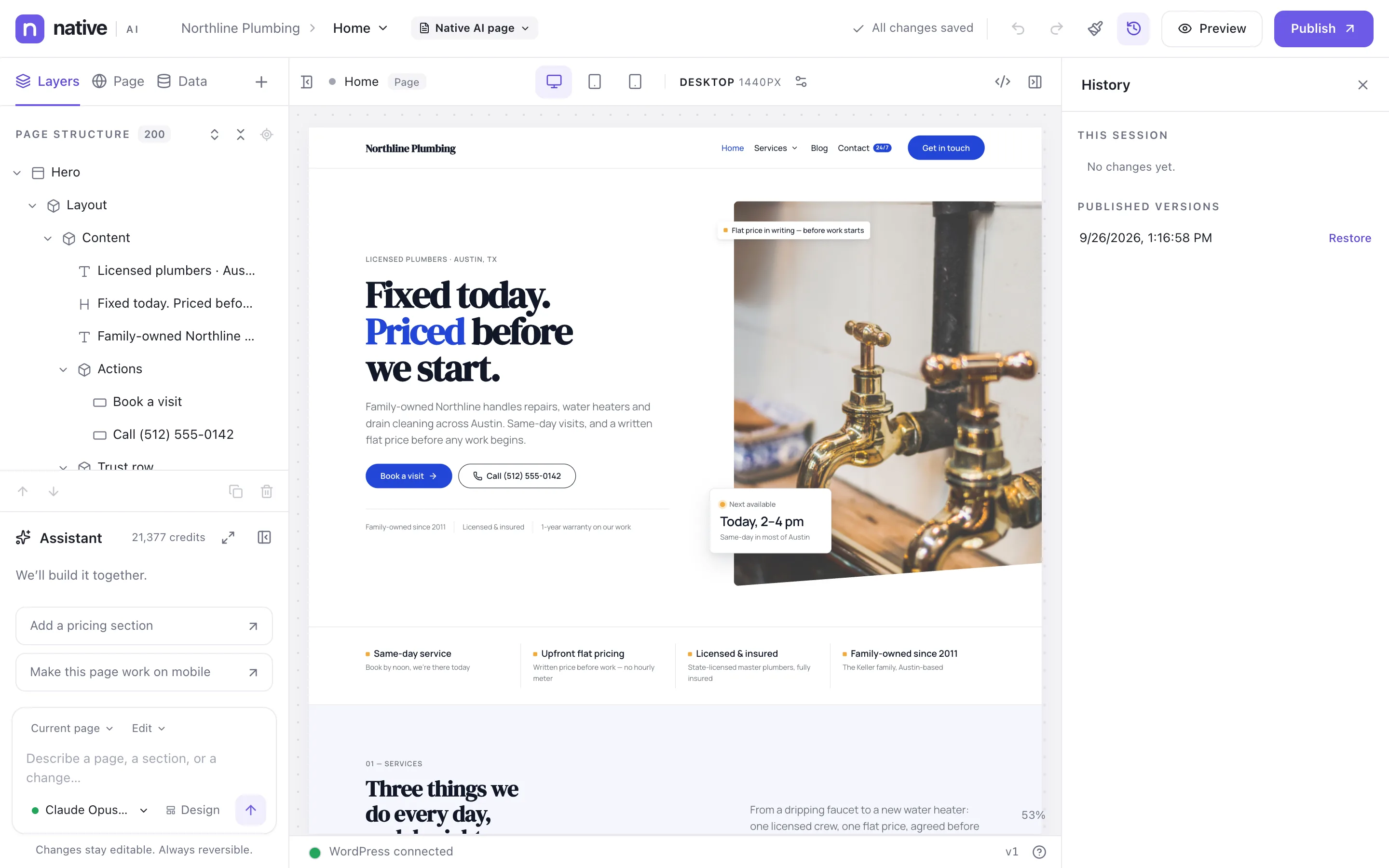
Restoring puts that version back as your working copy — “Publish to make it live.” Nothing changes on the site until you do.
WordPress revisions#
For posts and pages, the published Native AI layout is saved with every WordPress revision. Restoring a revision on WordPress’s Revisions screen restores the design too; unpublished builder changes are kept in the post’s Native AI history first.
Bigger safety nets#
- AI changes across the site can be undone from the assistant (Undo global change) and from Native AI → AI. See AI activity and undo.
- Site snapshots capture the whole site’s design, menus and pages, and restore without deleting anything. See Draft sites, snapshots and regenerating.
Related articles
Still have a question? Email us at support.