DocsCRM
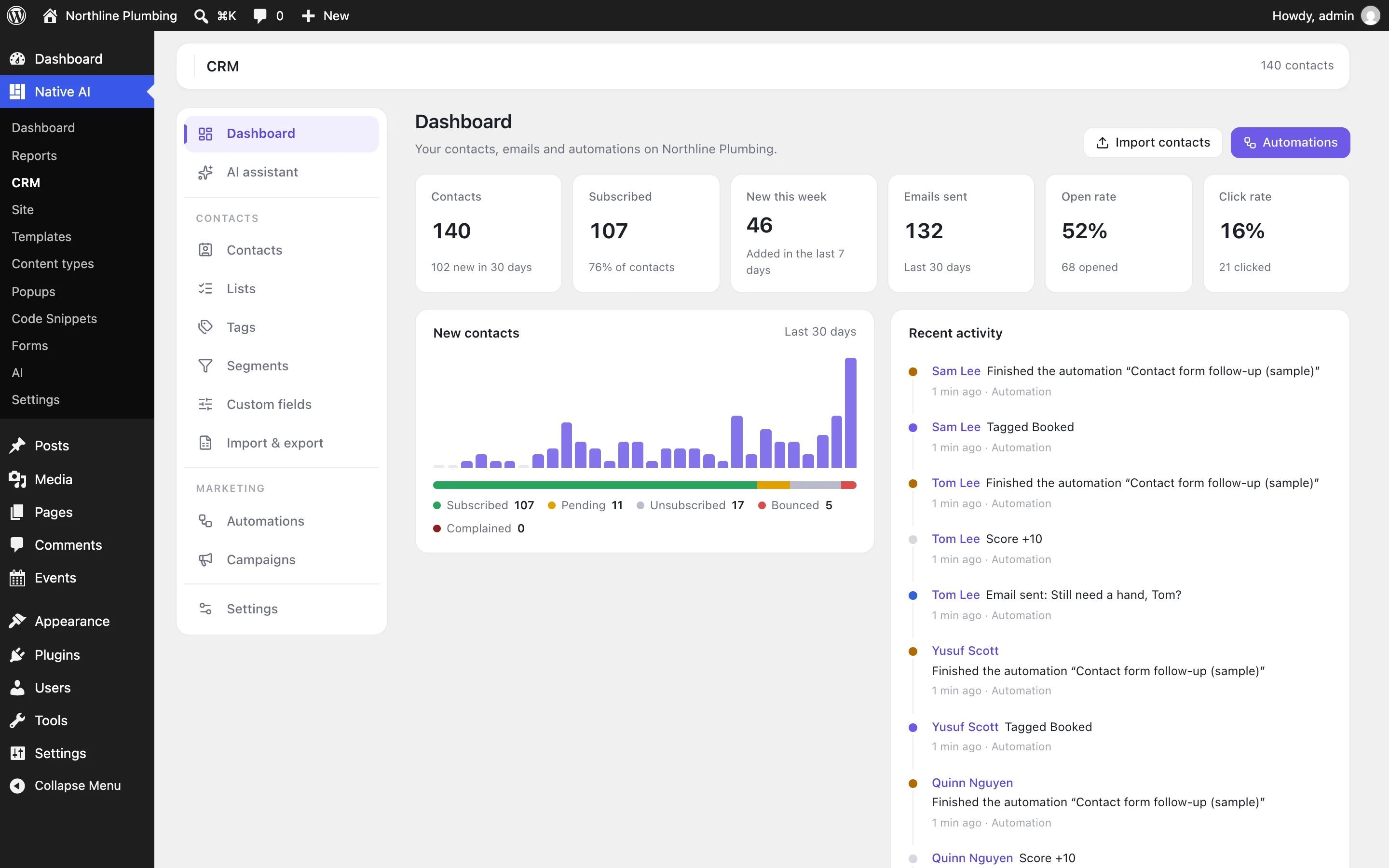
Turn on the CRM
The Native AI CRM keeps contacts, lists, tags, automations and email campaigns in your own WordPress. Switch it on, set who emails come from, and connect where contacts come from.
The CRM is an optional feature, off until you switch it on.
- Switch it onGo to Native AI → Settings → Features and switch on CRM.
- Set the senderNative AI → CRM → Settings: the name and address emails come from, a reply-to address, your business address (required in marketing email in many countries), a logo and an accent color. Send a test email to check it arrives.
- Bring in contactsImport a CSV, add your WordPress users, or connect a form — see below.
Where contacts come from#
| From | How |
|---|---|
| A Native AI form | Add the Add to Native AI CRM action to the form (in the builder: select the form → After submit), with the lists and tags to give them — or start an automation with the Form submitted trigger, which adds the sender too. |
| New WordPress users | Switch on Add new WordPress users in CRM Settings, or use a User registered automation. Existing users: Import & export → Add WordPress users. |
| WooCommerce | With WooCommerce active, an Order paid automation adds each customer (as a customer, with their billing details). |
| A spreadsheet or another tool | Import & export → Import a CSV: match the columns to contact fields, choose lists and tags. See Contacts, lists, tags and segments. |
| By hand, or the AI | Contacts → Add contact, or ask the AI assistant. |
How emails are sent#
The CRM sends through WordPress’s own email, so whatever your site uses delivers it. Most hosts’ built-in mail isn’t made for marketing email: connect the site to an email service with an SMTP plugin (WP Mail SMTP, FluentSMTP…) and use a from address on your own domain. Campaigns go out a batch a minute, at the speed you set in Settings (emails per minute), so you stay under your service’s limits.
Switching it off#
Switching the CRM off stops everything — automations, scheduled campaigns, the form action, tracking links, the screens, and the AI’s access — but deletes nothing. Switch it on again and contacts, history, automations and campaigns are back; waiting contacts continue from where they were.
Related articles
On the features pages
Still have a question? Email us at support.