DocsSecurity
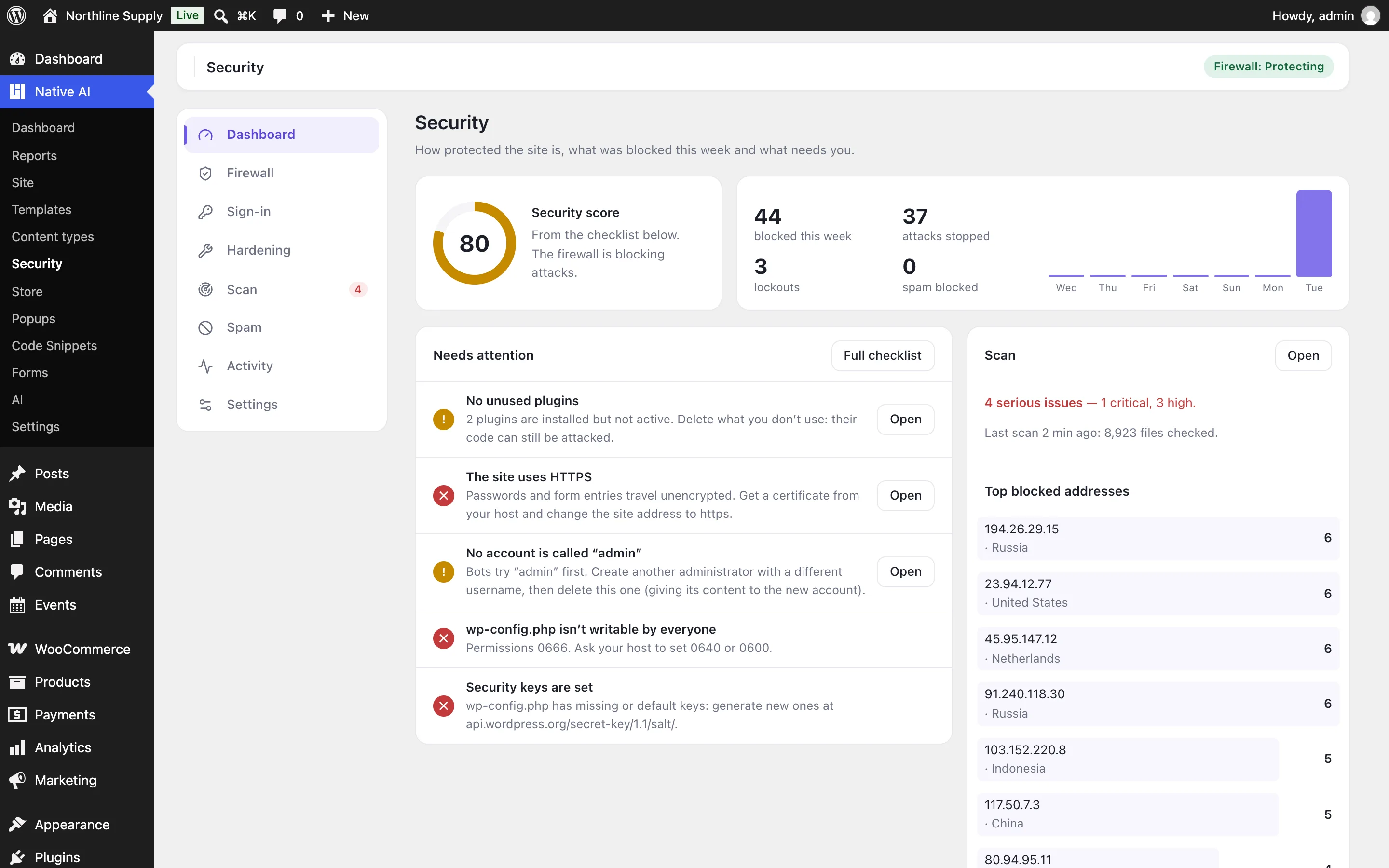
Turn on Security and the firewall
Security is an optional feature with a firewall that checks every request for attacks — learning for a week, then blocking — plus blocked addresses and countries, and extended protection before WordPress loads.
- Switch it onGo to Native AI → Settings → Features and switch on Security. Your current address is added to the allowed addresses, so you can never block yourself, and a Security screen appears in the Native AI menu.
- Let it learnThe firewall starts in Learning mode for a week: it logs what it would block and learns what your editors legitimately do. Then it switches to Protecting by itself (or switch it now in Firewall).
- Work through the checklistDashboard → Needs attention lists what to fix, with one-click fixes where possible. Then run a scan.
What the firewall looks for#
| Group | Examples |
|---|---|
| SQL injection | UNION SELECT, always-true conditions (' or '1'='1), time-based attacks (SLEEP), reading the database’s schema |
| Cross-site scripting | <script> tags, event handlers like onerror=, javascript: addresses, hidden frames, cookie theft |
| Path traversal and file inclusion | ../../etc/passwd, wp-config.php through ../, php://filter, remote files |
| PHP code and object injection | <?php in a field, eval(base64_decode(…)), serialized PHP objects |
| Shell commands | ; cat /etc/passwd, | wget, ${jndi:…}, template injection |
| Attack tools | sqlmap, Nikto, WPScan, Acunetix and other scanners |
| Sensitive files | .env, wp-config.php backups, .git, debug.log, backups in the site’s root, PHP in uploads |
| Malformed requests | Null bytes, unknown HTTP methods |
Requests from people who can edit content are checked once WordPress knows who they are, so editors writing HTML aren’t stopped. Switch groups off, or allow a rule for one field or address under Firewall → Exceptions — the log shows the rule and the field of everything blocked.
Blocking addresses#
- Repeat attackers: an address that trips the firewall 5 times in 5 minutes is blocked for an hour (both adjustable).
- Missing-page probing: bots ask for many pages that don’t exist looking for weak files; 30 in 30 minutes blocks the address (not signed-in people, real search engines or images).
- Fake search engines: visitors calling themselves Googlebot or Bingbot are checked with Google’s and Microsoft’s DNS.
- By hand: block an address or range (203.0.113.0/24), for a time or until you remove it, in Firewall → Blocked addresses or from any row of the log.
- Countries: block some countries, or allow only some. This needs a CDN that tells visitors’ countries, like Cloudflare.
Extended protection#
Firewall → Extended protection runs the rules before WordPress loads, for every PHP file on the site — a script dropped into uploads, or a plugin file called directly, is checked too. It adds a line to the site’s .user.ini (PHP-FPM) or .htaccess (Apache, LiteSpeed); PHP can take up to five minutes to pick it up. It isn’t available on servers that don’t allow it, or when another firewall (like Wordfence’s) already runs first.
If you’re ever locked out#
Related articles
On the features pages
Still have a question? Email us at support.