DocsWooCommerce store
Store figures in reports and Analytics
How the Storekeeper counts sales, and where store figures appear: the Store screen’s reports, Site Reports, and Analytics with purchases as conversions.
How sales are counted#
Figures are read from WooCommerce’s own orders each time (kept for ten minutes, and dropped when an order changes): nothing is copied into a second database.
| Figure | What it is |
|---|---|
| Revenue | The totals of paid orders (Processing and Completed) and refunded ones placed in the period, minus refunds made in the period. |
| Net sales | What products sold for after discounts and refunds, without tax and shipping. |
| Orders, items sold, average order | Counted over the same orders; average order is revenue ÷ orders. |
| Refunds | Refunds made in the period, whenever the order was placed. |
| Best sellers | By units sold (or revenue, when you ask the AI), variations counted under their product. |
Periods follow your site’s time zone, and each is compared with the same length of time before it (this month so far with the same days of last month). A period with more than 5,000 orders is read up to 5,000 and says so.
In Site Reports#
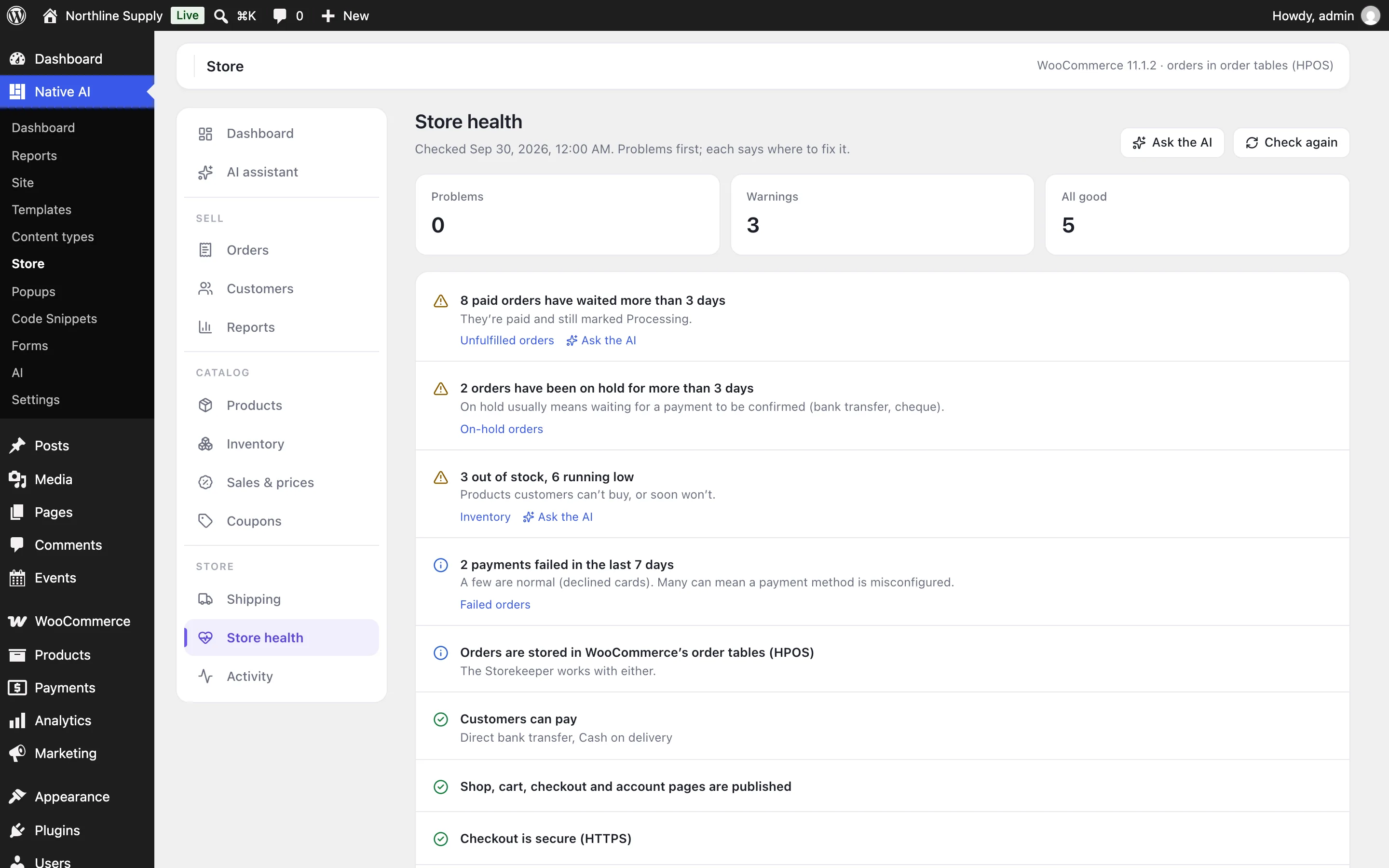
With the Storekeeper on, reports can include a Store section: revenue, net sales, orders, items, average order and refunds against the period before, orders waiting to ship, products low or out of stock, best sellers, top categories and what was changed through Native AI. Store problems (no payment method, missing checkout page, orders waiting too long…) appear under Needs attention. The Marketing report template includes it; add it to others in Reports → Templates.
In Analytics#
- When WooCommerce is active, the Analytics overview shows the store’s revenue, orders, average order and orders per visitor for the same period, read from WooCommerce.
- A goal of the type A WooCommerce order is placed counts every order as a conversion worth its total, linked to the visit it came from — recorded by WordPress when the customer reaches the order-received page, once per order.
- Added to cart is recorded too, so you can compare it with purchases.
Related articles
Still have a question? Email us at support.