DocsThe builder
Use the builder in your language
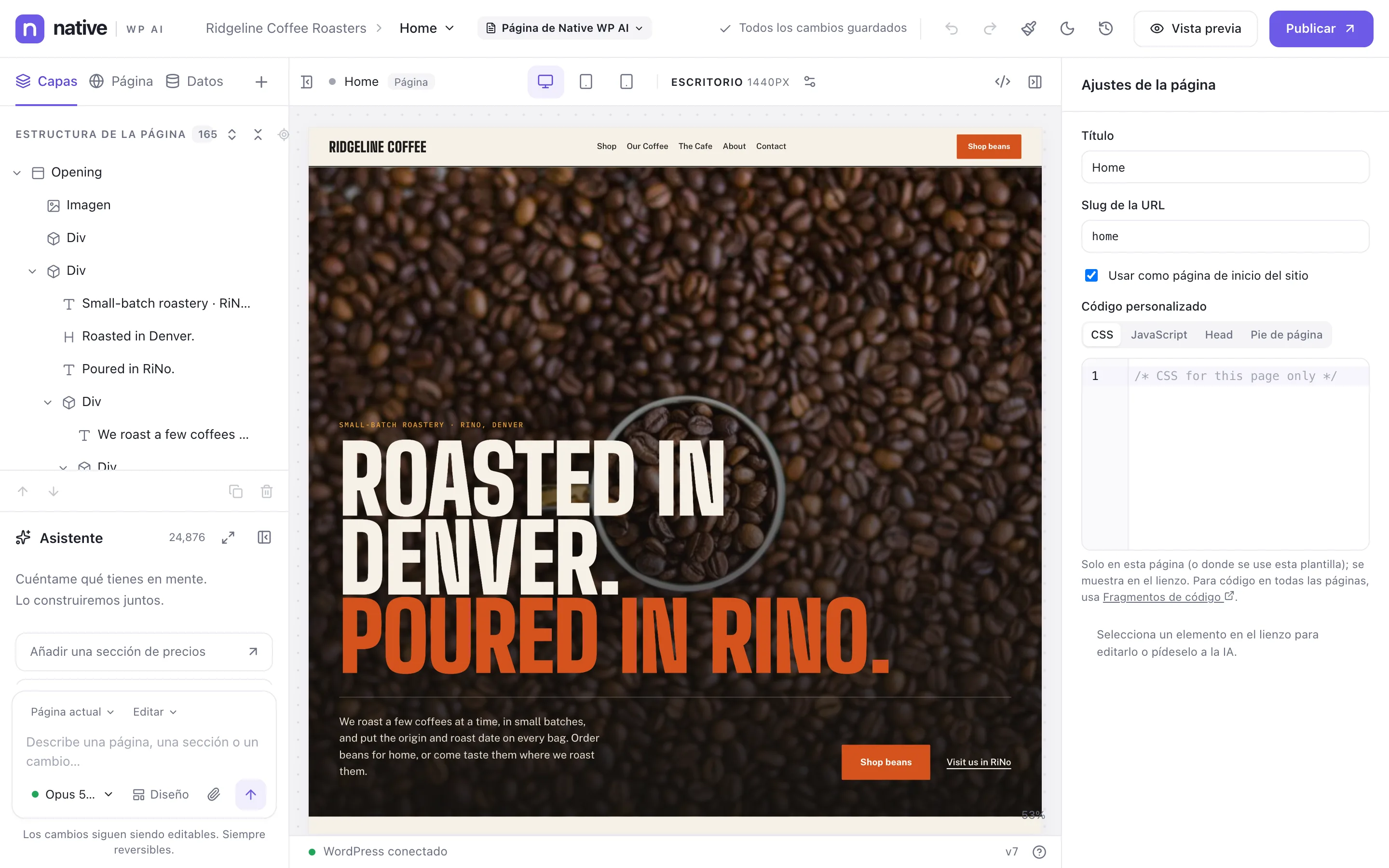
The builder and every Native WP AI screen come in 13 languages. Each person picks theirs, or follows their WordPress language, and the AI assistant answers in it.
The builder and the Native WP AI screens in WordPress come in English, Español, Português (Brasil), Français, Deutsch, Italiano, Русский, Nederlands, Polski, Türkçe, 日本語, 简体中文 and 한국어. Each person chooses their own; it doesn’t change your site’s content or anyone else’s screens.
- Open the menuIn the builder, click the Native WP AI logo at the top left.
- Choose LanguagePick your language, or Same as WordPress to follow the language in your WordPress profile. The builder reloads in it.
You can also set it on your WordPress profile (Users → Profile → Native WP AI language). Until you choose, the builder follows your WordPress language when it’s one of these, and English otherwise.
- The AI assistant writes to you in your builder language. The pages it builds keep following Settings → AI → Content language.
- Your own content — page titles, element names you gave, chat messages — stays as you wrote it.
- To put your website in other languages, use the Translator.
Related articles
On the features pages
Still have a question? Email us at support.